

Store Category v1.0

Store Category v1.0
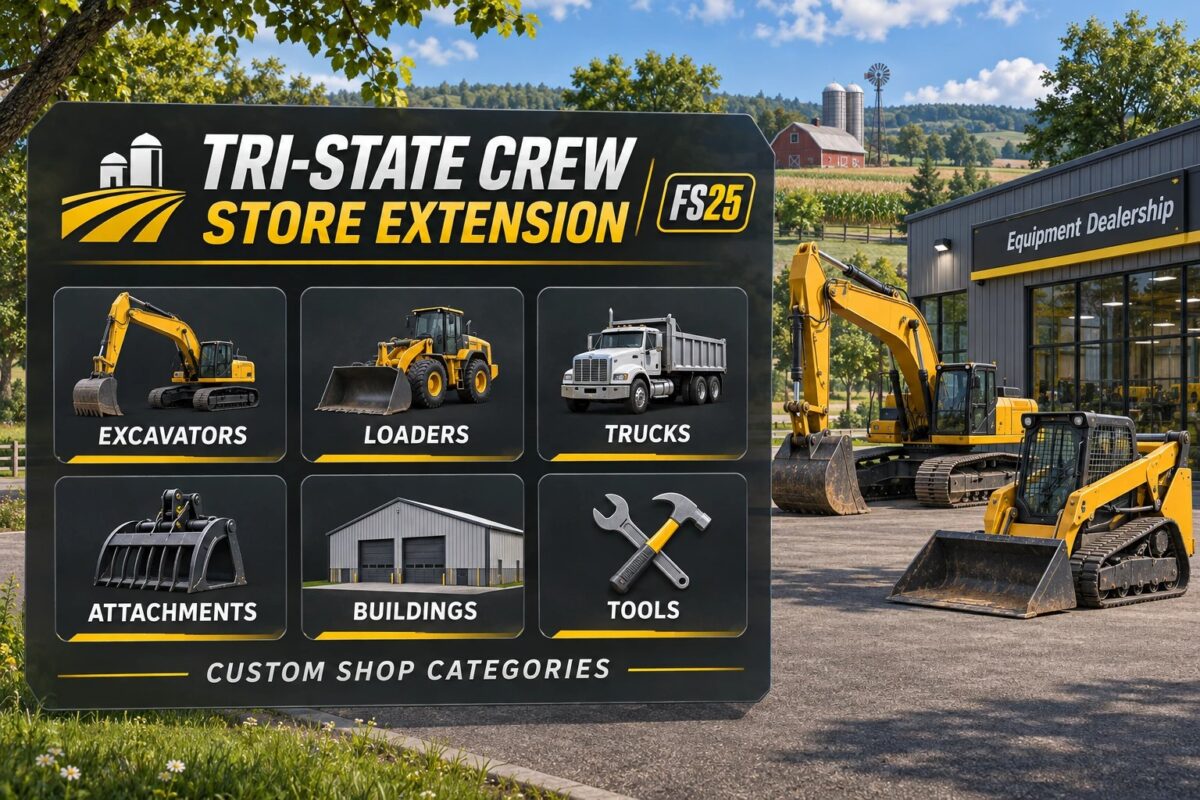
Organize your compatible Tri-State Crew mods with dedicated shop and construction menu categories in Farming Simulator 25. This extension adds a separate TRI-STATE section, making it easier to browse equipment, attachments, buildings, and other supported content.
Vehicle and equipment categories include:
Mini, mid-size, and large excavators.
Dozers, loaders, and skid steers.
Excavator buckets and equipment attachments.
Vehicles, trucks, truck beds, and trailers.
Switch N Go equipment.
Machines, hand tools, objects, and winter equipment.
Construction categories include:
Sheds, buildings, and buildable kits.
Tools and construction items.
Factories, sell points, and money makers.
Lighting, decorations, and landscapes.
Please note: This mod adds menu categories only. Vehicles, equipment, and buildings must be downloaded separately, and compatible mods must use these categories to appear in the TRI-STATE sections.