

Straw Chopper Mod v 1.0

Straw Chopper Mod v 1.0
About the mod:
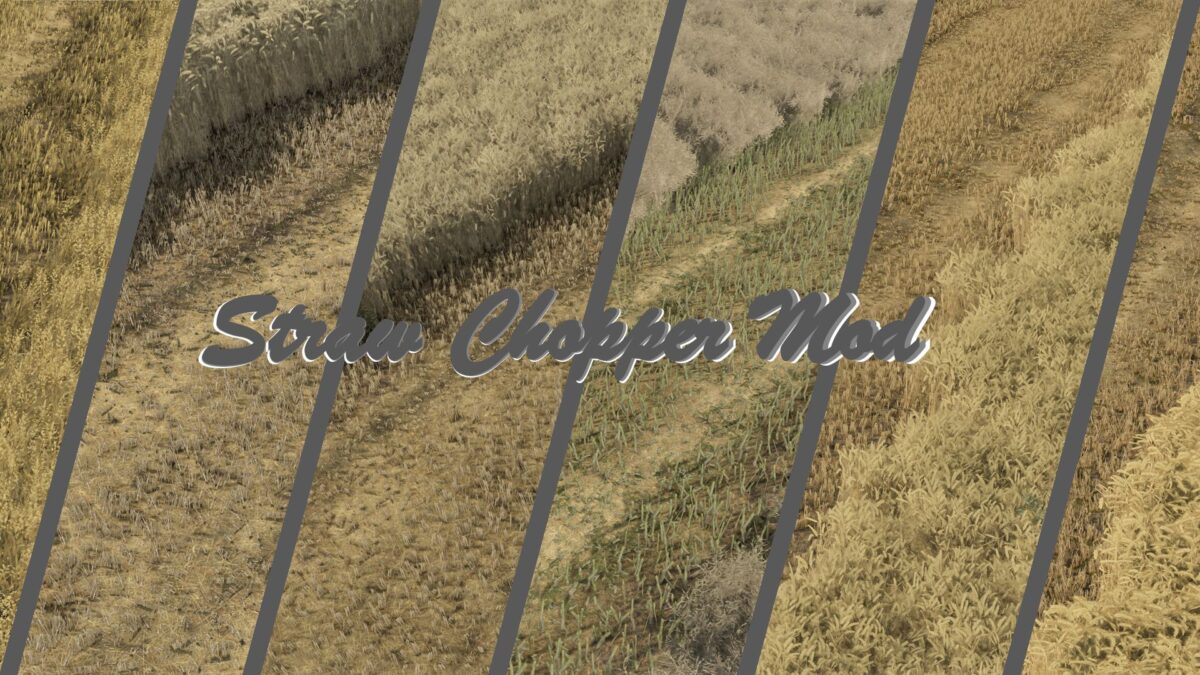
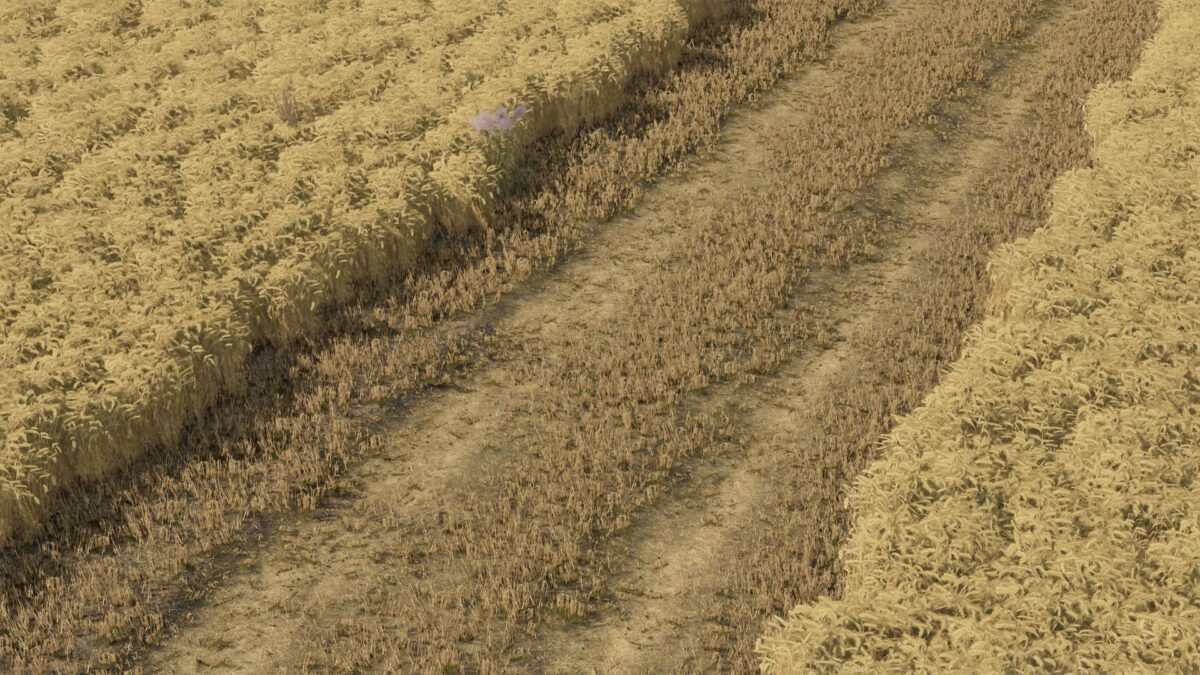
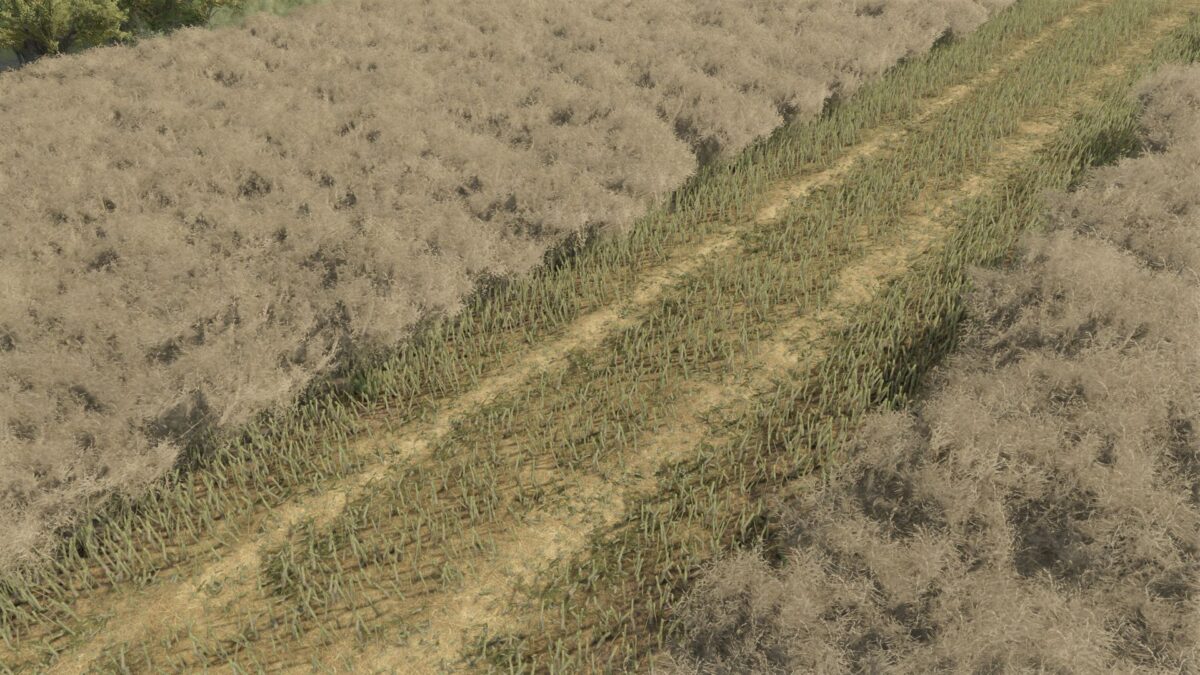
The mod adds more realistic behavior of the forage harvester in combine harvesters.
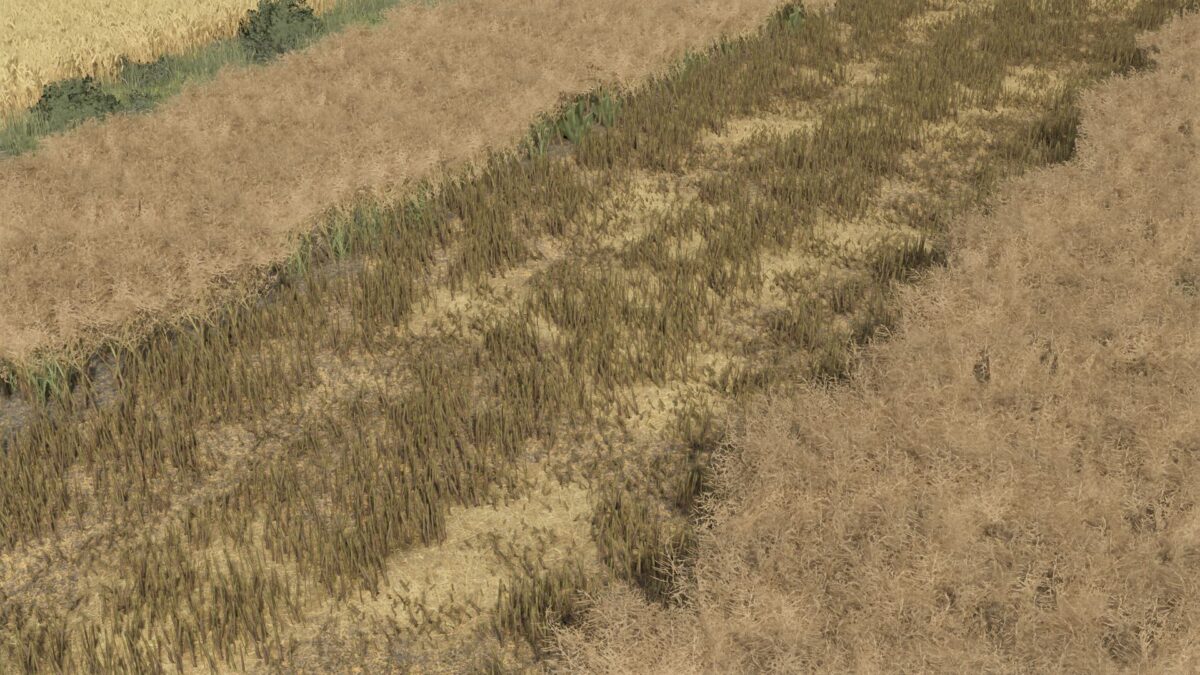
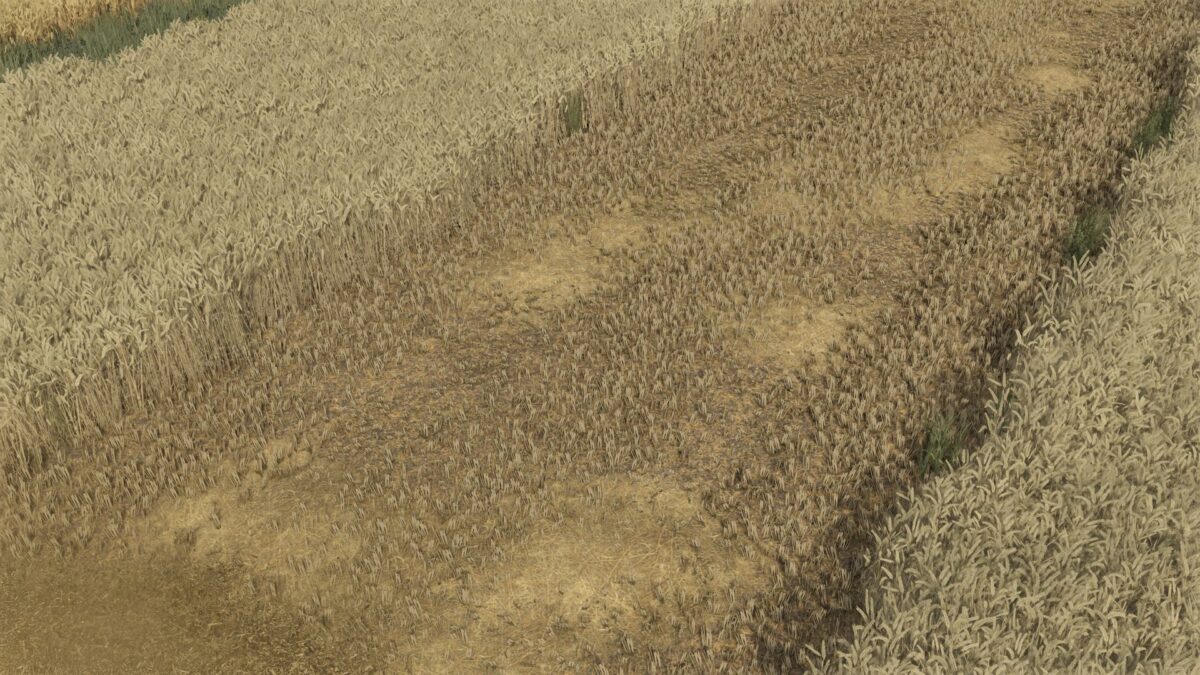
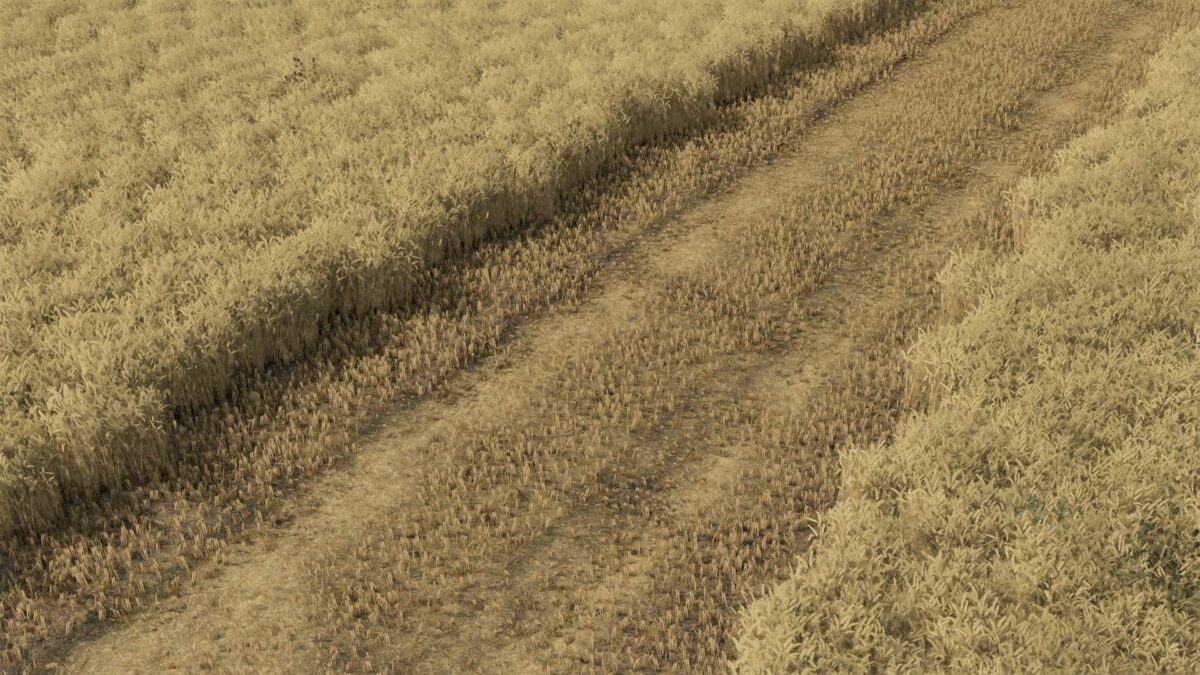
When mowing with the forage harvester switched on, a fine layer of shredded straw appears on the field instead of completely disappearing.
Thanks to this, the field looks much more natural and closer to real working conditions.
The modification works fully as a separate mod – it does not interfere with the vehicles and does not require editing them.
Works for crops:
Wheat
Barley
Rapeseed
Oats
Rye
Triticale
Spelt
Important information:
The final effect may vary depending on the map – this is due to the individual settings of crops, textures and straw configuration on a given map.
Credits:
Miziuu