

Straw Output Control v 1.1

Straw Output Control v 1.1
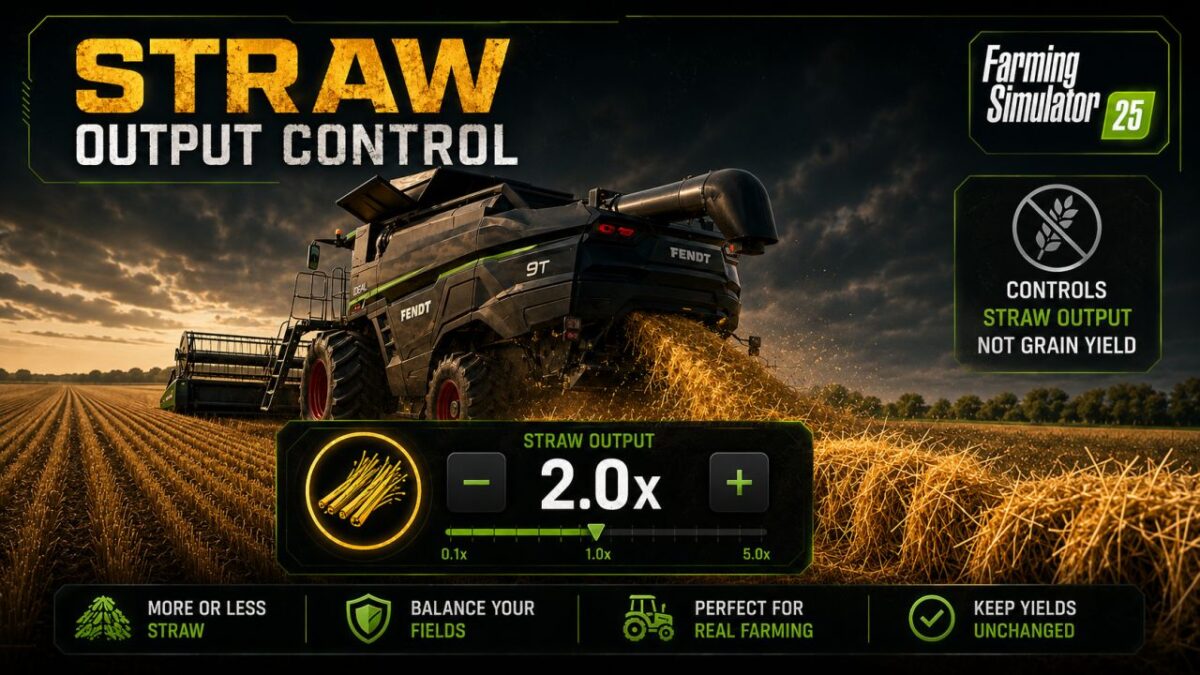
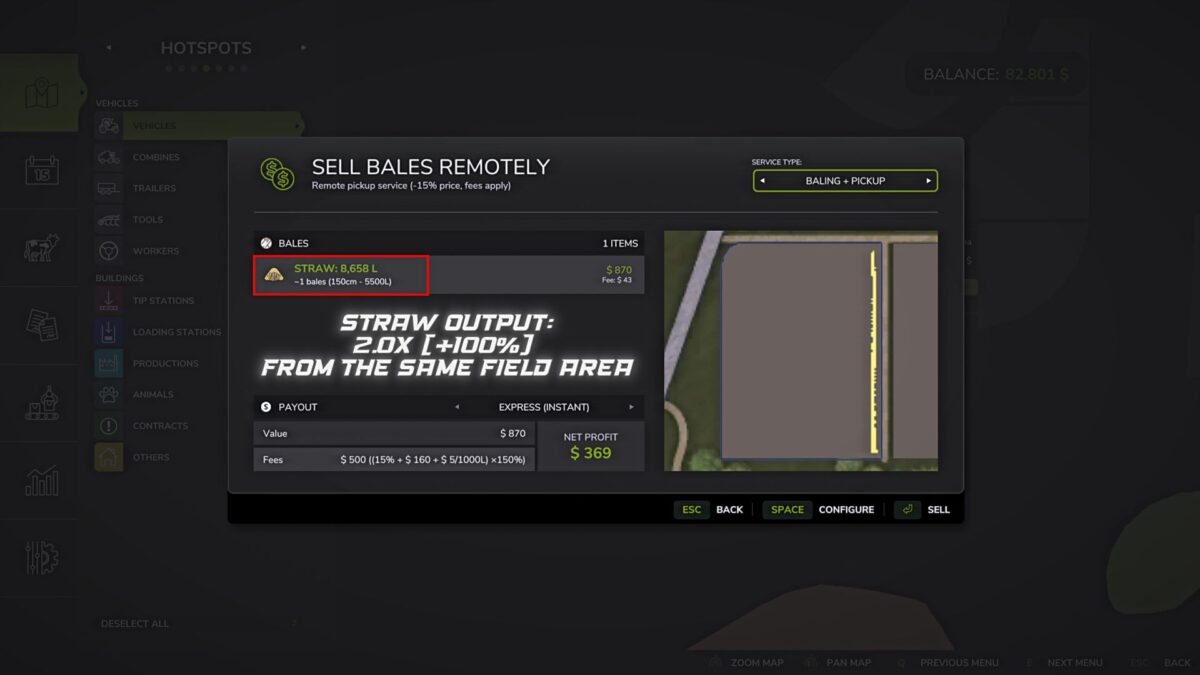
Straw Output Control allows you to change the amount of standard straw that is created by the windrow behind the combine.
Features:
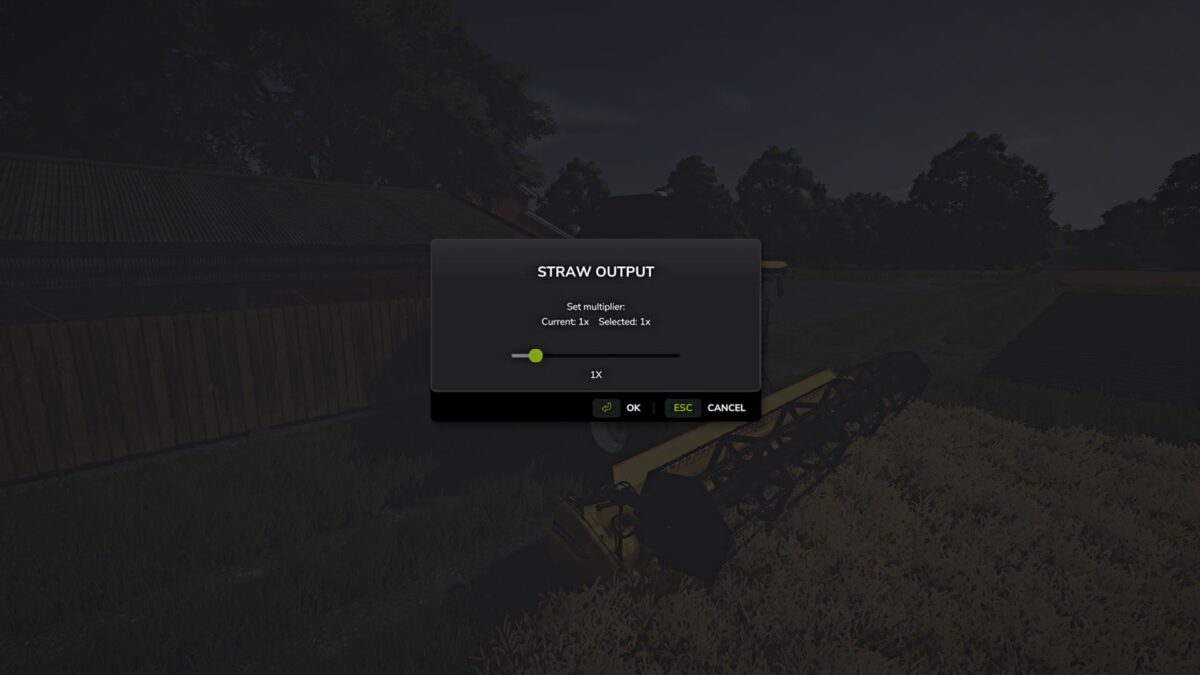
– Control the output of standard straw through a separate game window.
– By default, the window opens with the F12 key. You can change this key in the game control settings.
– Multiplier range: 0.5x (-50%) to 5.0x (+400%).
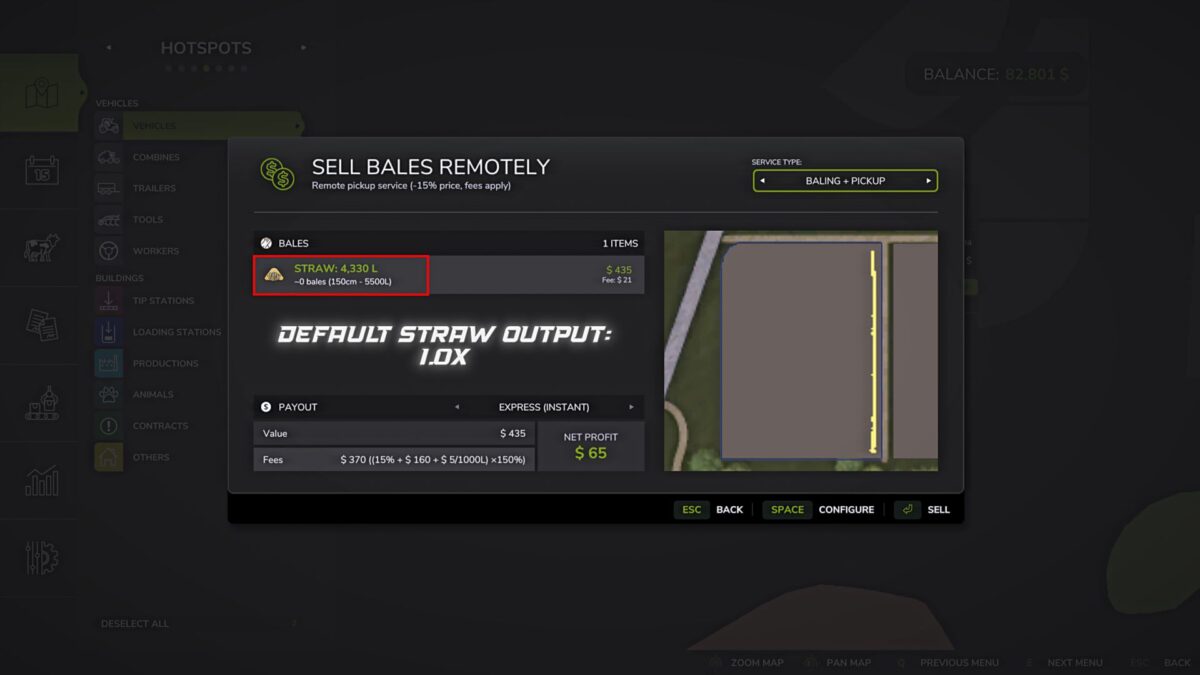
– Value 1.0x: base game value unchanged.
– The setting is saved separately in the current save folder.
– Each save can have its own straw output value.
– Changes are applied without restarting the game or reloading the save.
Example values:
– 0.5x: reduced straw yield (-50%)
– 1.0x: base game value unchanged
– 5.0x: increased straw yield (+400%)
Important:
– The multiplier only affects the amount of straw windrow created.
– The yield of the crop itself does not change.
– The mod works with standard crops, mod crops, mod maps and other mods as long as they use the standard fillType=”STRAW” for straw felling.
Version 1.1:
* Fixed a bug due to which the selected multiplier was reset to 1.0x after restarting