

Straw Processing v 1.0.0.1

Straw Processing v 1.0.0.1
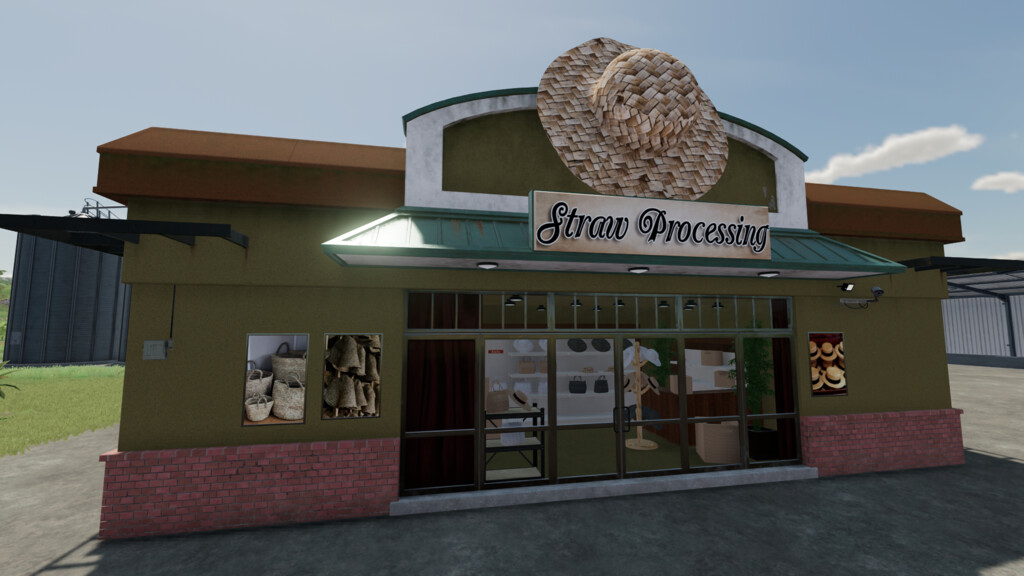
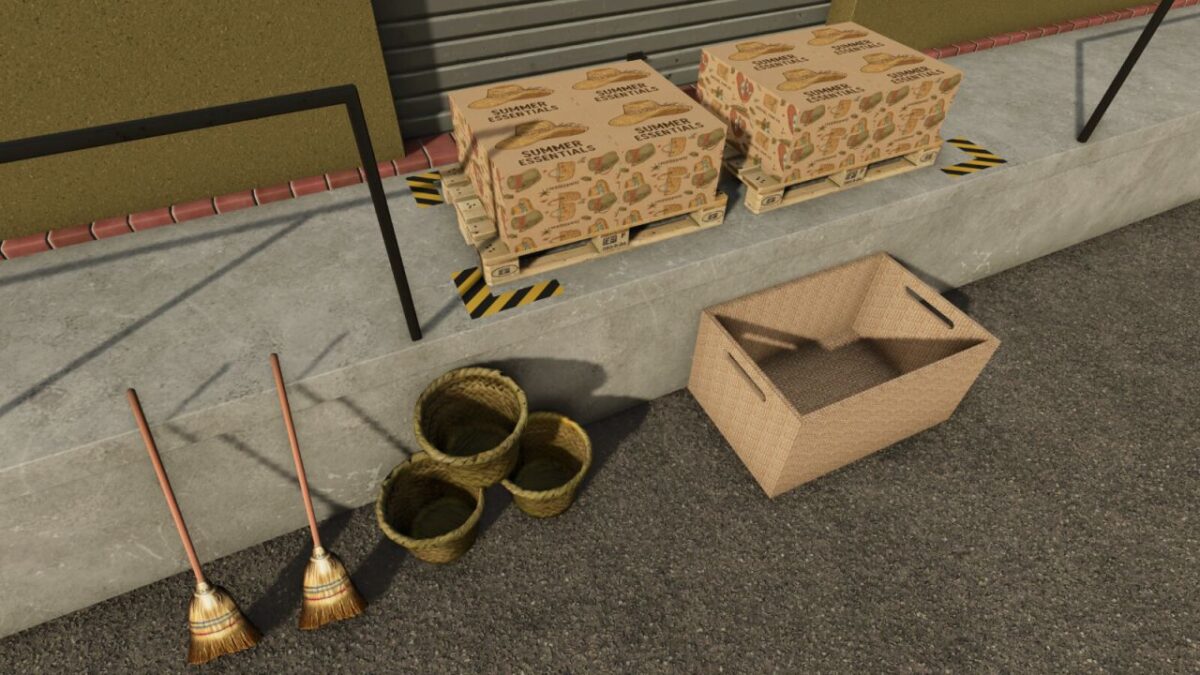
With this production, various products can be made from straw.
A point of sale is available for purchase, with which you can sell the products.
Straw Processing
Price: $ 70.000
Daily Maintenance: $ 25
Solar Panel Price: $ 15.000 Hourly Profit: $ 75
Sellpoint
Price: $ 500
Daily Maintenance: $ 0
Scarecrow
Price: $ 100
Description: In the beehives section, increases field yield but does not produce honey.
Version 1.0.0.1:
* Reduced daily maintenance cost from $ 100 to $ 25
* Cost per hour of work reduced from $ 100 to $ 10
* Increased hourly profit of solar panel from $ 50 to $ 75
* Reduced daily production speed
* Added a new product: the scarecrow
* Added scarecrow to the beehives section, increases field yield but does not produce honey
* Added support for new languages: Czech, Dutch, Hungarian, Turkish, Brazilian Portuguese