

Suburgatory Map v 3.0

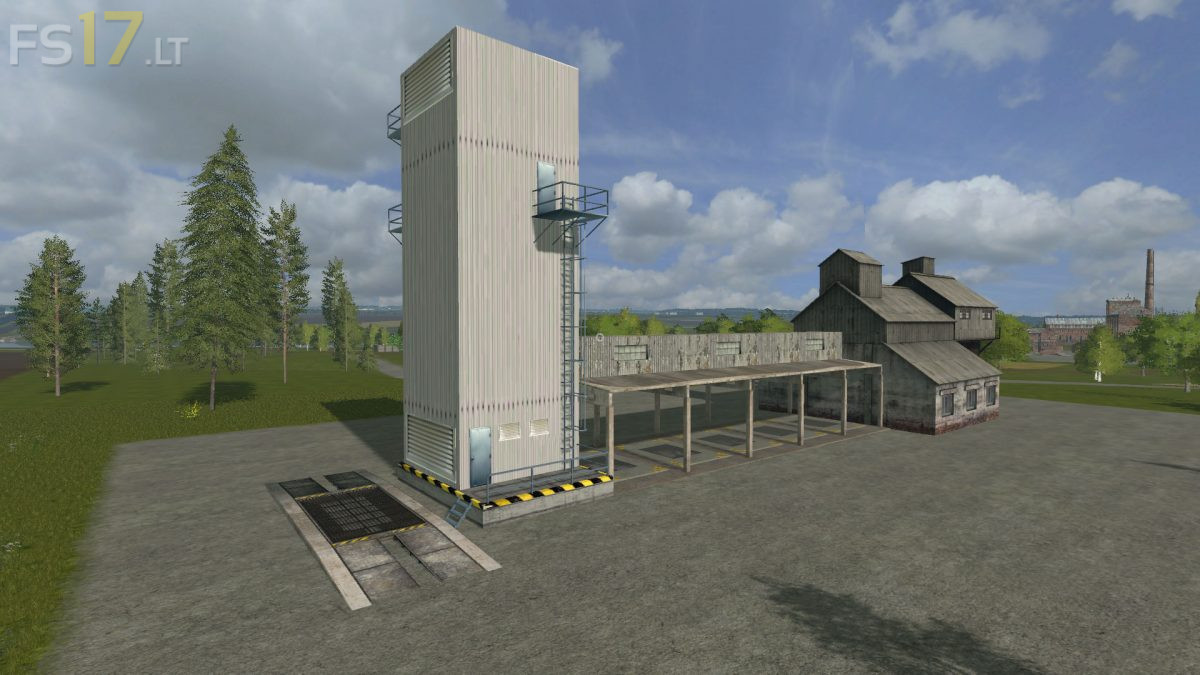
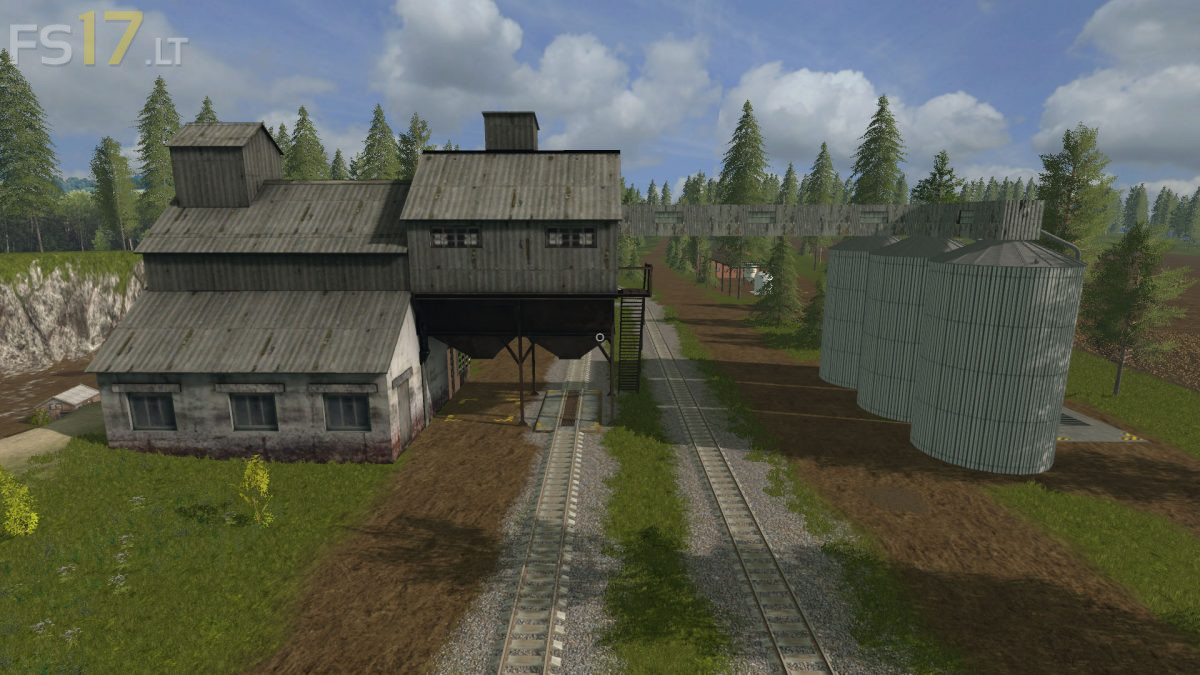
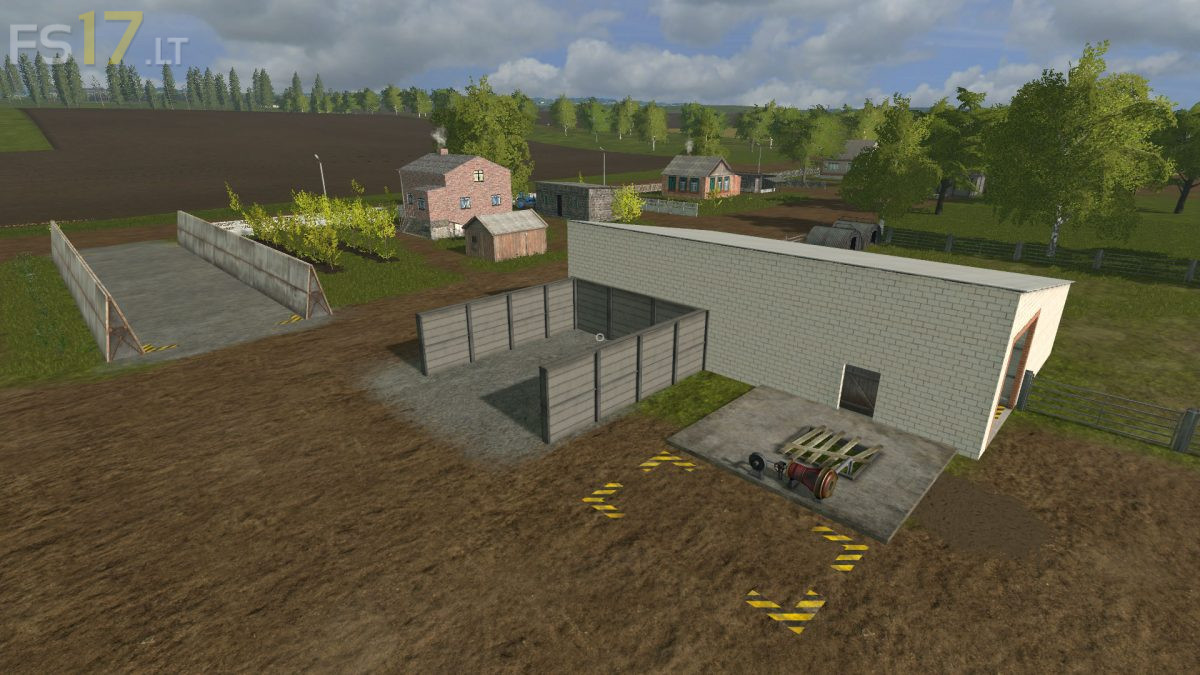
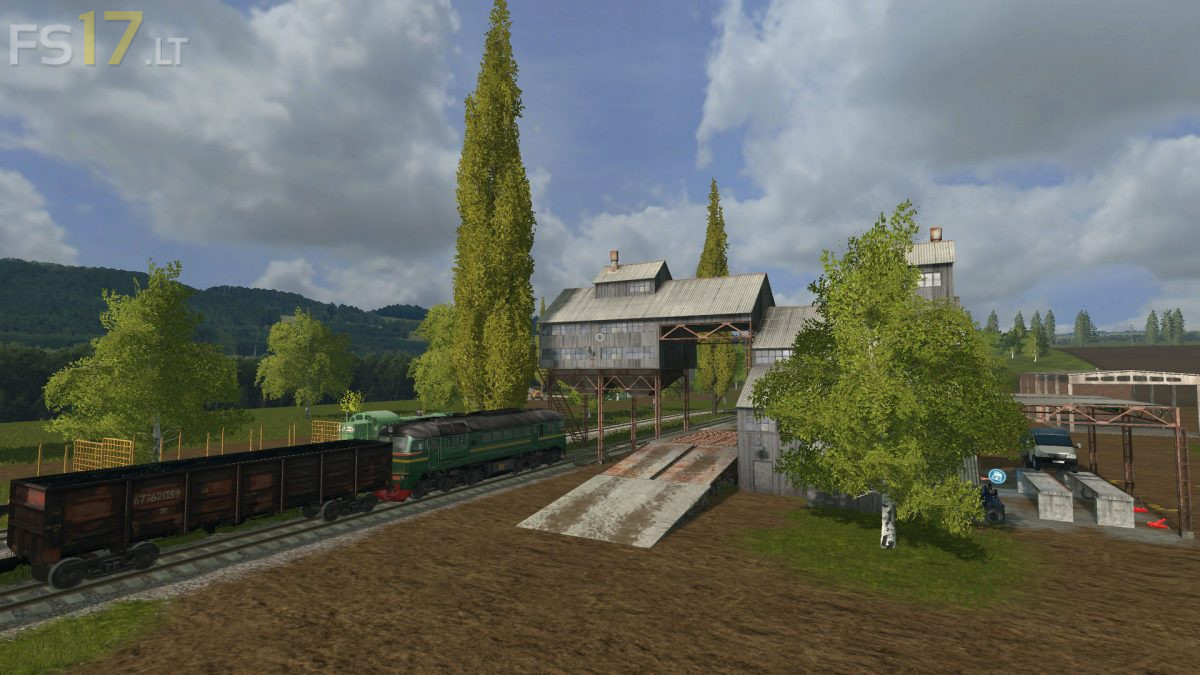
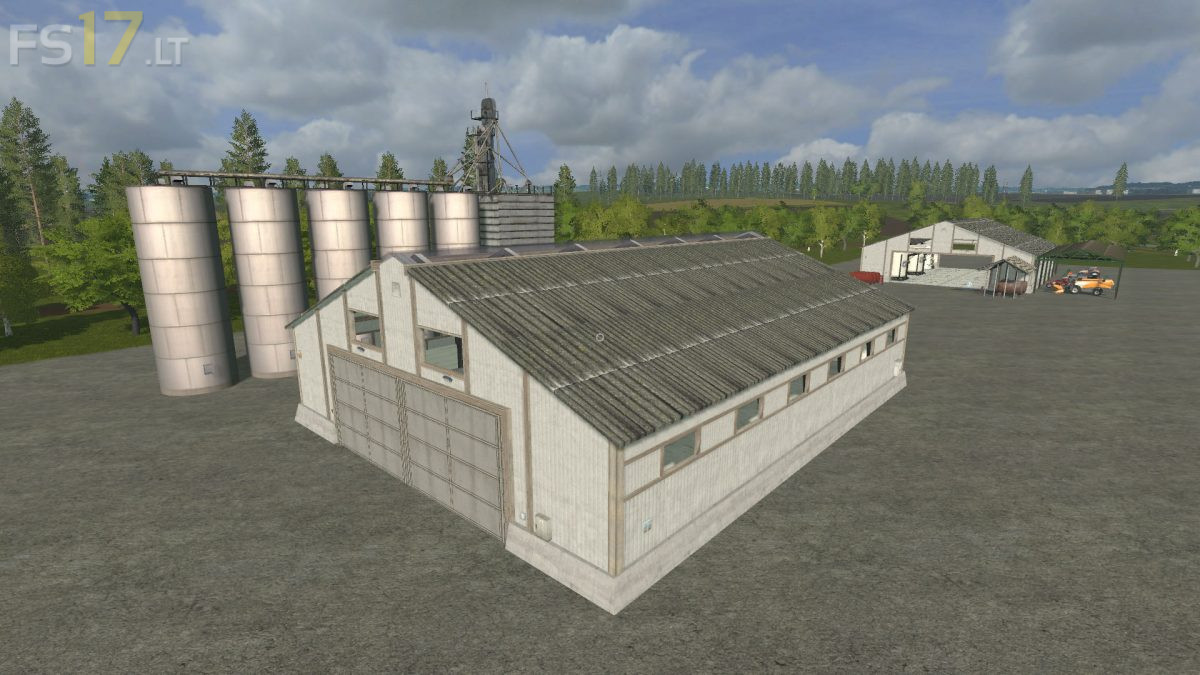
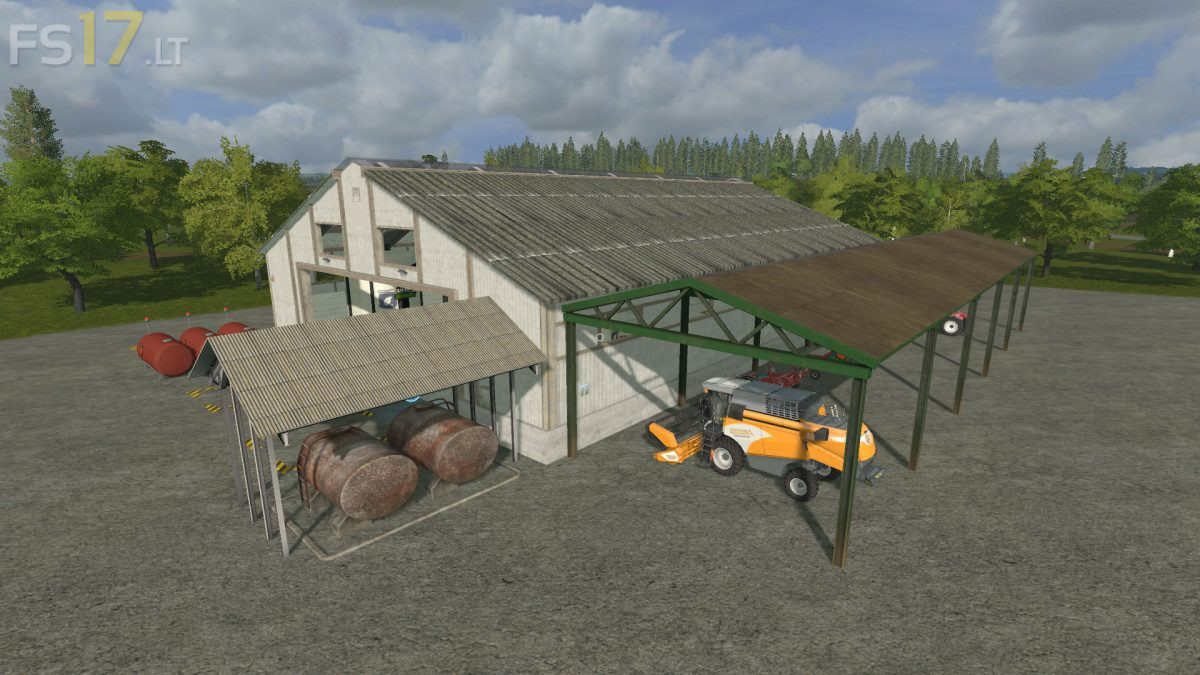
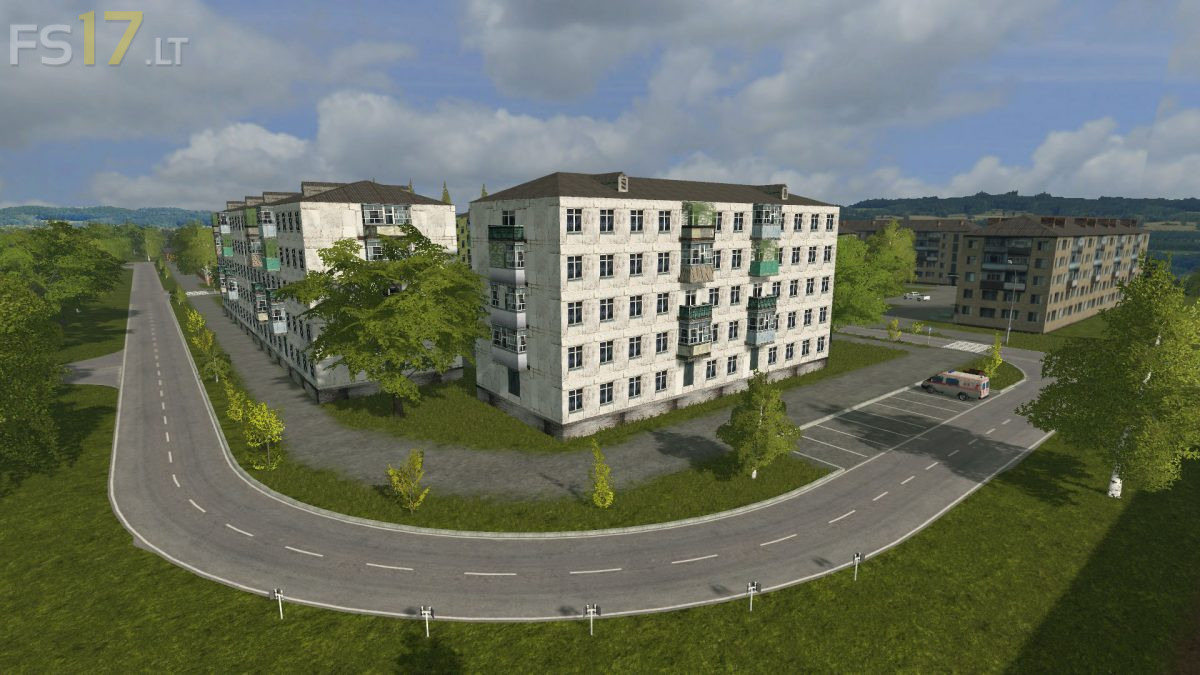
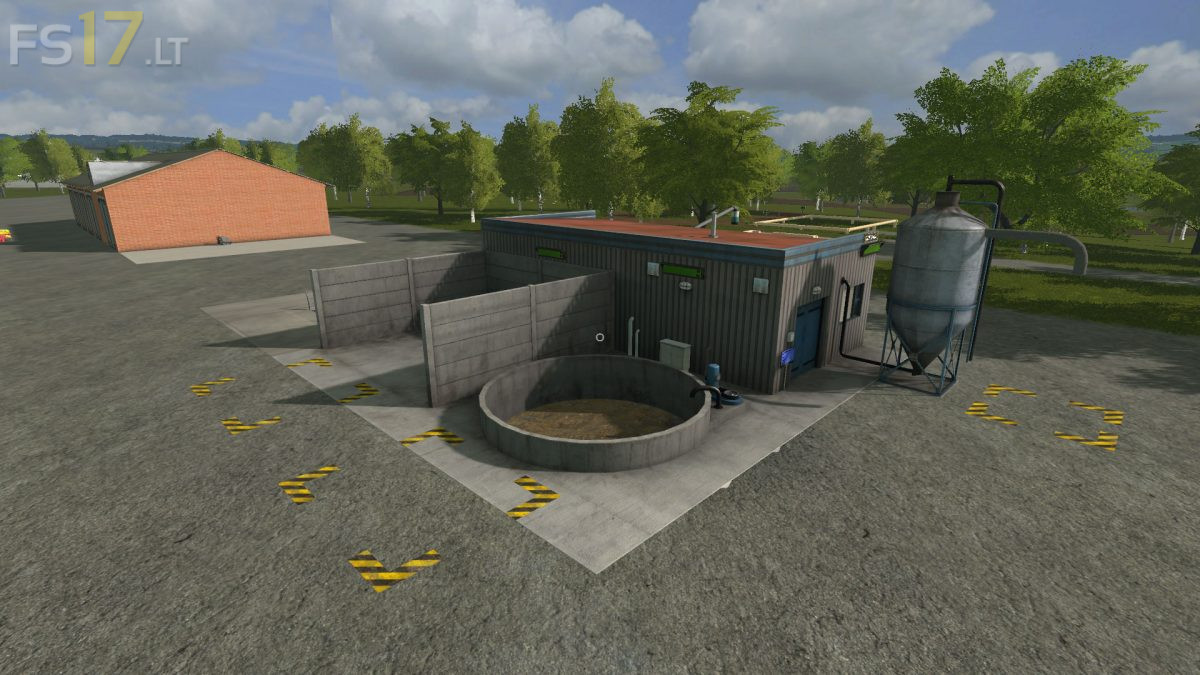
Suburgatory Map v 3.0
– Cultures: standard + oats, spelled, triticale, rye, millet, hops, sugarcane
– Animals: standard
– 35 Fields – 1 in the property. Most fields can be combined
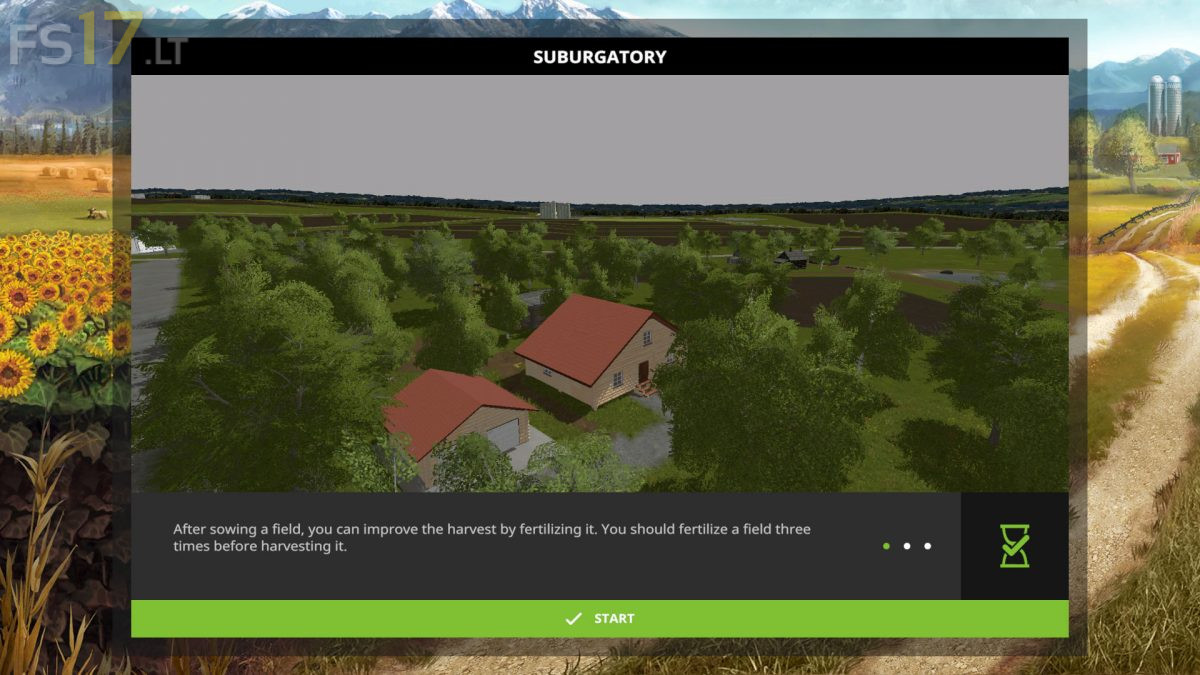
– Near the base there is a meadow, which can be plowed and get the field at the start
– On the Map there is dirt, pedestrian traffic and Russian auto traffic, bars, straw chopping script, gate animation
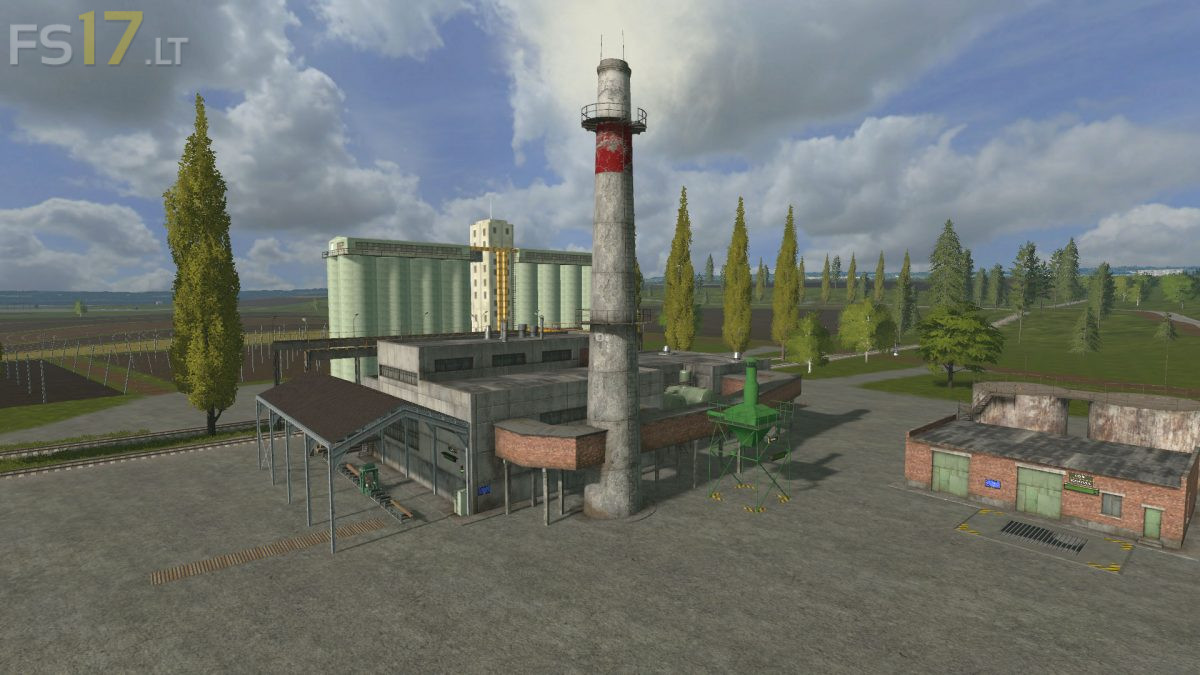
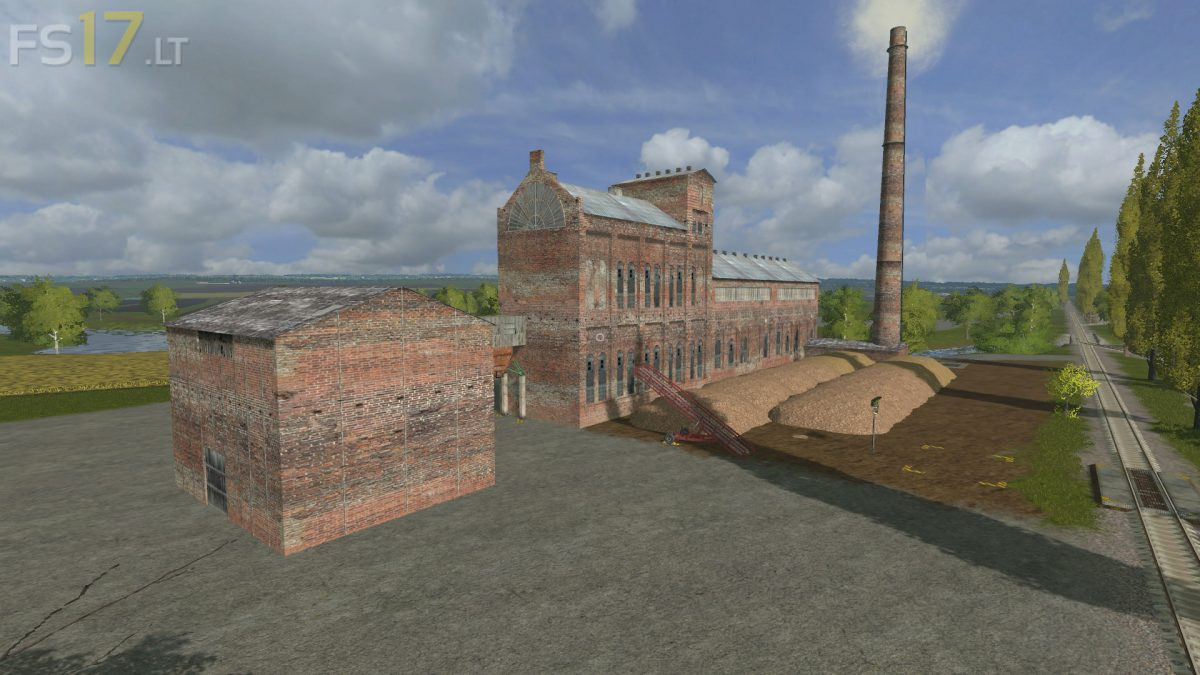
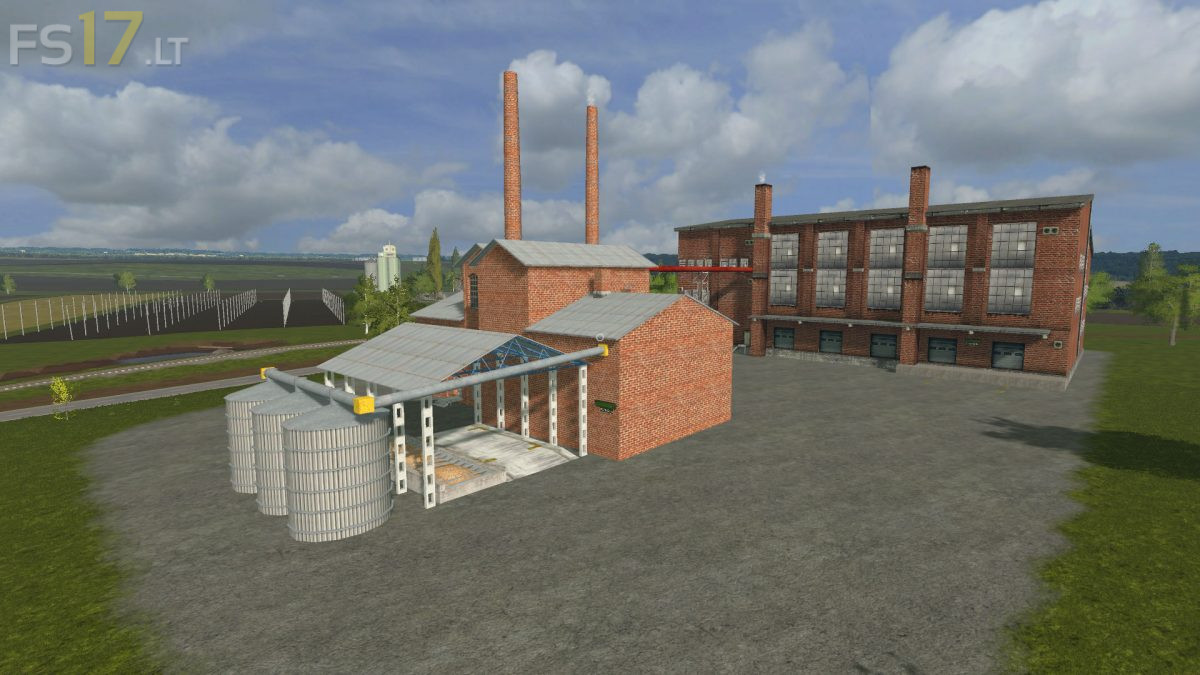
– Production: seeds, fertilizers, liquid fertilizers, sunflower and soybean oil, malt, beer, apples, t-milk, sour cream, butter, sugar, feed, carp, crayfish, trout, pellets, euro pallets, boards, asphalt, sand, crushed stone, fuel, hives, honey, home brew
– On pallets only boards, trout and euro pallets
– Construction: house, garage, nurseries for fish farming, roads
– The roads initially go dirt, but you can asphalt. For the production of asphalt need sand, gravel and bitumen. Bitumen is obtained by bartering potatoes or beets
– The Map supports season mods