

Sudharz Map v 1.0


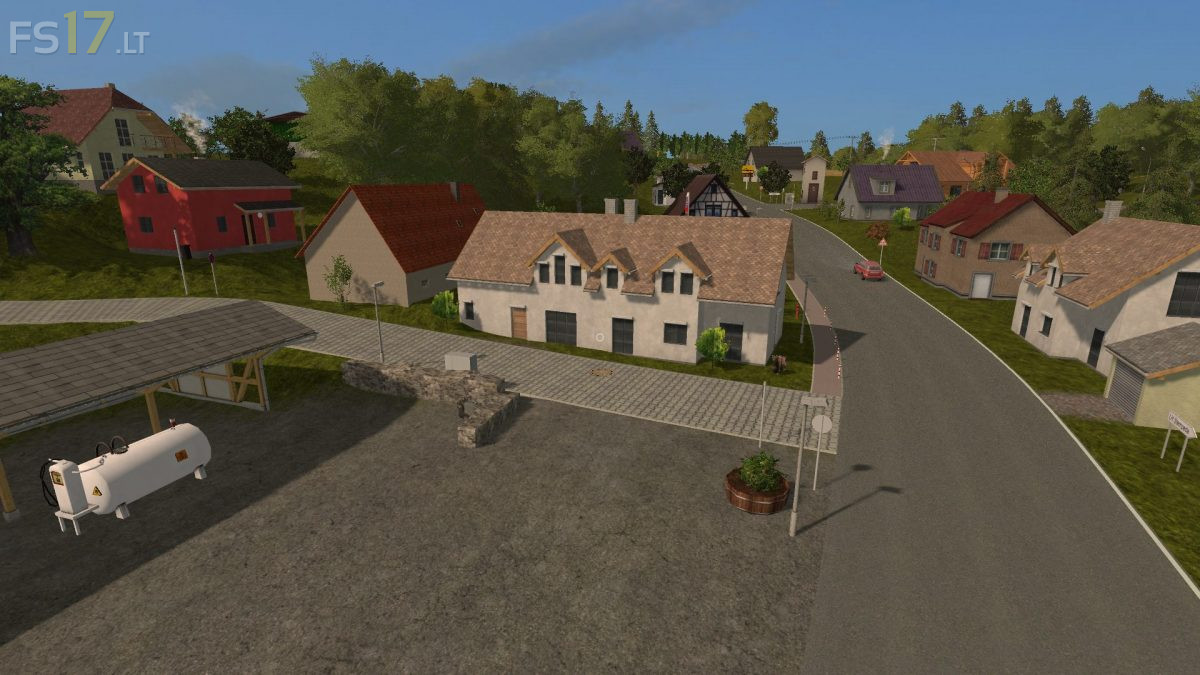
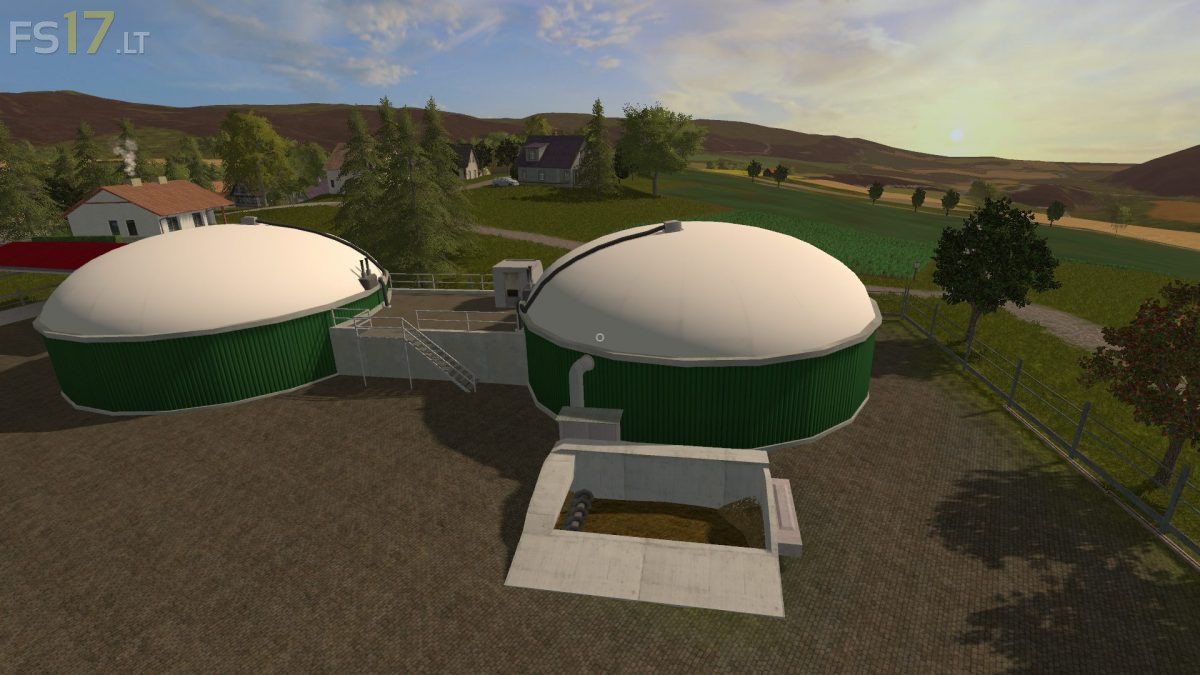
Sudharz Map v 1.0
– Over 19000 felled trees, large forest areas with a new realistic texture of the forest paths
– 92 fields (18 owned, all others can be bought)
– Missions for possible fields
– 6 villages
– Fields completely redesigned, field paths redesigned (narrower)
– Chopped straw
– Lighted houses by night
– Light switch for lighting, eg. In halls
– Accessible gates (please get off and open / close with the mousetraps)
– Bought vehicles / equipment are delivered to the farm
– Moving horses / fish / ducks / airplanes and more
– Transport and parking cars
– New creek and water texture (often in places you should visit in any case, but of course also in the village)
– Milk must be sold with a milk hanger / milk transport (from the cow pasture to Rodishain)
– Roads changed in some places, new roads have been added
– Fewer texture angles
– Crowded cowshed, cows also run into the cowshed
– Equipment search in the nests in the Hühnerstall
– Vehicles can also be sold at the scrap yard
– Many different animal sounds
– Ground power lines
– Infotafeln, partly with original pictures
– New nicer PDA