Sudthuringen Map v 3.0

FS19 mods

About the mod:

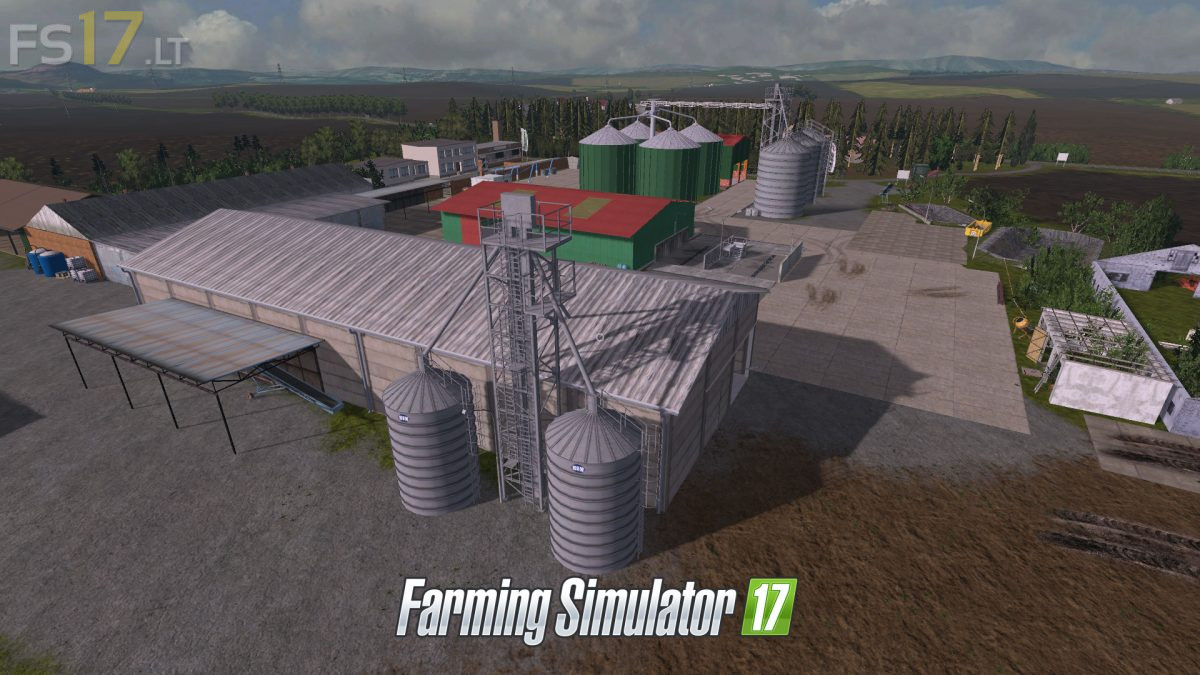
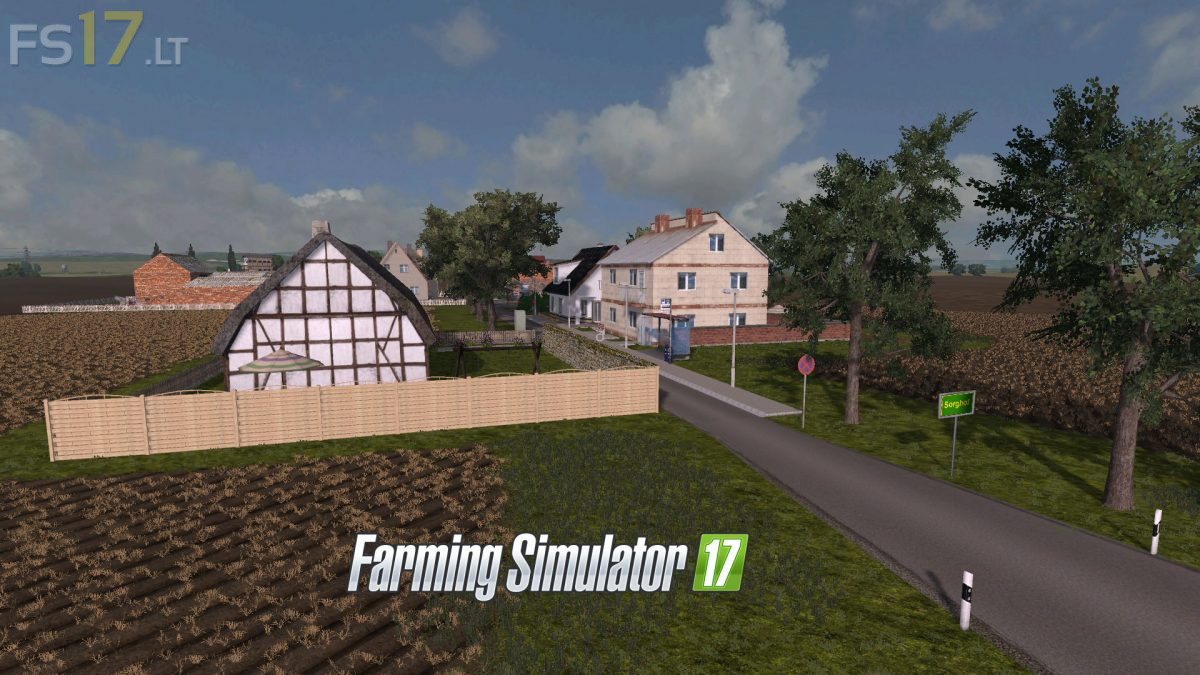
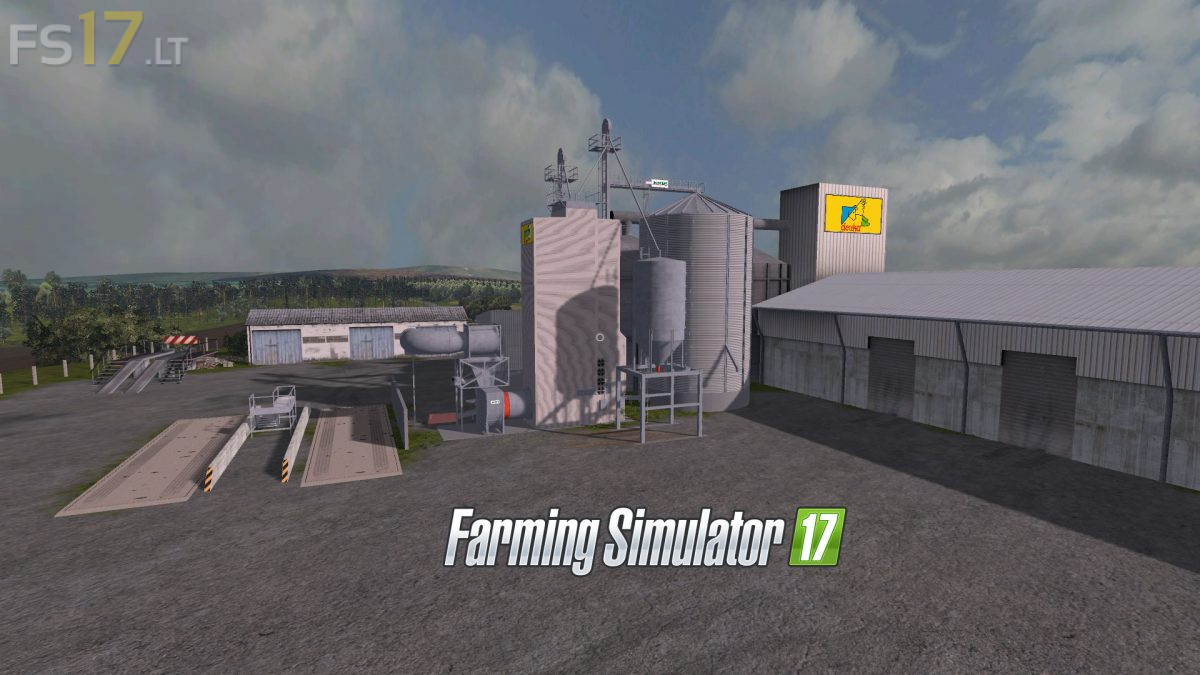
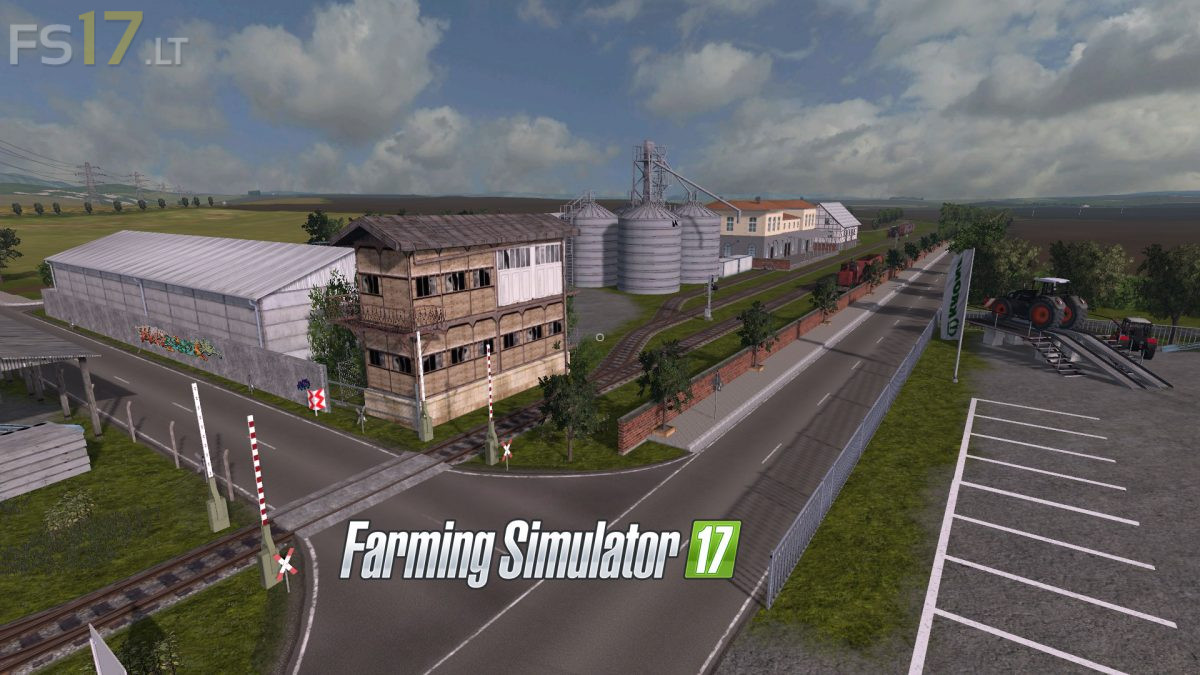
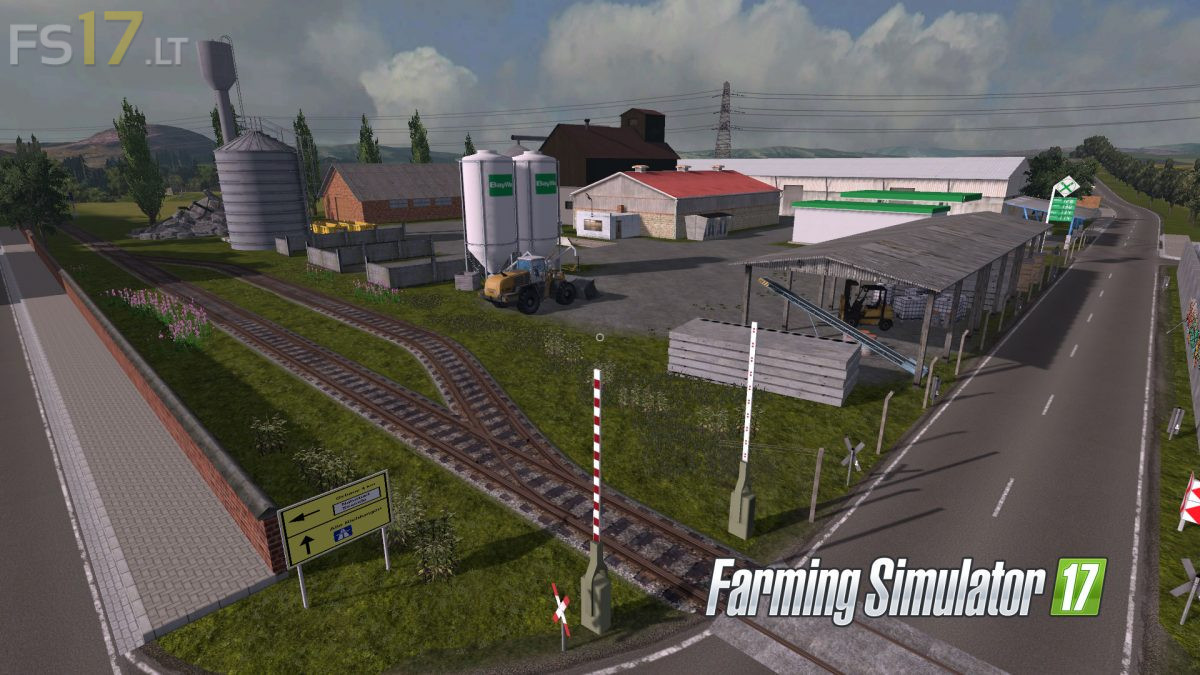
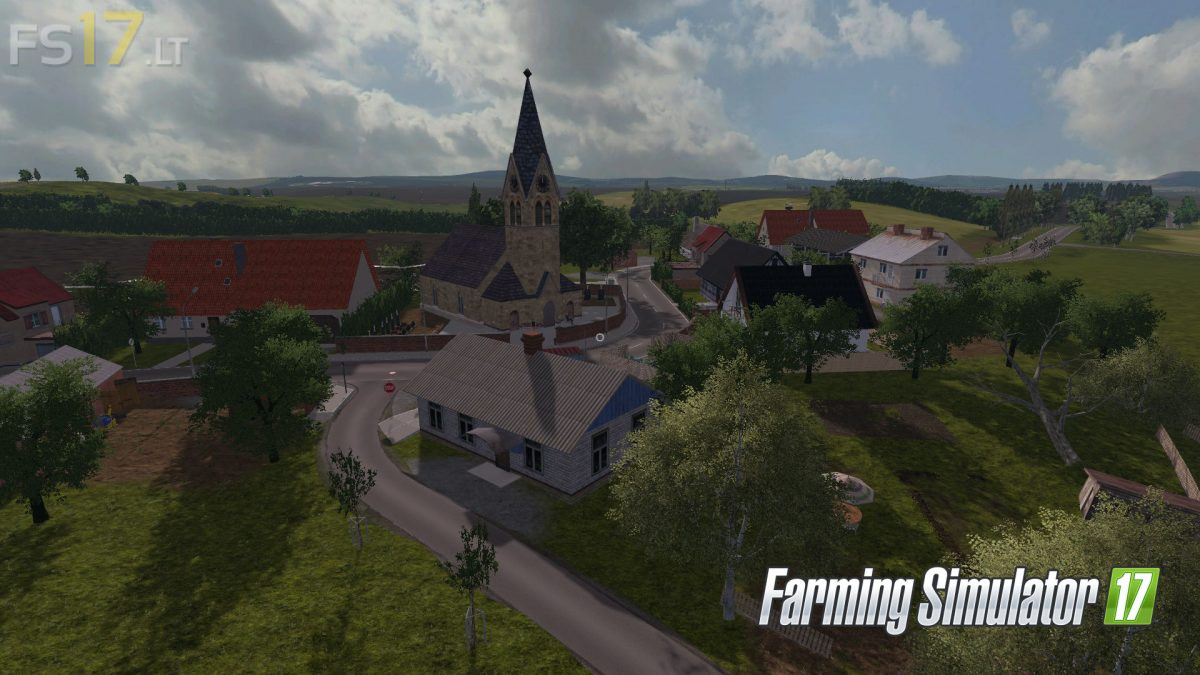
– 34 Fields
– 6 beautiful additional Foliage Layers
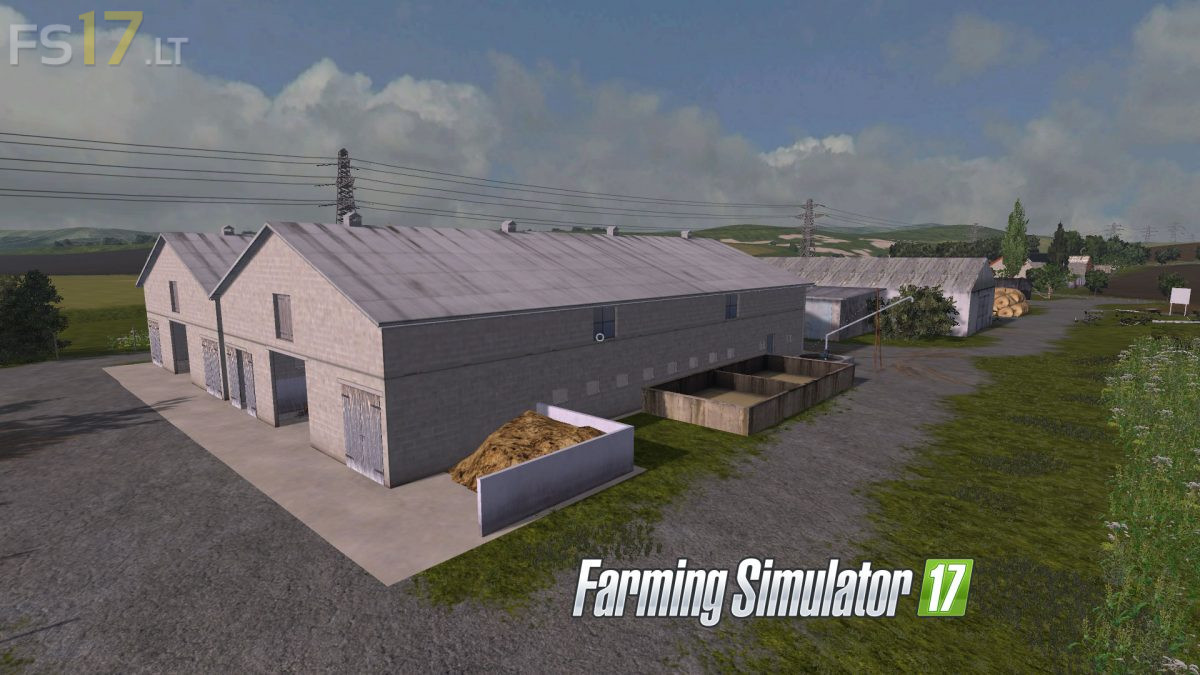
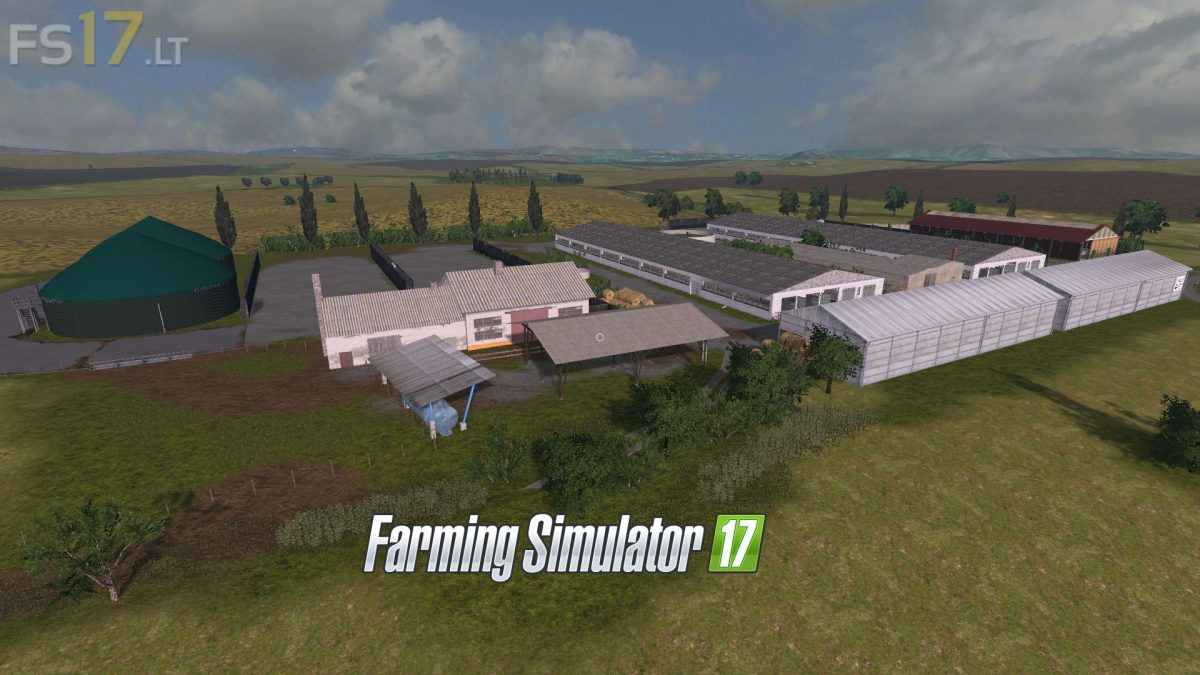
– Beautiful Landscape
– Cow, sheep, pig Farms
– Fully working triggers for loading and selling animals

Credits:
Giants, fendtxylon524, Lars A, themodtesterjunior, farmers Pitti, Olli0710, bulldog13, Niggels939, Eckert35, El_Cid, Buschi, Vanilla, Katsuo, xXMalleXx, Fatian, Steffen30Muc, AndiScania, Tommi-1, bullgore, Nick98.1 ^, Patii, Raptor5, Polska, NLDFarmers

How to install FS17 mods?

Firstly find a mod which you like and want to download. Then download a mod to your PC. Mods are usually in .zip format file. But sometimes it can be in .rar. If a mod file is a .zip format no needed additional actions. If a file is in .rar, then you must unarchive mod with software like WinRar or Zip7. Windows 10 users no need to use software for archives, Win10 itself has a feature to unarchive files.

The next step is to find mods folder in your PC. Usually, it is in Documents/My Games/Farming Simulator 17/2017. Open the "mods" folder and put downloaded .zip archive or unarchived .rar file to this folder.

Last step. Enjoy of FS17 mods!

One thought on “Sudthuringen Map v 3.0”

  • olivier says:
    2018-05-02 at 16:33

    you are the king of assholes before making other versions change the price of the fields and maybe you will have more downloads because I loved it on fs 15 and now on fs17

Leave a Reply

Your email address will not be published. Required fields are marked *