

Suedthueringen Map v 2.9

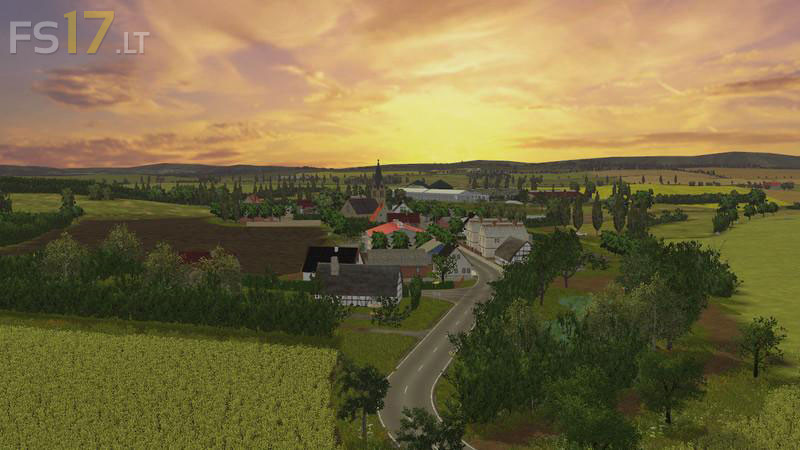

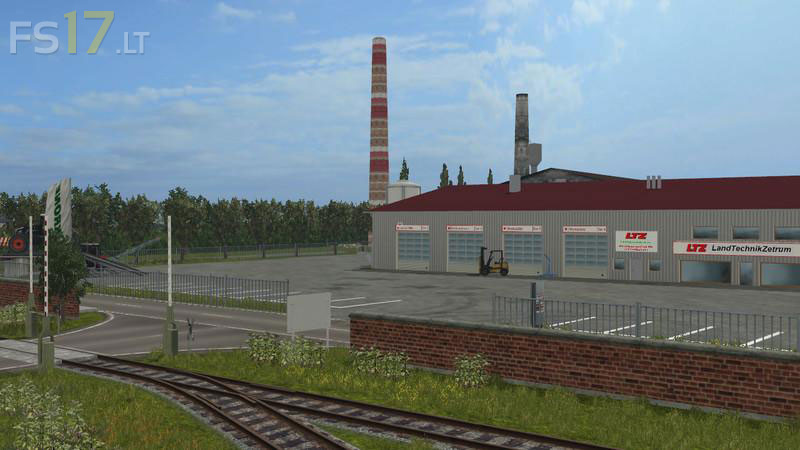
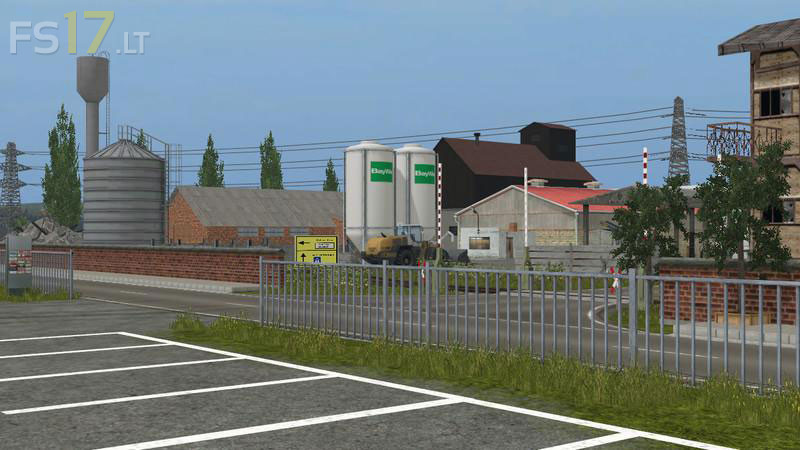
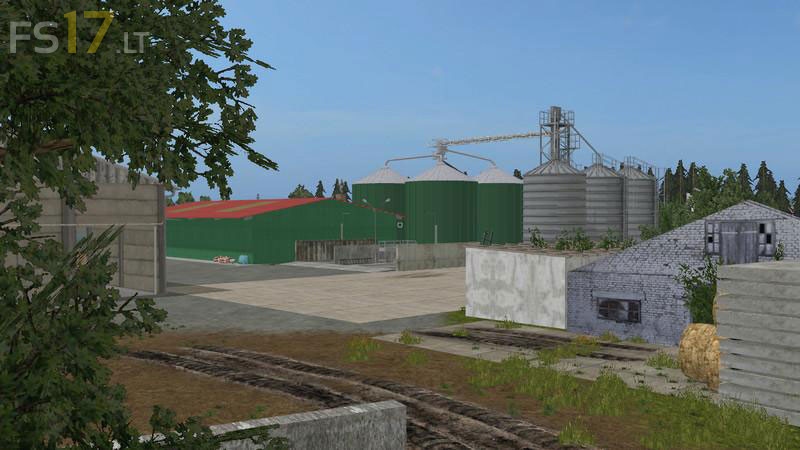
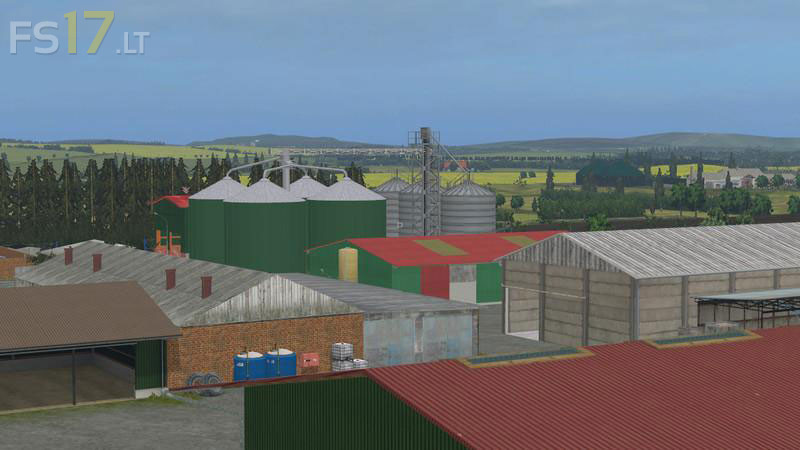
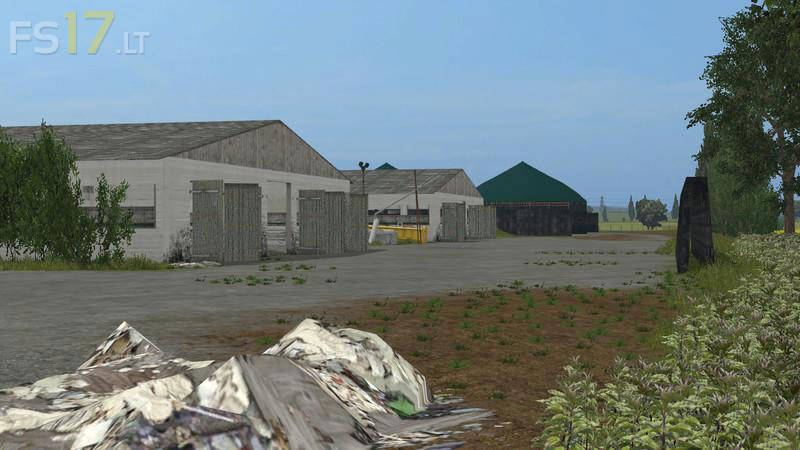
Suedthueringen Map v 2.9
About the mod:
– 34 Fields
– 6 beautiful additional Foliage Layers
– Beautiful Landscape
– Cow, sheep, pig Farms
– Fully working triggers for loading and selling animals
Credits:
Giants, fendtxylon524, Lars A, themodtesterjunior, farmers Pitti, Olli0710, bulldog13, Niggels939, Eckert35, El_Cid, Buschi, Vanilla, Katsuo, xXMalleXx, Fatian, Steffen30Muc, AndiScania, Tommi-1, bullgore, Nick98.1 ^, Patii, Raptor5, Polska, NLDFarmers
Nice!
k heb deze kaart in v3 v4 maar als ik mijn silo wil vullen me chaf komt alles door de muren van de silo en blijf k hange me trailers om de koe te voedren kan iemand dit oplossen aub want tis een fantastis map