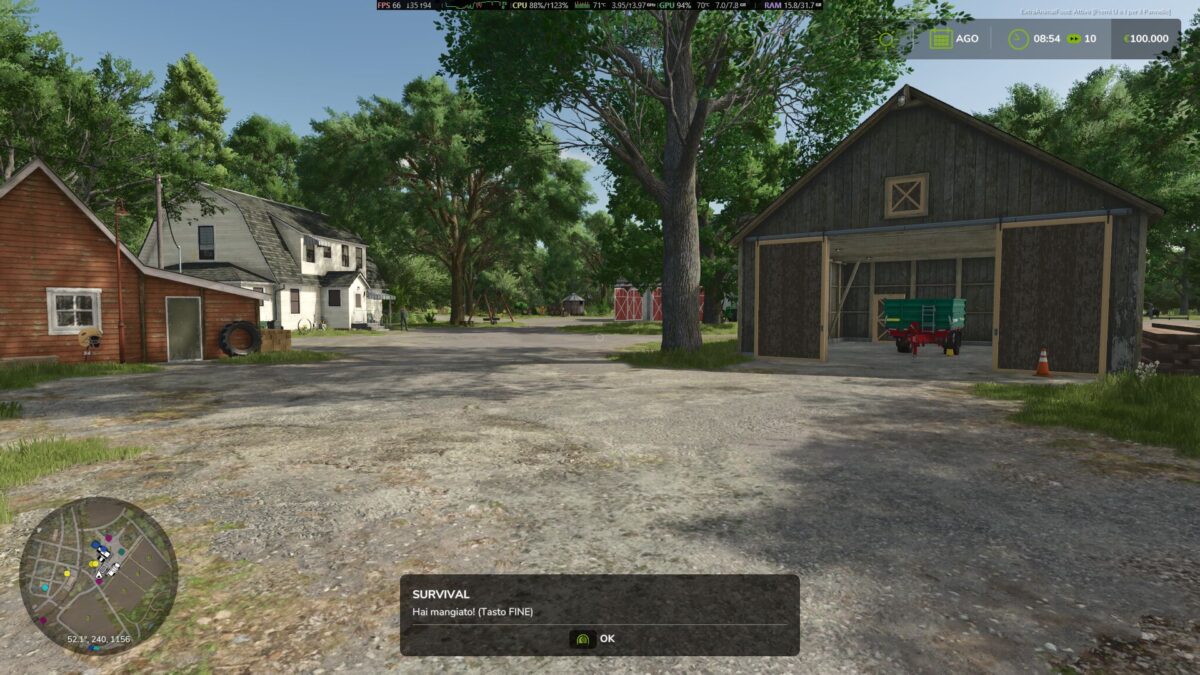
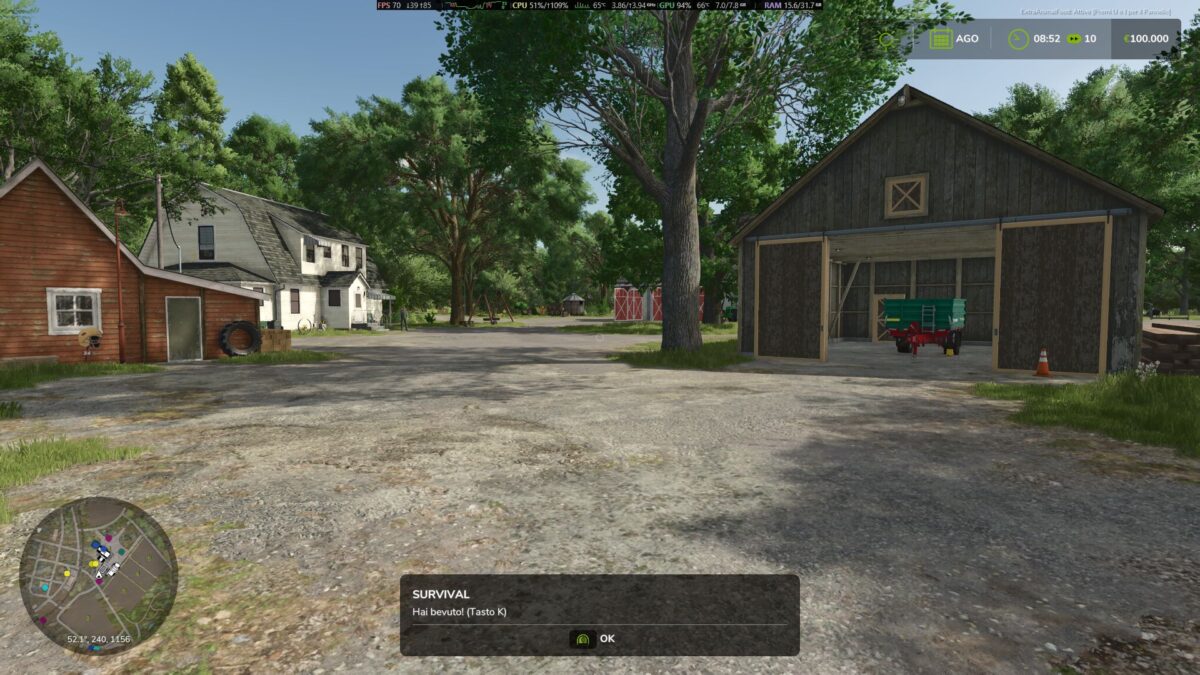
Survival Mode v 1.0.1.0
Survival Mods Drinking and Eating J Buttons Drinking – K Button Eating with notifications when hungry and thirsty
No direct download switch to the official website for download
P button adjust the thirst hunger fall time
Version 1.0.1.0:
* Fix Icon error
* Added Key Info on F1
* Changing keys due to conflict with our future mods (K) key Drink (End) key Eating Insert key Adjust consumption speed
Studio Ascolese Game
How do I install Farming Simulator mods?
Find a mod that you like and want to download first. Then, on your PC, download a mod. Mods are typically in.zip format. However, it is sometimes in.rar format. If the mod file is in.zip format, no additional actions are required. If a file is in.rar format, you must unarchive it using software such as WinRar or Zip7. Windows 10 users do not need to use archive software; Win10 includes an unarchive feature.
The next step is to locate the mods folder on your computer. It is typically found in Documents/My Games/Farming Simulator [Your FS game version, e.g. 2022]. Open the "mods" folder and place the downloaded.zip archive or unarchived.rar file there.
The final step. Have fun with Farming Simulator mods!