

Talbach Map v 1.0

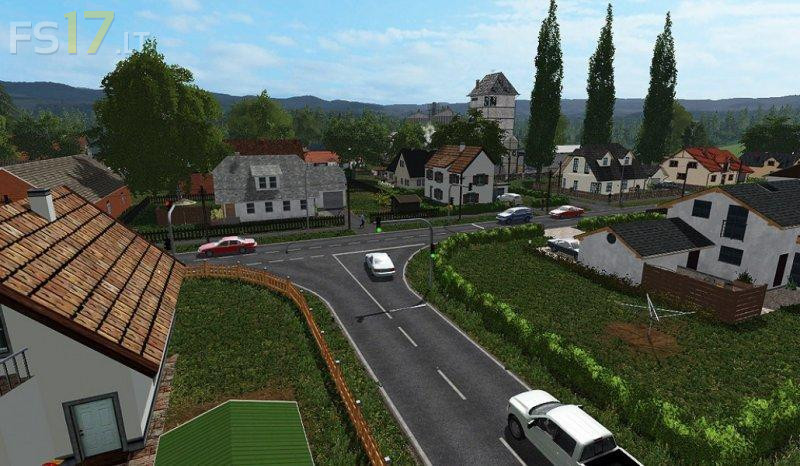
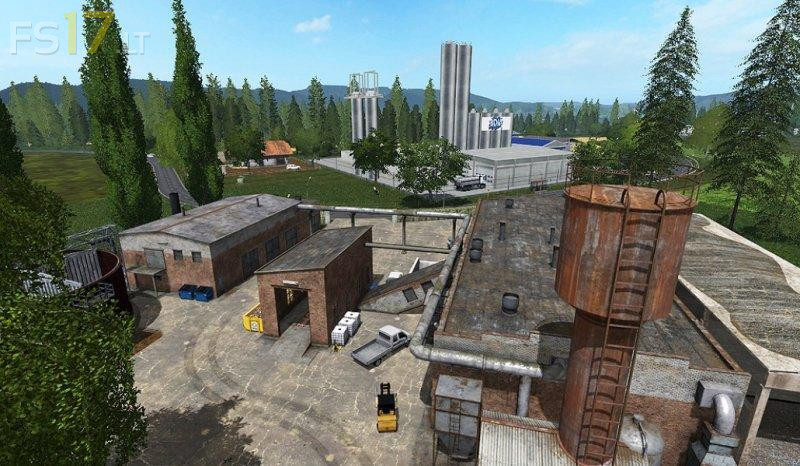
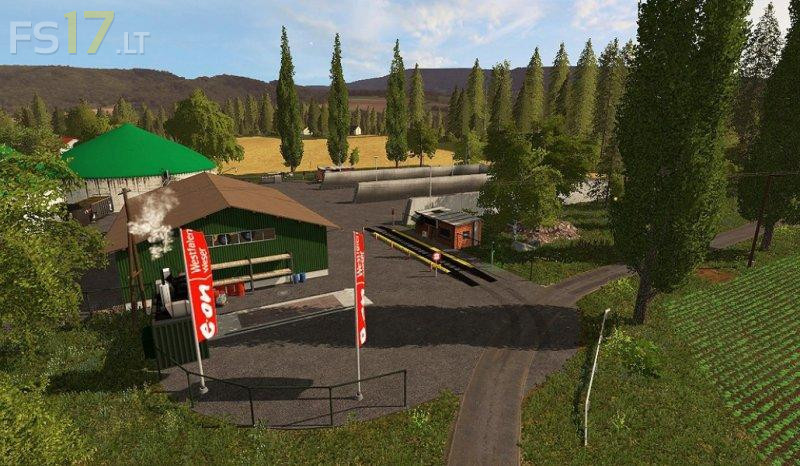
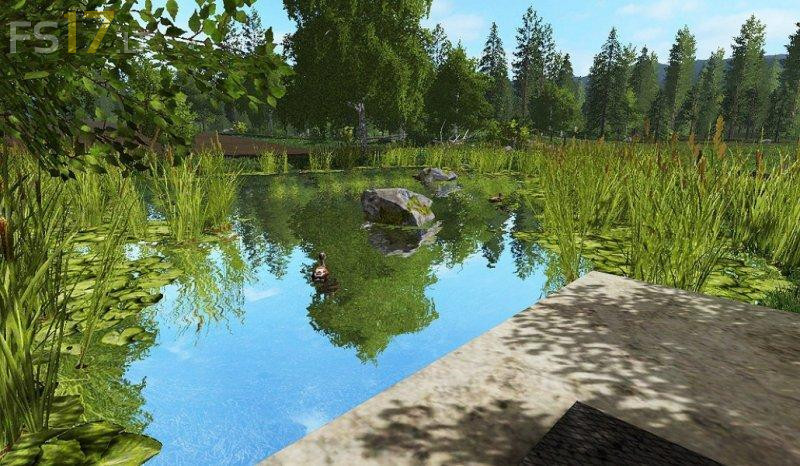
Talbach Map v 1.0
About the mod:
– 23 fields and 9 bowls
– 99% of the gates and barriers are animated, within walking distance
– Chopped Straw
– Installation of Gas Station Extended, therefore the filling station must first be filled
– Ready for FS17_adBlueUsage
– Seasons ready
– Agricultural services, cows, pigs and BGA
– Grain can be stored in all 3 farms
– Storage of seed and fertilizer
– Direct purchase of seeds and fertilizers at Raiffeisen HaGe
– Direct purchase of fertilizers at a sugar factory
– Soy milk
– Waste water treatment plant
– Multiple ground angles
– Extended Placeable: Expands location on objects. Through this script, you can turn off this collision and place it anywhere. (assignment of the key is in the information field)
Credits:
HeniJimdrix
NO LO E PROBADO SE ESTA DESCARGANDO XD UN SALU2