

Tesla Model Y 2026 Refresh v 3.0

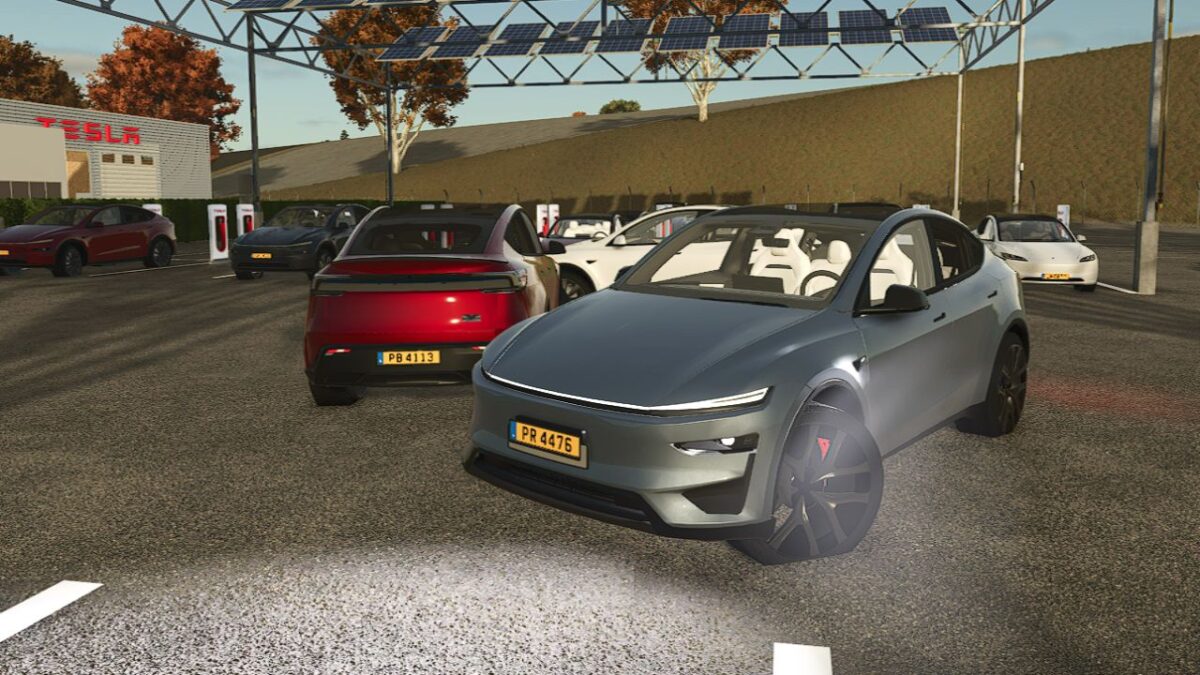
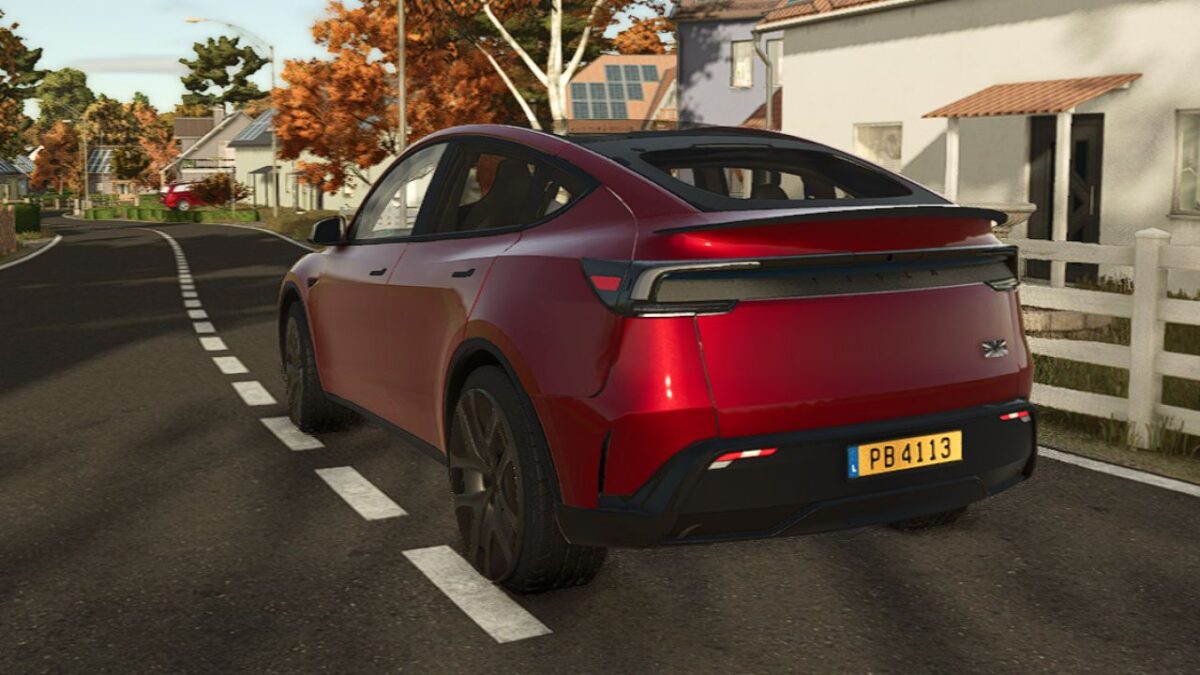
Tesla Model Y 2026 Refresh v 3.0
About the mod:
Motorization and Version:
Rwd propulsion
Longe Range Dual Motor AWD
Launch Series Longe Range Dual Motor AWD
Performance
Exterior colors from 4 corners of the world to satisfy everyone:
Multi-layer Pearl White
Plain Black
Black Diamond
Stealth Gray
Deep Blue Metallic
Glacier Blue
Navy Blue
Quicksilver
Ultra Red
Midnight Cherry red
2 rims, 19″ Crossflow or 20″ Helix 2.0
Interior: White or Black and much more
Version 3.0:
* Functional turn signals
* Addition of the Zen Grey interior
* Texture fixes
* Sport seats added as an option for the Performance versions
* Textured Performance badge
* Adjustments to 2“3 points concerning handling, braking, wheels, etc…
* Frost Blue color added
* And much more
Credits:
LbxModdingTeam