

The Mechet Map v 1.0

The Mechet Map v 1.0
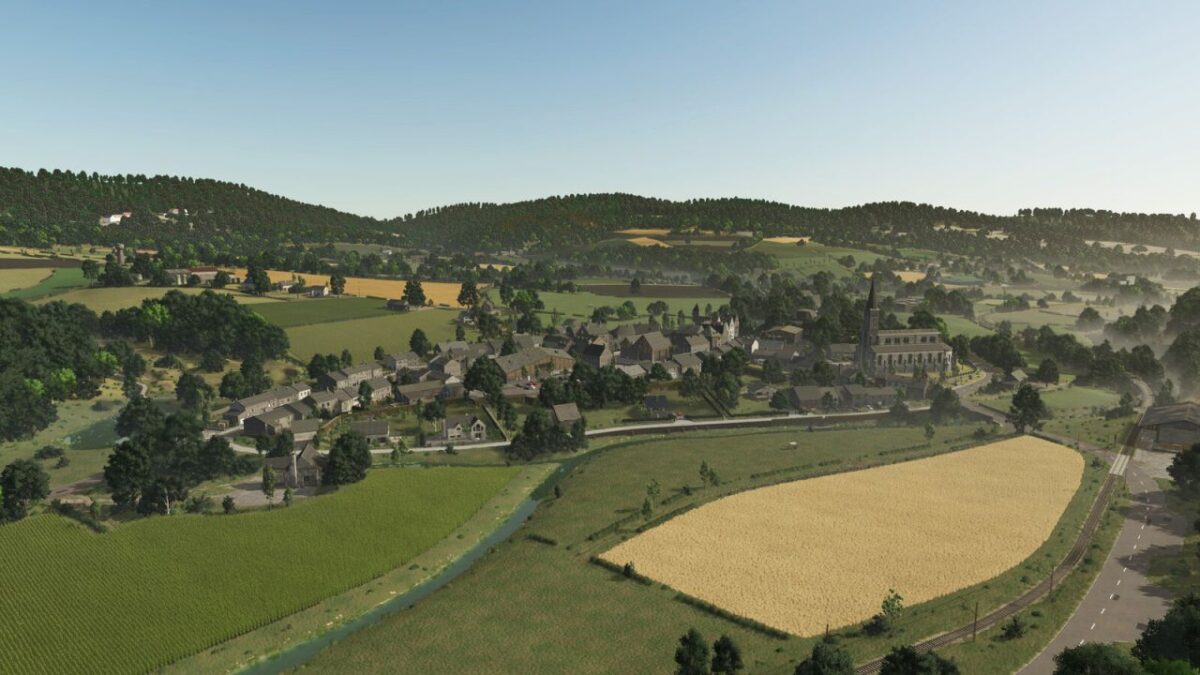
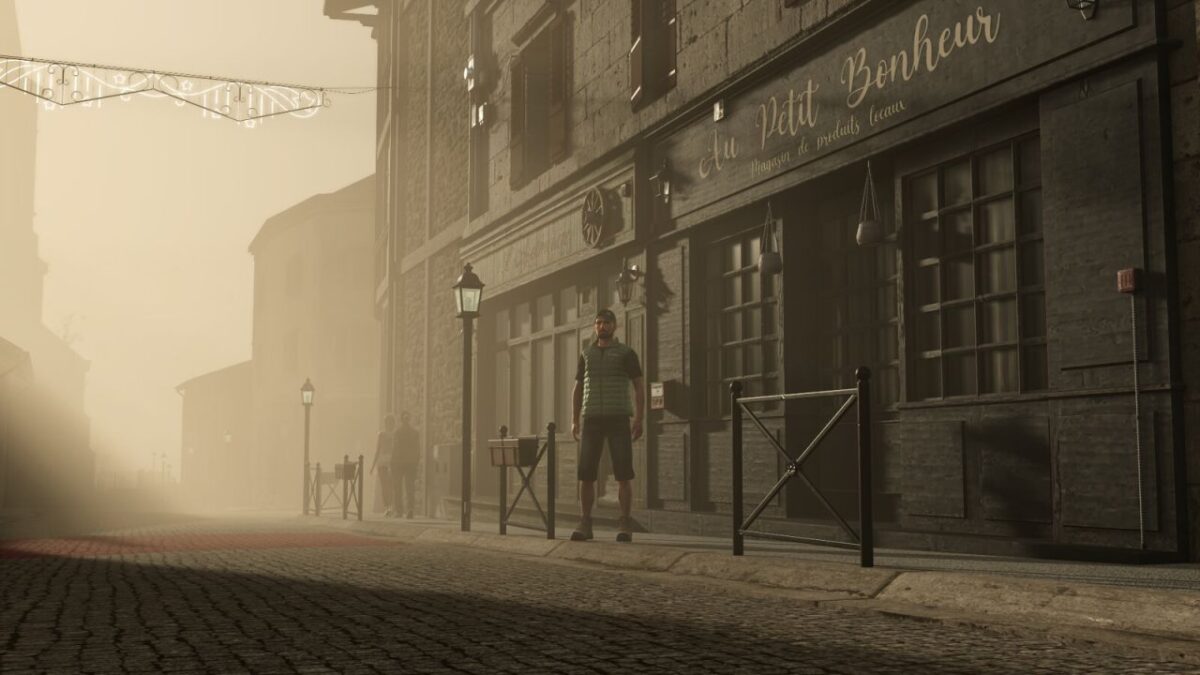
– 2 faithfully modelled villages, with an imposing church, a market square, a school, a post office, a castle and many shops.
– A rich hydrographic network made up of numerous streams, rivers, lakes, ponds, as well as a working mill.
– New grass foliage specially developed for this map.
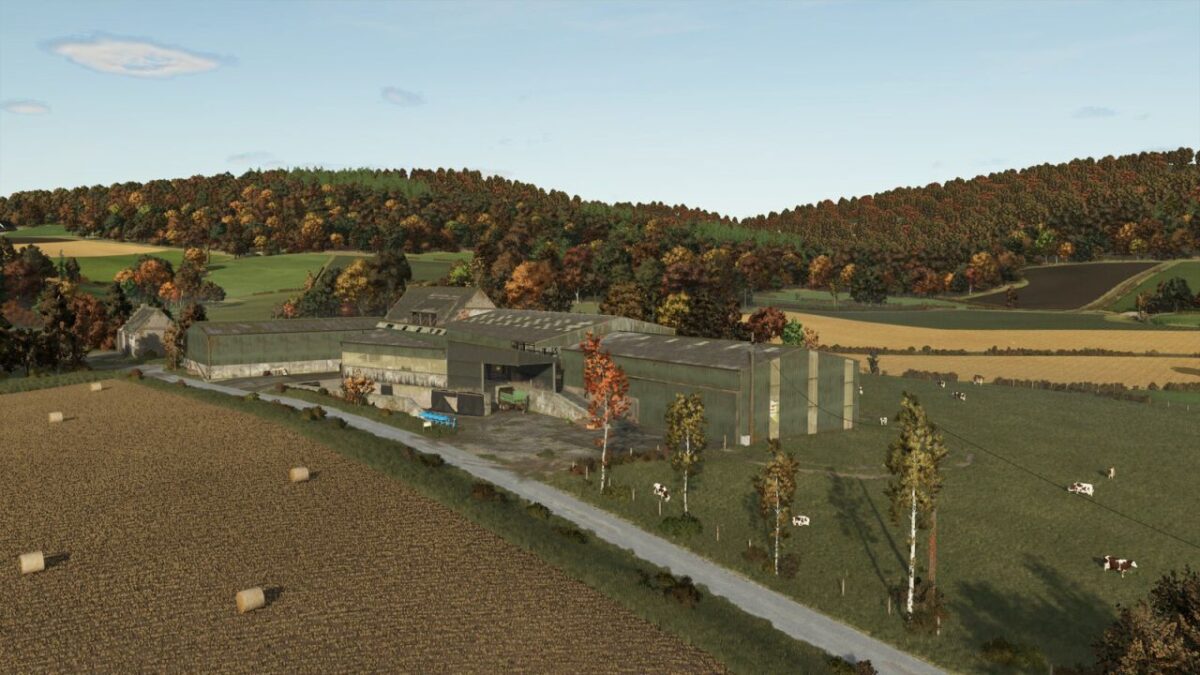
– Extensive work on the colours of trees and vegetation to deliver realistic and immersive seasons.
– Farm tracks created from 3D scans for maximum realism.
– 4 farmsteads with varied atmospheres: sheep, cattle, viticulture and snail farming, including 4 barns, an animated milking parlour and a Stepa grab for the sheepfold.
– 136 fields and 179 purchasable plots.
– 3 agricultural cooperatives (two for cereals and one for root crops), also serving as purchase points for materials such as lime and fertiliser.
– A sawmill featuring 4 types of production: wood, firewood, planks and timber frames.
– A cannery where you can sell your vegetables or produce authentic recipes.
– Many small shops, such as a bakery, a dairy and a market, to add value to your farm products.
– New productions, including snails and their recipes, as well as local cow’s and sheep’s cheeses.
– Expanded farming systems, such as a 3-step grape juice production chain.
– New crops: silage maize, rye, vetch-rye, green rye, triticale, spelt, cover crop, field grass, alfalfa, clover, spring and winter wheat, spring and winter barley.
– Exclusive mechanics, with the arrival of compost and a dedicated shredder for processing it at the BGA.
– Advanced realism, with wind-animated power lines, overflowing gutters in the rain, waterlogged field entrances, Christmas decorations in the village, straw trails, leaves on the ground, and much more.
– New growth stages for many crops, offering smoother visual transitions.
– 4 new cattle breeds: Charolais, Simmental, Vosgienne and Montbéliarde. Each has its own characteristics to refresh the gameplay. It is up to you to choose the one that best fits your farm.
– The possibility to use the GAB (Groupement Agricole du Bocage), a kind of machinery-sharing cooperative allowing you to share your vehicles.
– A municipal water tower and retention basins.
– A railway export warehouse for your goods.
– A brand-new locomotive, specially modelled for The Mechet.
– The Bricodin, a DIY and gardening store where you can sell or buy essential products.
– A shop to build, allowing you to sell your farm products at a better price.
– A brand-new John Deere dealership.
– A large BGA with several silos and a composting area equipped with covered silos.
– A secret quest, as usual