

The Pacific Northwest Map v 1.0

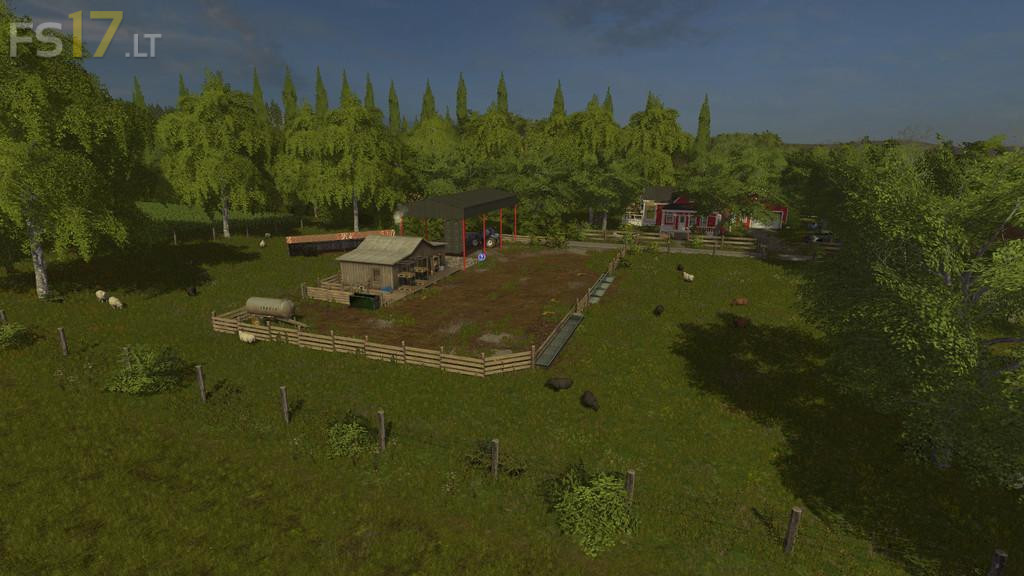

The Pacific Northwest Map v 1.0
Welcome to The Pacific Northwest. This map is loosely based around the Lewiston, ID and eastern Washington area where the Snake and Clearwater rivers meet. At the rivers there is a plateau that is high above, accessed by a winding mountain road. The fields on the plateau are more the style of a UK map with small odd shaped fields, hedgerows and narrow lanes, where the valley fields are more of the US type, large and relatively flat and open. The terrain on the plateau ranges from relatively flat to quite hilly. Start with a small farm and gradually grow your farm by buying smaller fields and merging them into larger ones.
– 2 main farms, one near the sheep and pigs. The other near the cows
– 44 fields including 8 grass fields
– Optimized for Seasons (highly recommended Weather, crop growth, etc.)
– 5 additional fruit types, plus milk. Requires Kotte Uneiversal. Recommend Stop Milk Sales.
– Removable hedgerows
– 14 sell points
– Two large place-able areas
– Includes animated gates, doors, lights and more
it+says+dds+file+corrupt+when+trying+to+open+file+won’t+open+in+game