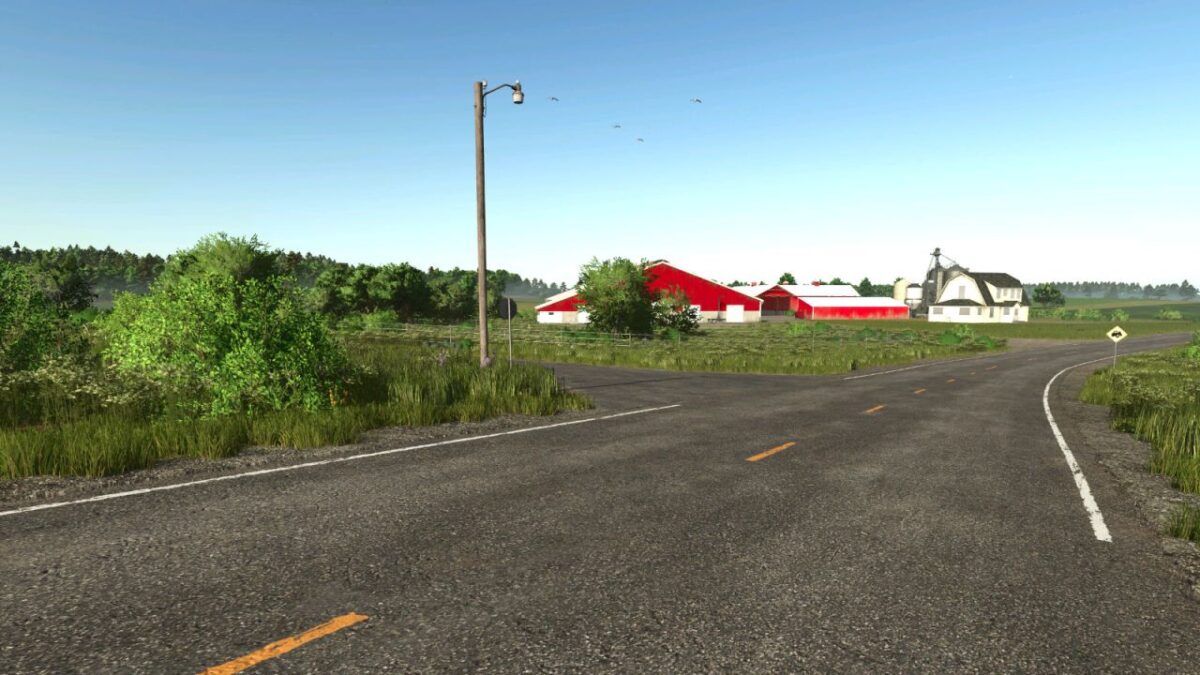
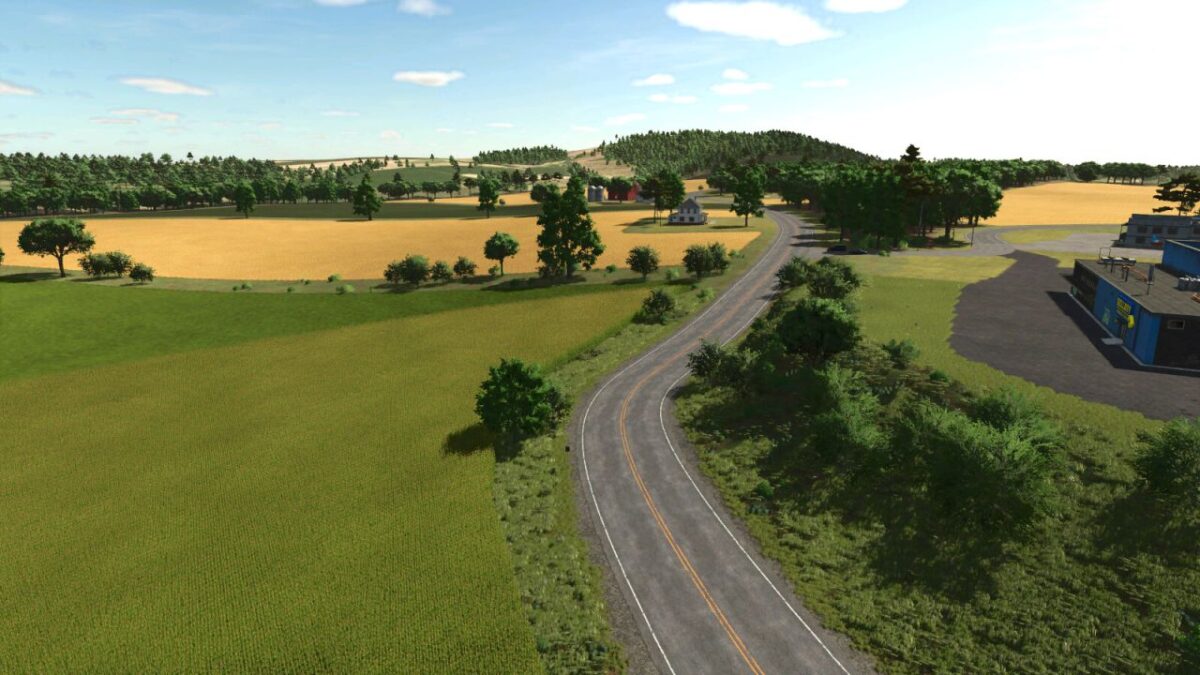
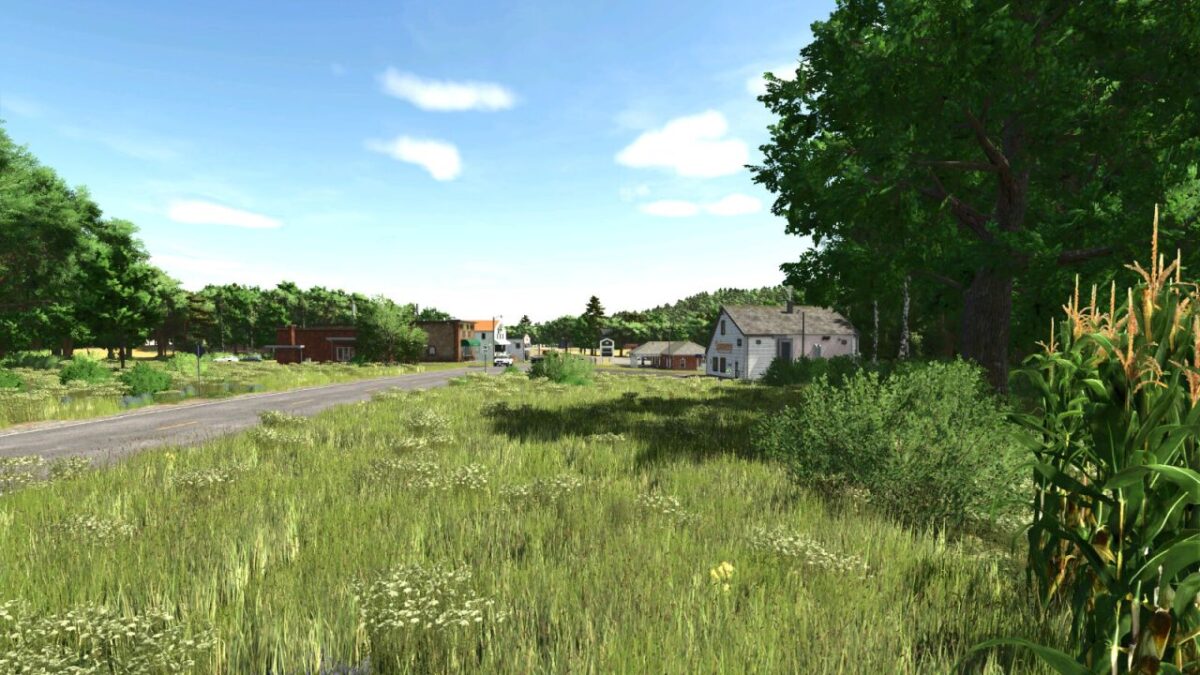
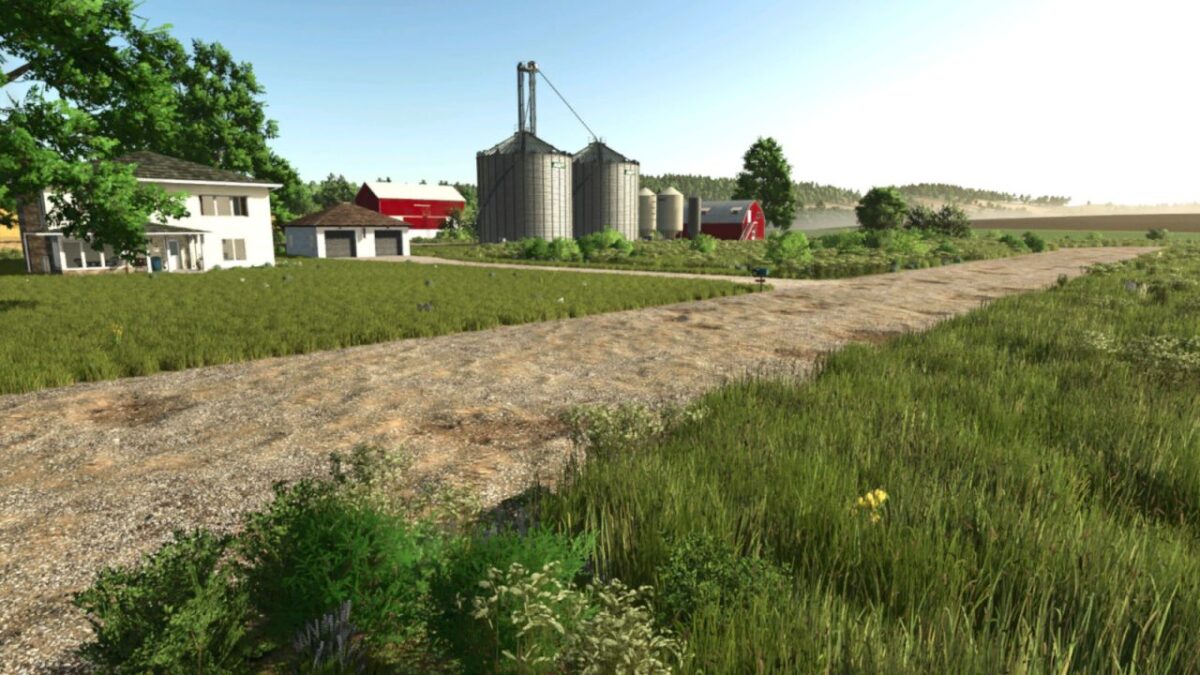
The Rural Farmlands of Ohio Map v 1.0

FS25 mods

The Rural Farmlands of Ohio Map v 1.0
1 Star2 Stars3 Stars4 Stars5 Stars
About mod:

Here is a list of production/sell points that can be found:
– Bakery small
– Bakery large
– Carpentry
– Dairy sell point/production
– Farmers Market
– Grain mill
– Oil mill
– Piano manufacture
– Super market sell point
– Saw mill
– Spinnery
– Tailor shop

Buy points:
– Animal trader
– Gas station
– Warehouse
– Vehicle dealer

New crops include:
– Alfalfa
– Clover
– Flowering catchcrop
– Green rye
– Rye
– Spelt
– Silage maize
– Triticale
– Vetched rye
– Winter wheat
– Winter barley

Features new/updated:
– Added ground deformation
– Row crop system
– Additional ground angles
– Stubble destruction
– Updated corn textures
– Custom planting and harvest calendar
– More paintable textures added
– New crops able to be fed to animals
– Silos and bunkers accept new crops
– Updated some production points to accept new crops
– Cusotm weather patterns to match the location
– Custom sunrises and sunsets
– Very dark nights
– Custom lighting
– Custom tornados
– Productions have been modified with increased capacities and production outputs
– The map has a custom animal.xml. Cows dont produce milk until after 27 months and goats dont produce milk until after 12 months to make things more realistic

Credits:

Papes_Farming_Mods

* By clicking [Download this mod from filehost] button you agree to leave this website. The link opens in the new tab. File is hosted in the external website. We are not responsible for the content of the external page and the possibility of free download of the file.

How do I install Farming Simulator mods?
Find a mod that you like and want to download first. Then, on your PC, download a mod. Mods are typically in.zip format. However, it is sometimes in.rar format. If the mod file is in.zip format, no additional actions are required. If a file is in.rar format, you must unarchive it using software such as WinRar or Zip7. Windows 10 users do not need to use archive software; Win10 includes an unarchive feature.

The next step is to locate the mods folder on your computer. It is typically found in Documents/My Games/Farming Simulator [Your FS game version, e.g. 2022]. Open the "mods" folder and place the downloaded.zip archive or unarchived.rar file there.

The final step. Have fun with Farming Simulator mods!

Leave a Reply

Your email address will not be published. Required fields are marked *