The West Coast Map v 1.0

FS19 mods

About the mod:

– This map includes all Farming Simulator 17 features.
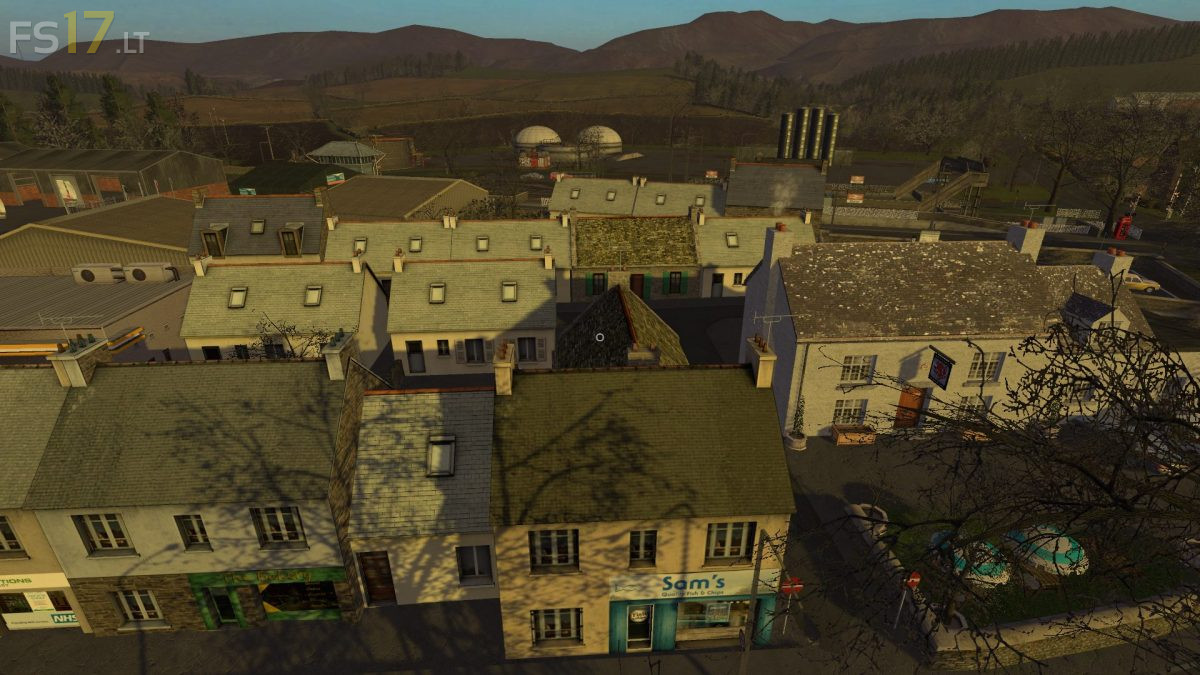
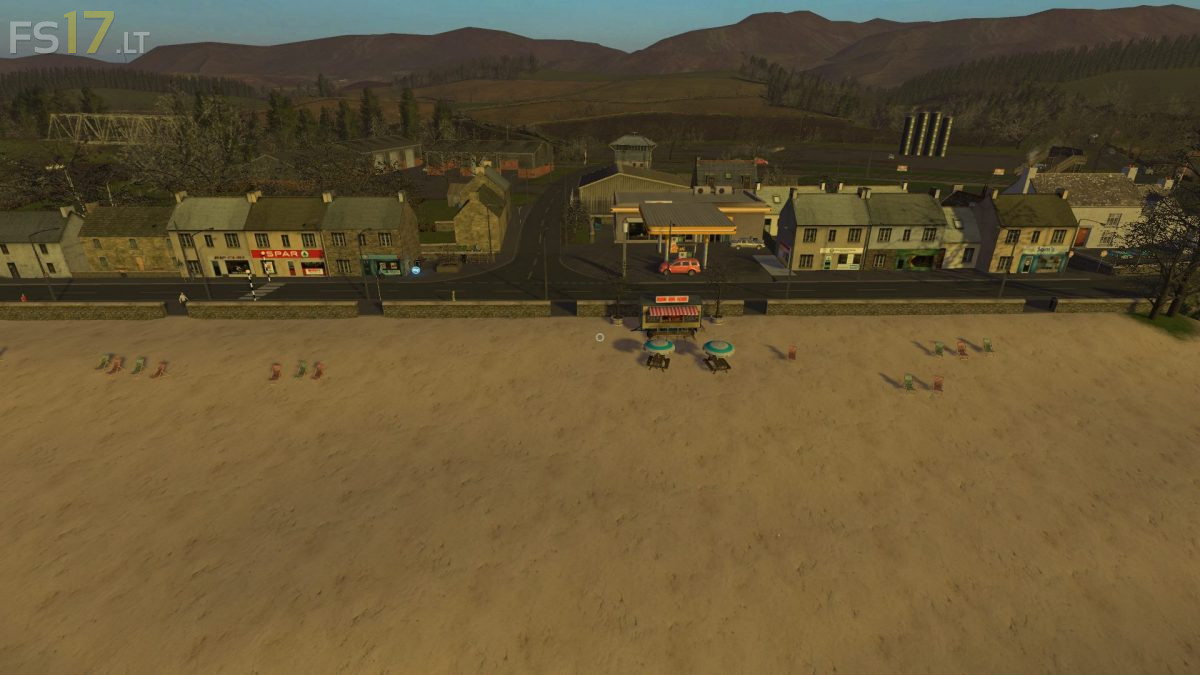
– Seaside Town, rural Village, Castle Ruins, and other scenic points of interest.
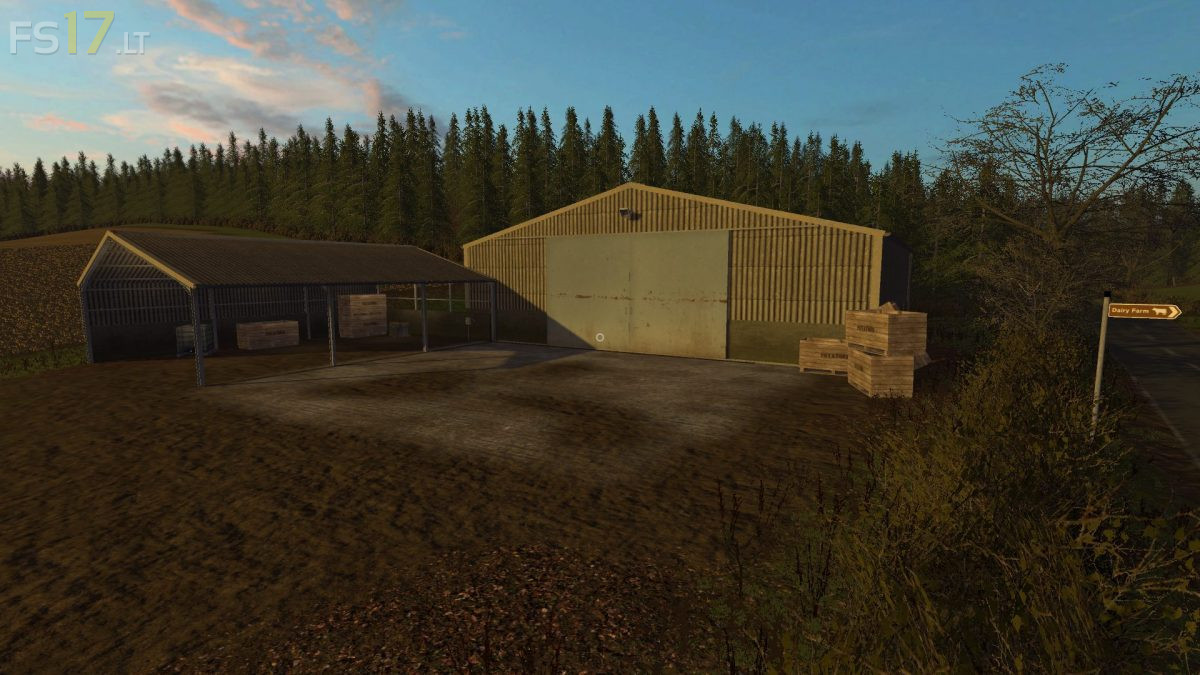
– Custom crop, ground, and foliage textures, 6 separate farms, several small storage yards and multiple Sell points.
– Muck out your Cattle shed to keep it clean. Public Footpaths to enjoy walking the map.
– Plenty of forestry areas, plus smaller woodlands for you to cut down as well as a sawmill
– Challenging terrain, Animated Gates, Doors, and Lights.
– Brand new sky textures, Multi Terrain Angle added, and fully optimized for Seasons Mod.

Credits:
BulletBill83

How to install FS17 mods?

Firstly find a mod which you like and want to download. Then download a mod to your PC. Mods are usually in .zip format file. But sometimes it can be in .rar. If a mod file is a .zip format no needed additional actions. If a file is in .rar, then you must unarchive mod with software like WinRar or Zip7. Windows 10 users no need to use software for archives, Win10 itself has a feature to unarchive files.

The next step is to find mods folder in your PC. Usually, it is in Documents/My Games/Farming Simulator 17/2017. Open the "mods" folder and put downloaded .zip archive or unarchived .rar file to this folder.

Last step. Enjoy of FS17 mods!

3 thoughts on “The West Coast Map v 1.0

  • BESTTRUCKER498 says:
    2017-09-06 at 01:07

    Is it going to be compatible for xbox one/ps4 BulletBill83

  • blens93 says:
    2017-09-07 at 09:44

    Yes it is

  • Jean-Noël Goutte says:
    2017-10-29 at 18:52

    i+down+loader+the+mods+with+pleasure+but+if+hadrien+the+bad+surprise+not+to+fond+it+does+not+appear+anvwhere

Leave a Reply

Your email address will not be published. Required fields are marked *