

TLX Rear Fenders Pack v 1.0

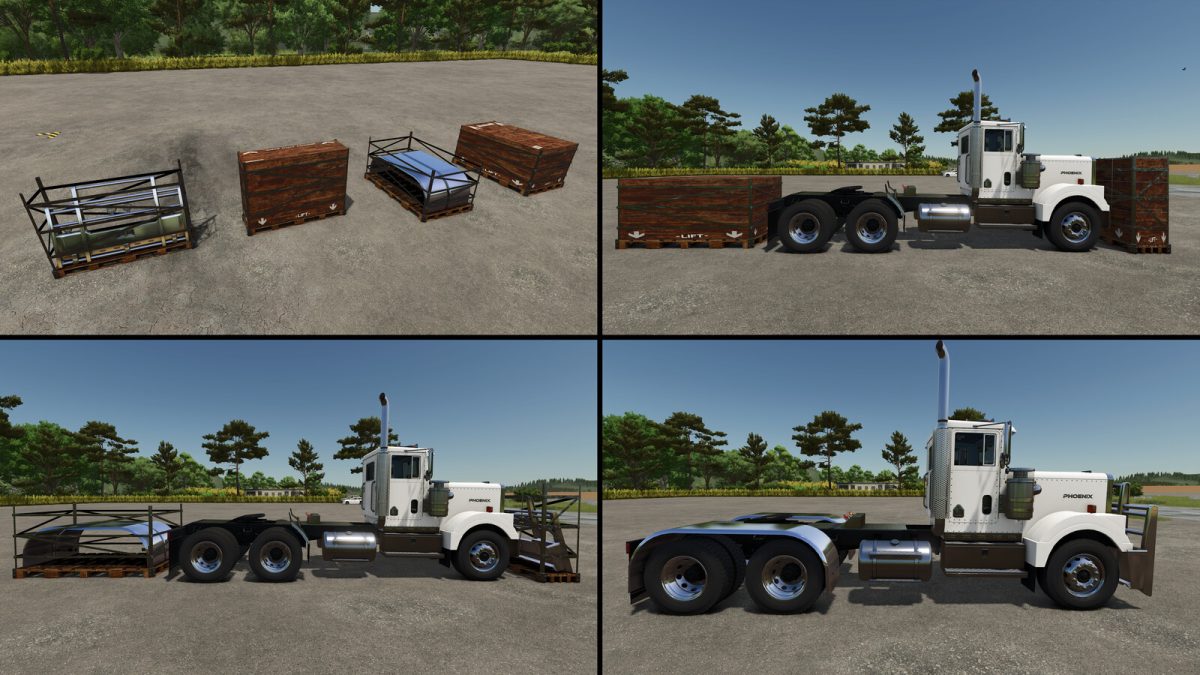
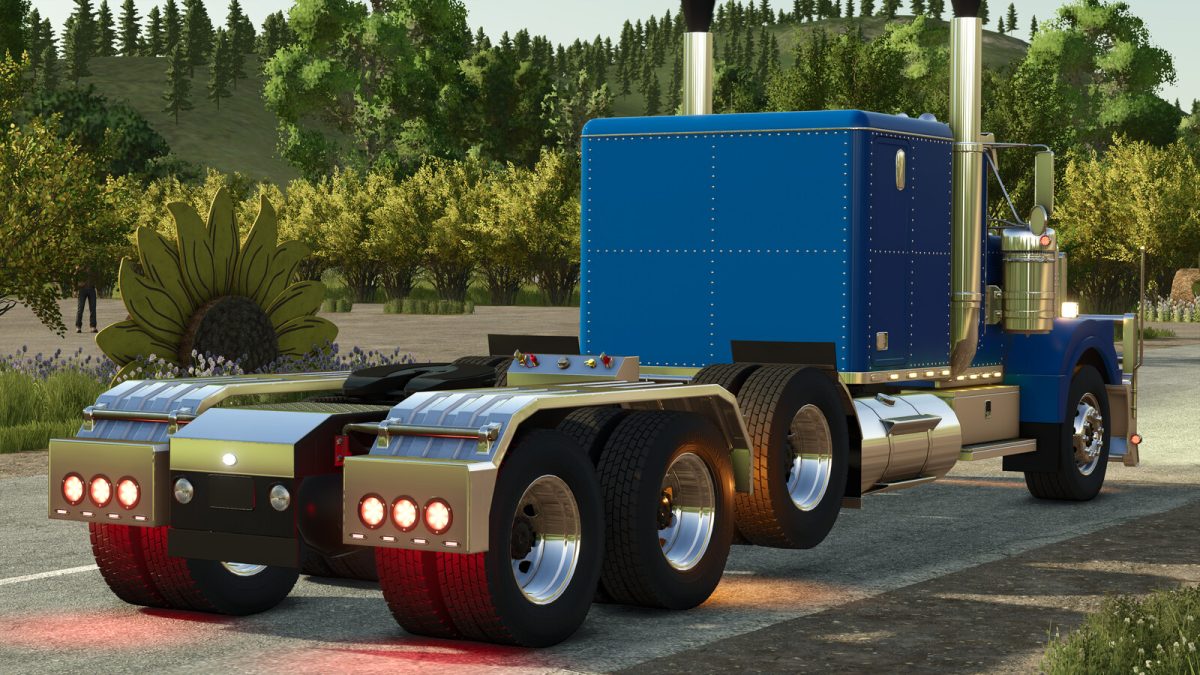
TLX Rear Fenders Pack v 1.0
The TLX division by LIZARDMOTORS changes the way to customize its vehicles by releasing packs of content for them.
The current pack contains a set of rear fenders to customize your semi, if you want! Ride it with the regular look until you decide it! Or build a LIZARDMOTORS TLX Dealership! The choice is yours!
Included in the Pack:
TLX Full Fender 1:
– Chickenligths or markers (yes/no)
Price: 4100$
TLX Full Fender 2:
– Chickenligths or markers (yes/no)
Price: 4100$
TLX Half-Fender:
– Chickenligths or markers (yes/no)
Price: 2950$
TLX Split Twin Fender:
– Chickenligths or markers (yes/no)
Price: 4600$
TLX Off-Road Fender:
– Chickenligths or markers (yes/no)
Price: 2500$
TLX Heavy-Duty Fender:
– Chickenligths or markers (yes/no)
Price: 3800$
TLX Simple Mudguard:
Price: 1100$
All fenders are adjustable in position (height and front-back) and also in width so it always match your truck.