

Toyota Land Cruiser VDJ76 v 1.3

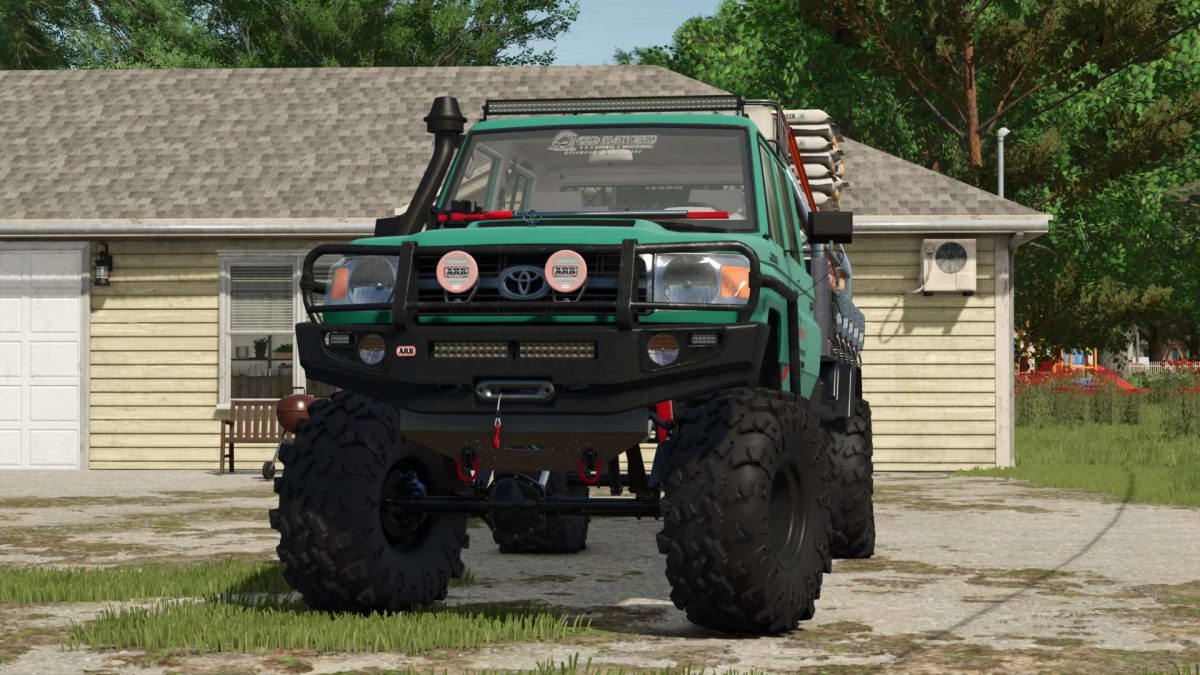
Toyota Land Cruiser VDJ76 v 1.3
About the mod:
– Power: 235/315 hp
– Speed: 180 km/h
– Fuel tank capacity: 80 l
– Cost: 31200 €
– Selectable body сolor
– License plate configuration
– The choice of bumper
– Selection of the body variant
– Selection of wheels
– Animated dashboard
– Working lighting equipment
– Working mirrors
– Leaves traces
– Gets dirty and washable
– Passenger support
Version 1.3:
* Added working winch
* Improved visualization of fastening belts
* Improved rear mudguards
* Improved dashboard animation
* Improved and partially optimized model. New materials. Model weight reduced by more than 80k polygons
Credits:
The Expendables, GDNfix