

Tractor Terrain Dynamics v 1.0.3.0

Tractor Terrain Dynamics v 1.0.3.0
TTD — Tractor Terrain Dynamics v2.9
Equipment physics, not a mud mod. No settings — everything works automatically.
What is it?
TTD changes equipment behavior based on weather, ground type, moisture, tire wear and tire pressure.
Ground is not the goal — it’s a condition. The tractor is the main character. Wet field — less grip. Plowed soil — more resistance. Asphalt — everything is easy. Just like in real life.
What you get:
Weather affects your work: rain — field becomes soft, dry — everything is stable
Ground type changes physics: 17 types from asphalt to plowed field
Equipment feels different: tracks, duals, wide tires — everything matters
Transmission works realistically: holds gears under load
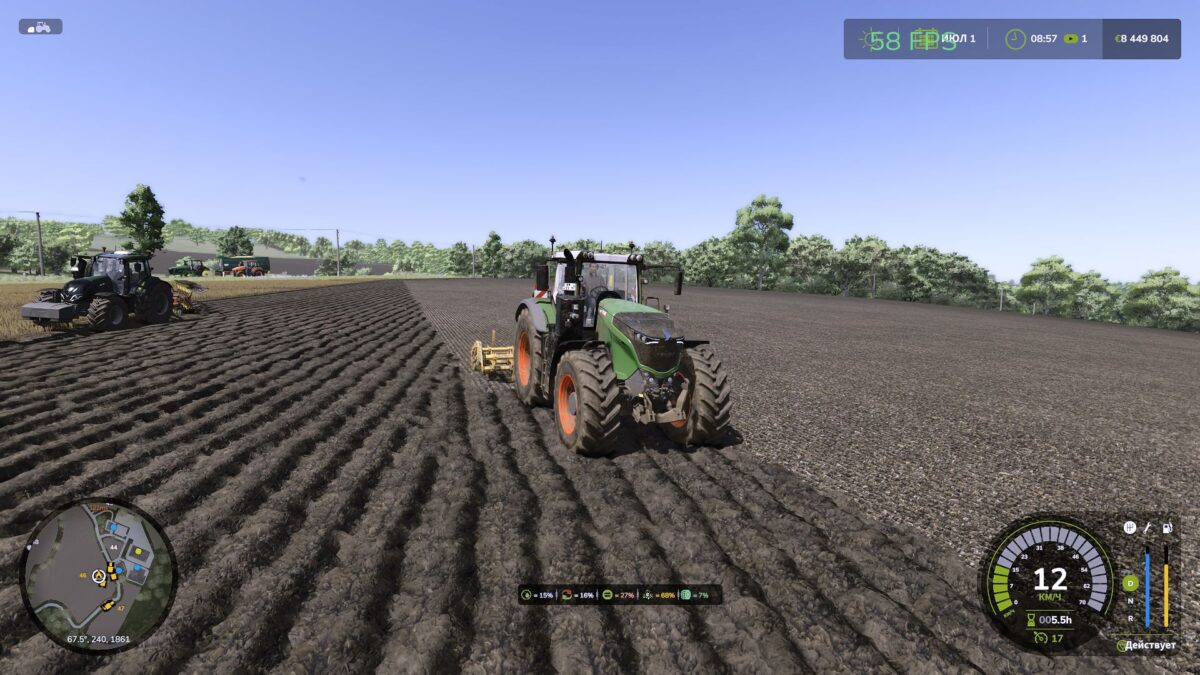
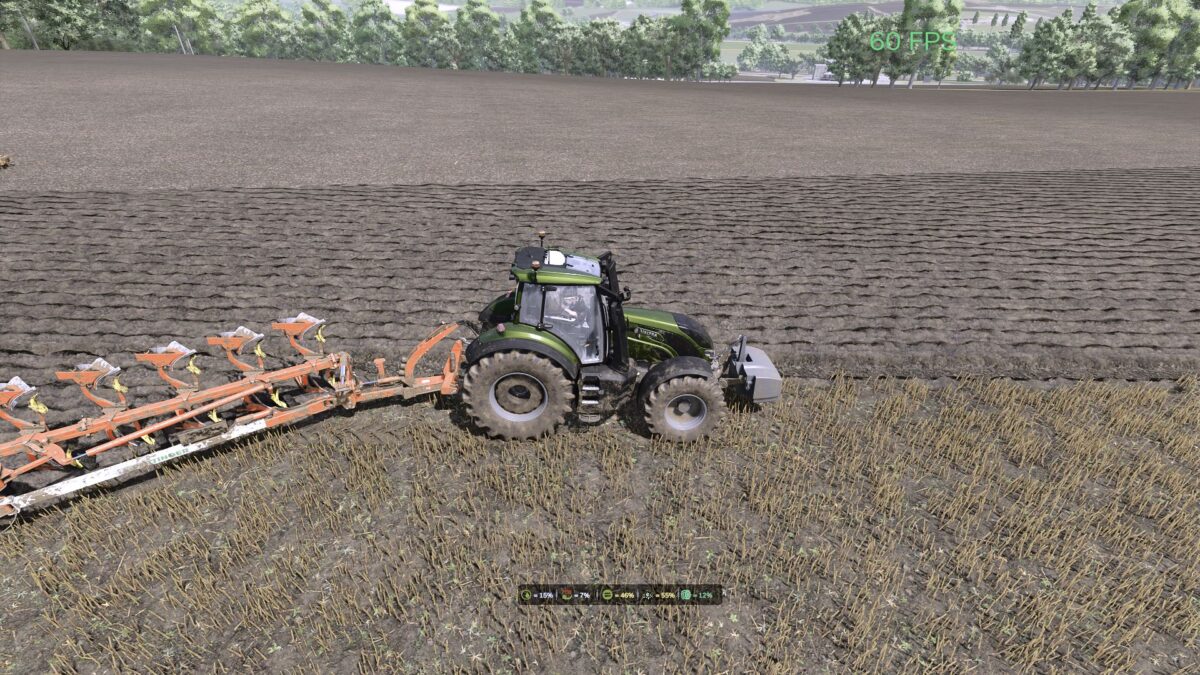
HUD shows moisture, grip and resistance
Multiplayer: synchronization is in the code
Important to understand:
TTD does not add wheelspin “on demand”. Wheelspin is the result of conditions: wet field, tire wear (if UYT is installed), sharp start or too high speed. If the tractor is new, tires are new, weather is dry — you won’t notice any difference. TTD simply makes physics honest and predictable.
Compatibility:
Tire Pressure — tire pressure management with auto mode
UseYourTyres — tire wear affects grip
More Realistic — for maximum hardcore experience
Everything that happens is the result of your decisions, weather and ground.
The mod archive includes a full manual with physics description and author contacts.
Version 1.0.3.0:
* Multiplayer support enabled mod now fully works on dedicated servers
* Fixed moisture behavior when game time is paused
* Fixed tyre wear synchronization between server and clients
* Fixed ground type detection reliability
* Fixed manual all pages now display correctly
* HUD: new icon order moisture, sink, grip, resistance, tyre wear
* HUD: sink (wheel sinking) now displayed instead of season
* HUD: grey tyre icon “NA UYT” when UYT mod is not active
* Physics: ground resistance now depends on wheel sinkage, not directly on moisture
* Physics: wheel slip now depends on sinkage, tyre type and tyre wear
* Physics: reduced ground resistance for stubble, cultivated stubble, post-harvest and other post-harvest field types
* Physics: maximum wheel sinkage increased to 25% (was 20%)
* AI: wheel sinking now works when AI is driving
* Improved overall network performance