
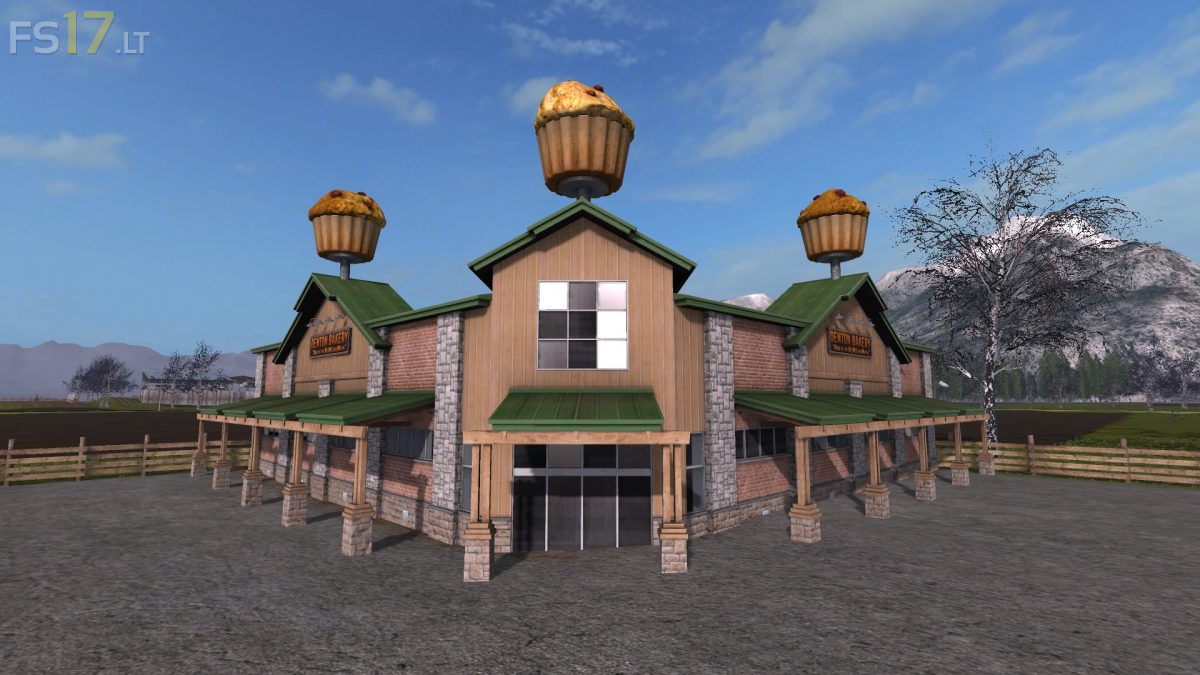
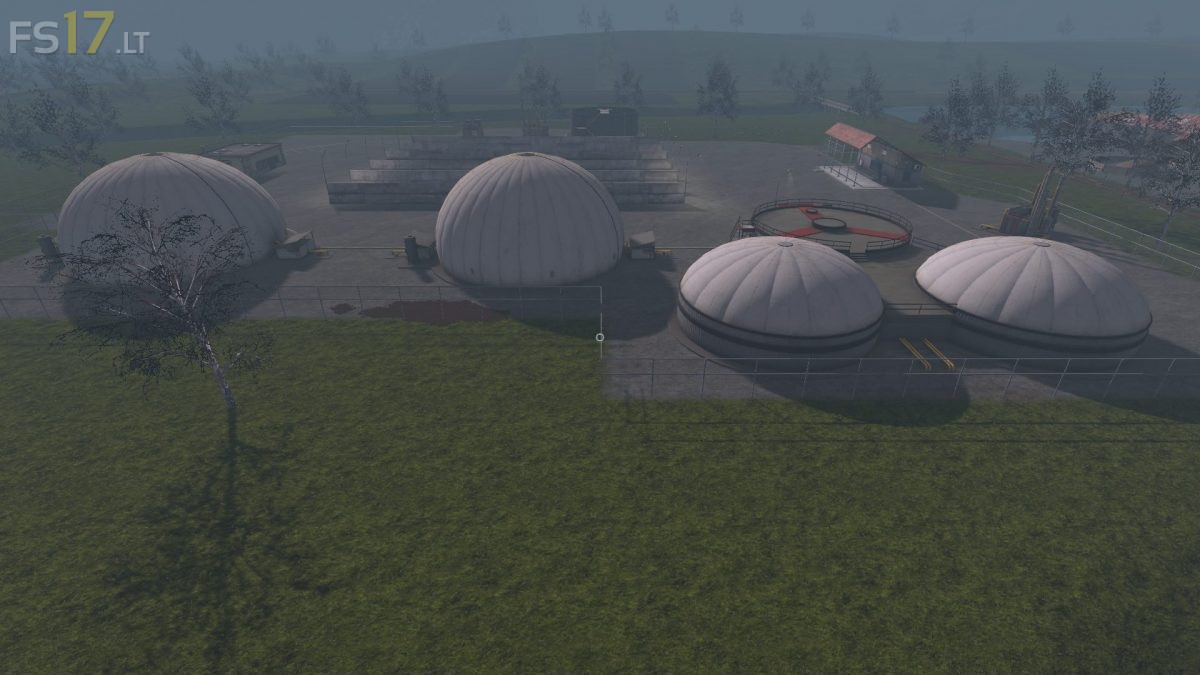
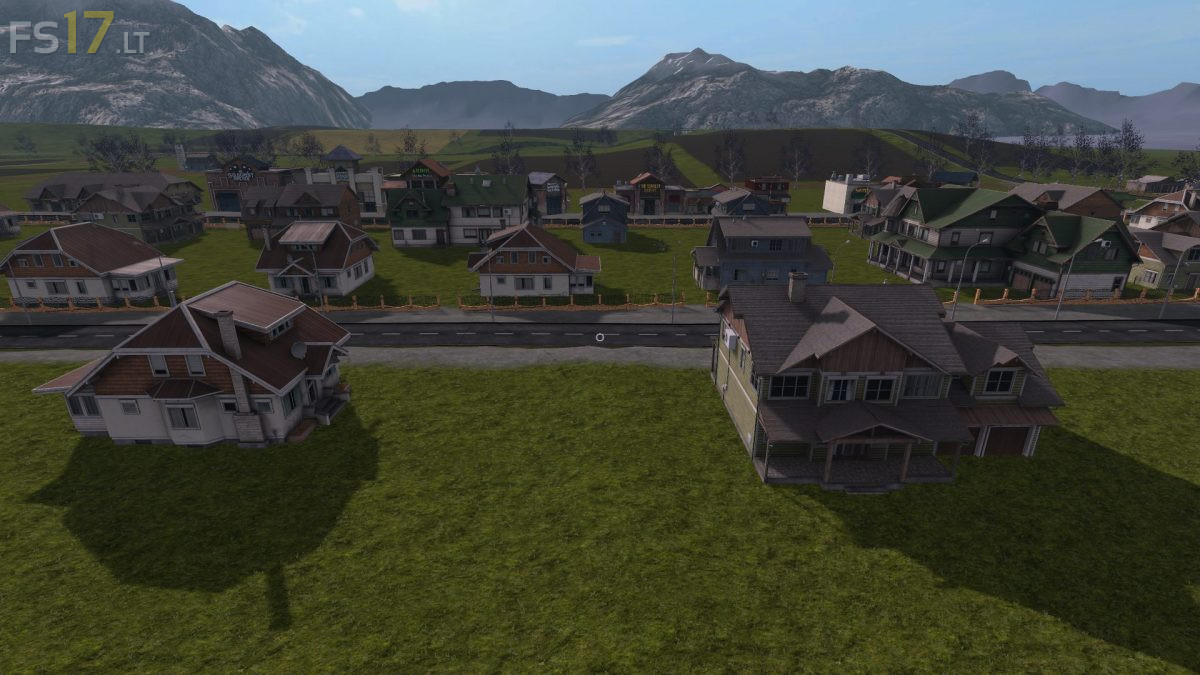
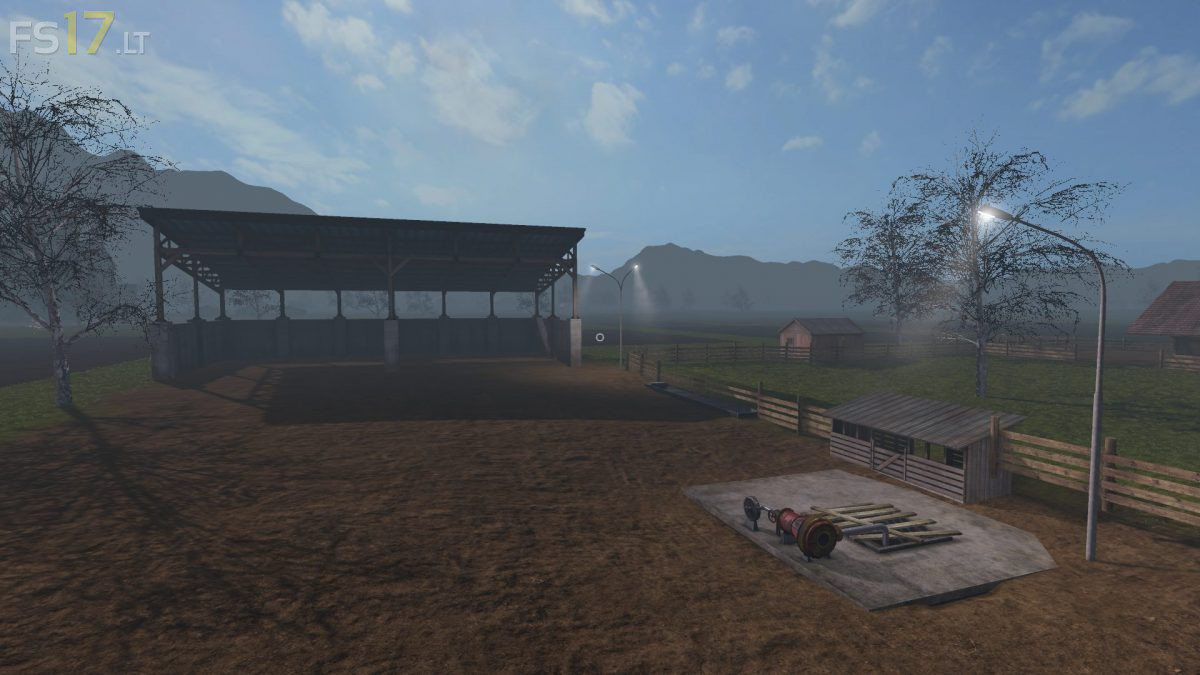
Trakya Map v 4.0
Trakya Map v 4.0
Version 4.0:
* Corrected Errors
* Corrected Fruit error
* Corrected Field level
* Added Spline
* Added new Fruits
* Added a few more Features
* Changed Places of Objects
Version 4.0:
* Corrected Errors
* Corrected Fruit error
* Corrected Field level
* Added Spline
* Added new Fruits
* Added a few more Features
* Changed Places of Objects
How to install FS17 mods?
Firstly find a mod which you like and want to download. Then download a mod to your PC. Mods are usually in .zip format file. But sometimes it can be in .rar. If a mod file is a .zip format no needed additional actions. If a file is in .rar, then you must unarchive mod with software like WinRar or Zip7. Windows 10 users no need to use software for archives, Win10 itself has a feature to unarchive files.
The next step is to find mods folder in your PC. Usually, it is in Documents/My Games/Farming Simulator 17/2017. Open the "mods" folder and put downloaded .zip archive or unarchived .rar file to this folder.
Last step. Enjoy of FS17 mods!
yer açma neden yok pulluk la sürüm bile yapılmıyor küçük tarlayı birleştirmek istedim pulluk işlemiyor saçma