

Tyrolean Alpine World Map v 1.0

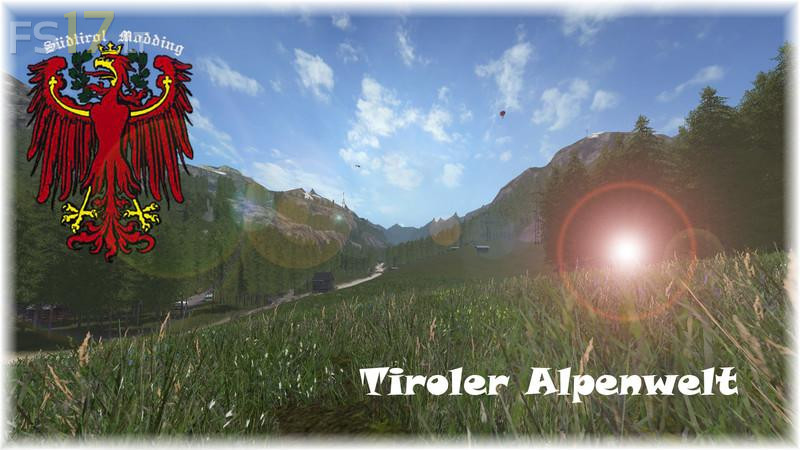
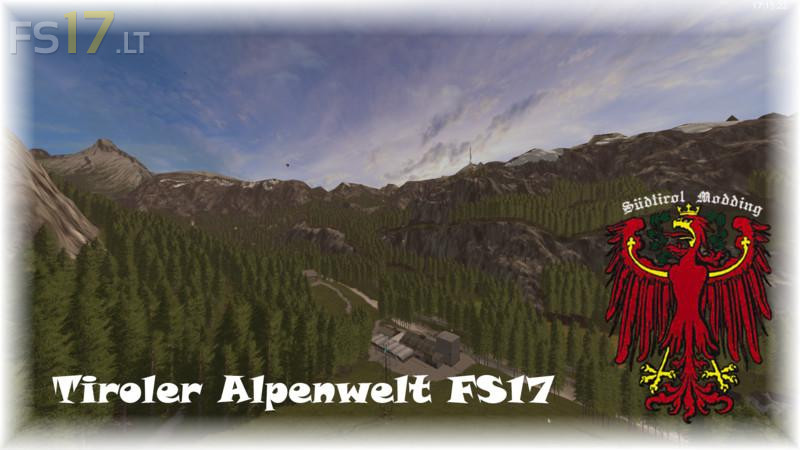
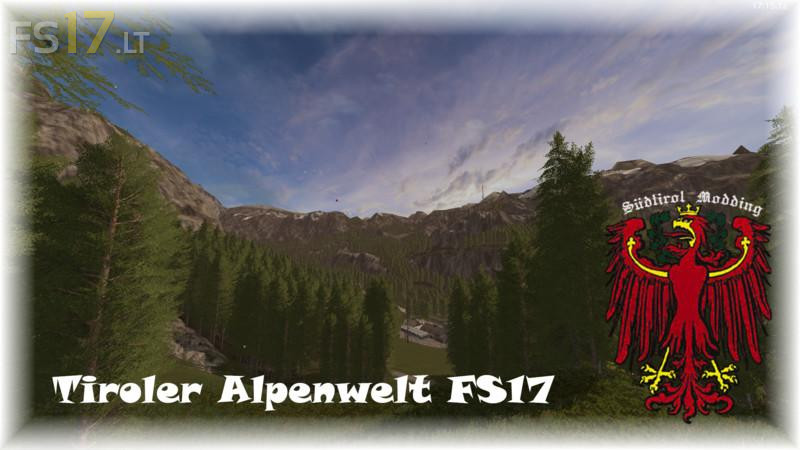
Tyrolean Alpine World Map v 1.0
– Fruits: wheat, barley, rape, corn, potatoes, sugar beet, sunflower
– Animals: cows, sheep, chickens, pigs
– Fields: 4 fields from 0.80 ha to 1.20 ha
– Meadows: about 20 meadows of different sizes
– Forests: 10 forests with different sizes from about 50 trees to about 2800 trees and more
– Hay farm at the BGA
– Shopping at Reutenbacher Reiterhof
– Meadows are all fertile
– Firewood fabik and board factory
– Very much forest that can be cleared
– Very many interactions like siren, bell etc
– Many animated objects such as airplane, helicopter, butterfly, etc
– Animated persons and animals (Tyrolean, dog, cat, horse, etc.)
– All doors can be opened with the left mouse button. Some gates are timed, the opening times can be seen on the signs at the respective gates
– Water triggers are installed at all wells on the map
– You can choose between 10 forests of all sizes what you want to cultivate
Test Video Review HD1080 60fps: https://youtu.be/RFFeXpDQPqI