

UAL Marshall BC / 32 v 1.0

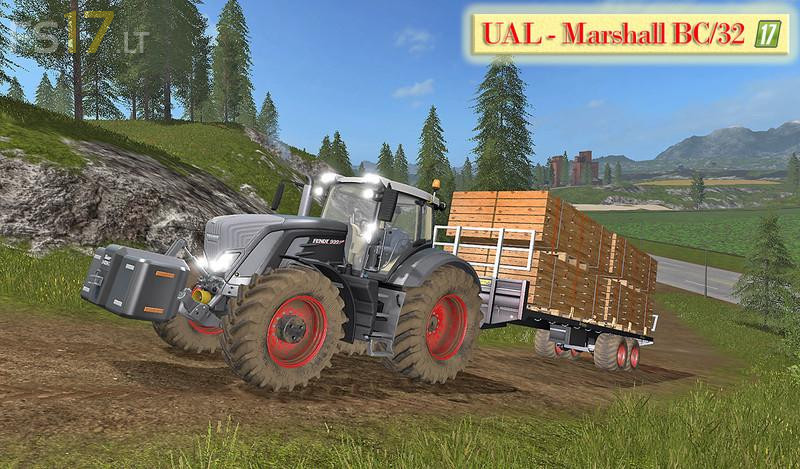
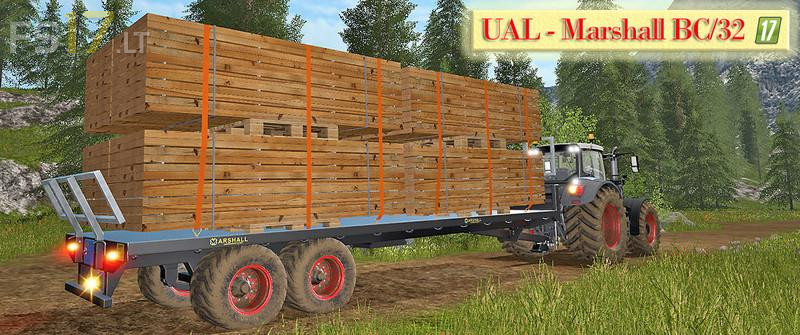
UAL Marshall BC / 32 v 1.0
UAL Marshall BC / 32 – boards optimized (Beta version)
Changelog of the UAL Marshall BC / 32 – Bretter-Paletten optimized (The Mod was extensively tested in the SP and on the Dedi and the log is error-free):
* Boards for the sawmills added or optimized.
* Automatic loading of bales, pallets and boards.
* UAL trigger widened, so you do not have to go so close to charging.
* Worker extension wider tires.
* Factory extension colored rims.
* Loading area widened.
* Unloading marking blue colored and the white background removed, thus it acts properly noble.
* Unloading page selectable
* Washable, tire dust, unloading side selectable.
* Illumination (reversing light, tail light, turn signal, brake light, all-round warning light).
* 100% Multiplayer and Dedi compatible.
Love+the+mod+but+I+can’t+seem+to+install+it+for+some+reason