
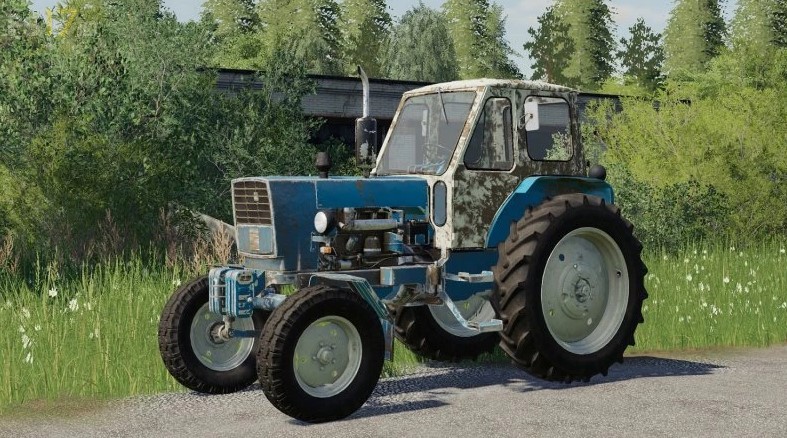
UMZ Pack v 1.0.0.1
About the mod:
The Mod includes:
– UMZ-6L
– UMZ-6L EO-2621
– UMZ-6L Grapple
– UMZ-6KL
– UMZ-6KL Grapple
– Equipment
Configurations:
– Colors
– Counter Weights
– Hood
– Front Wings
– Footrests
– Mirrors
– Air Filter
– Loader
– Wheels
Credits:
Max1985, Tornado, Nickel77, Clondike, Mtz-2l, ANDREI1994, Сергей Шумарин
How to install FS17 mods?
Firstly find a mod which you like and want to download. Then download a mod to your PC. Mods are usually in .zip format file. But sometimes it can be in .rar. If a mod file is a .zip format no needed additional actions. If a file is in .rar, then you must unarchive mod with software like WinRar or Zip7. Windows 10 users no need to use software for archives, Win10 itself has a feature to unarchive files.
The next step is to find mods folder in your PC. Usually, it is in Documents/My Games/Farming Simulator 17/2017. Open the "mods" folder and put downloaded .zip archive or unarchived .rar file to this folder.
Last step. Enjoy of FS17 mods!