

Universal Rake Control v1.0

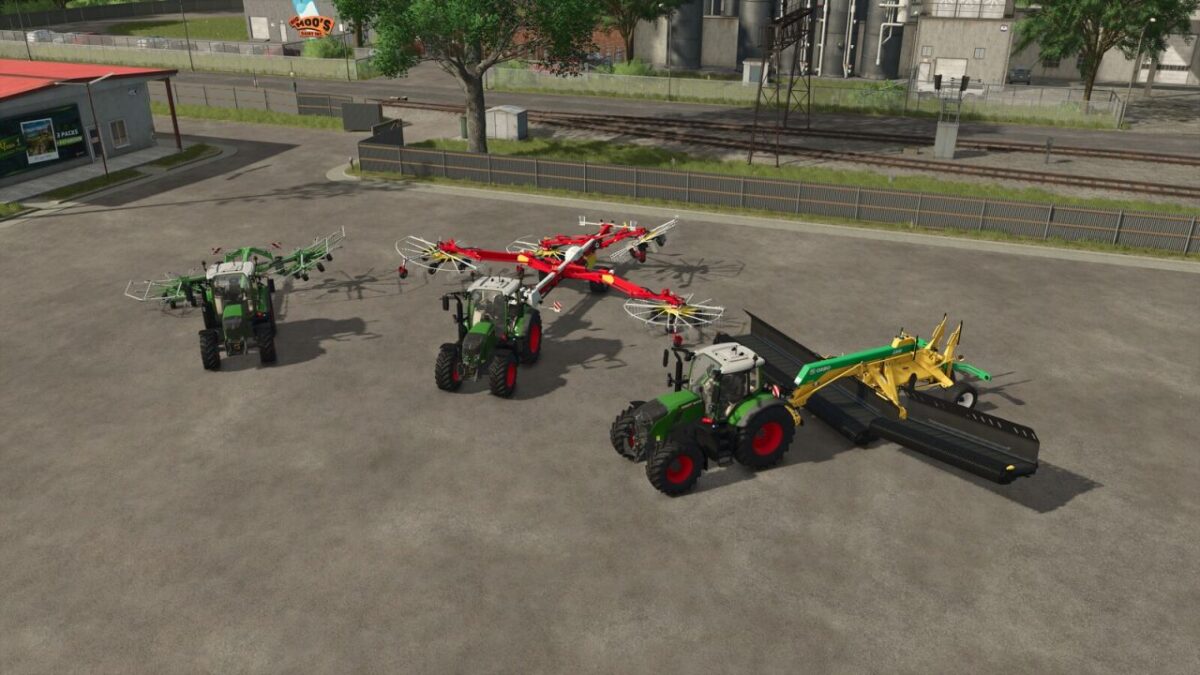
Universal Rake Control v1.0
Universal independent section control for compatible rotary rakes and belt rakes in Farming Simulator 25.
Four-section machines:
J – front left
K – both front sections
L – front right
N – rear left
M – both rear sections
, – rear right
Two-section machines:
J – left
K – both sections
L – right
The normal key for lifting and lowering the complete machine remains available.
The mod uses the machine’s existing animations and controls the corresponding work areas and effects. A rake is only considered fully lifted when all controlled sections are raised. As long as at least one section is lowered, the machine remains in working state and keeps its working-speed behavior.
Opposite section movements are handled sequentially when required to avoid animation jumps. Section states are saved and synchronized in multiplayer.
Only compatible machines with a suitable standard Foldable/AnimatedVehicle setup are supported.