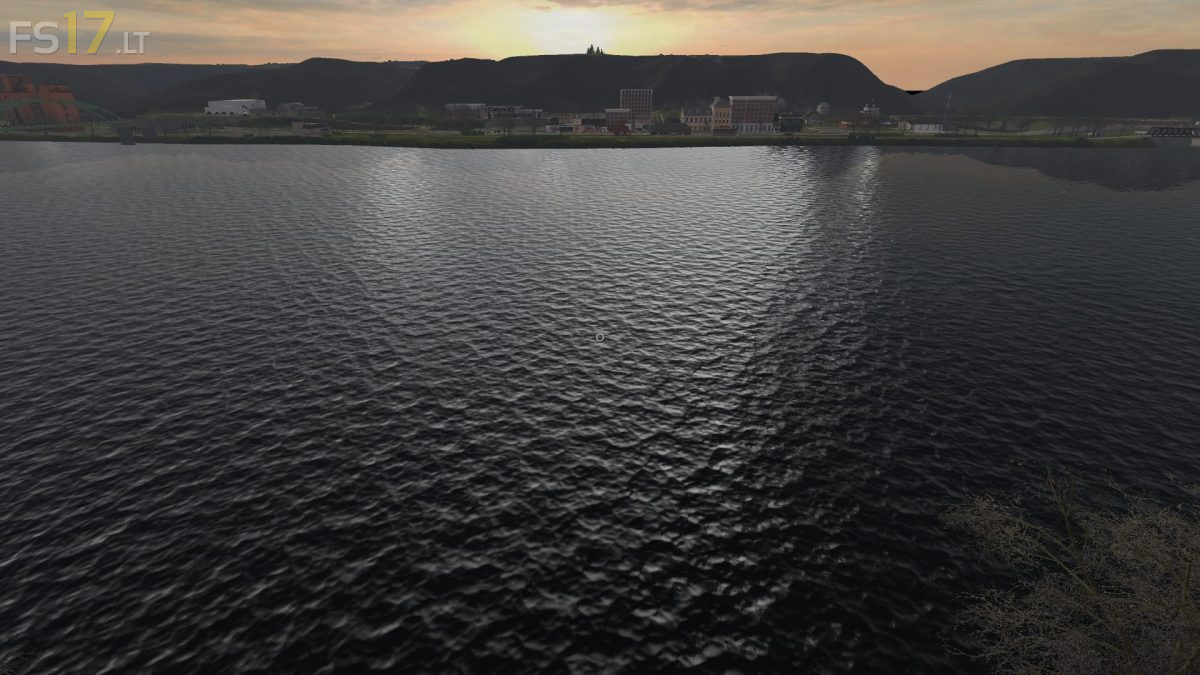
Upper Mississippi River Valley Map v 2.0 BETA
About the mod:
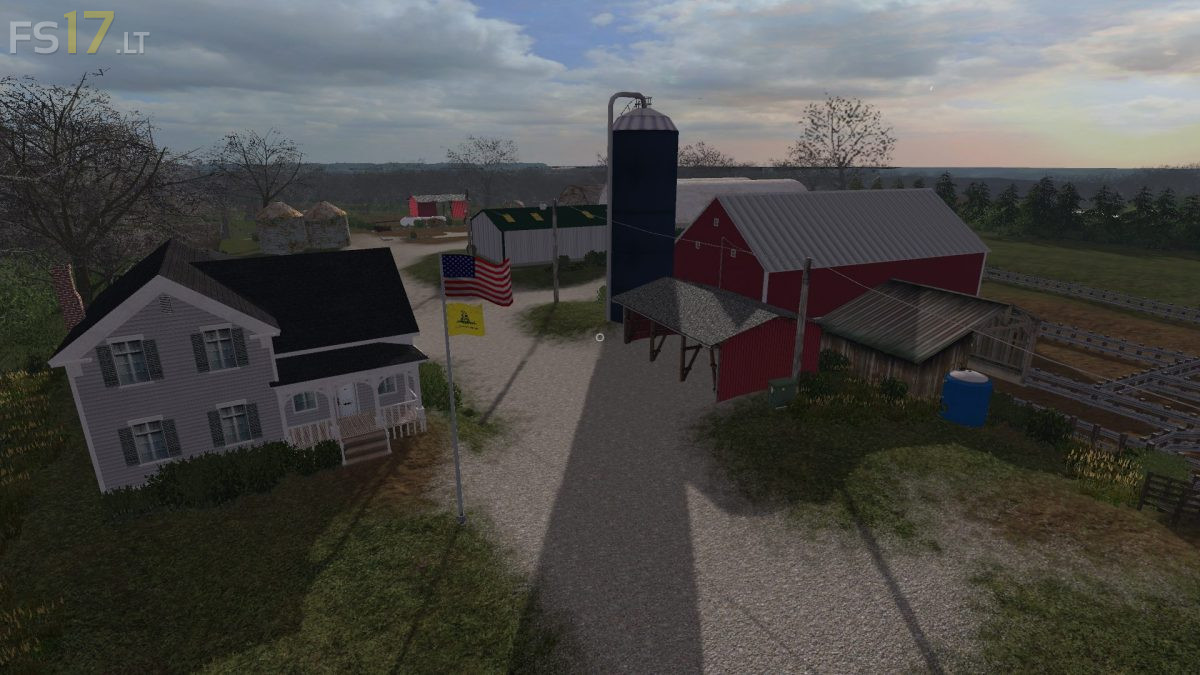
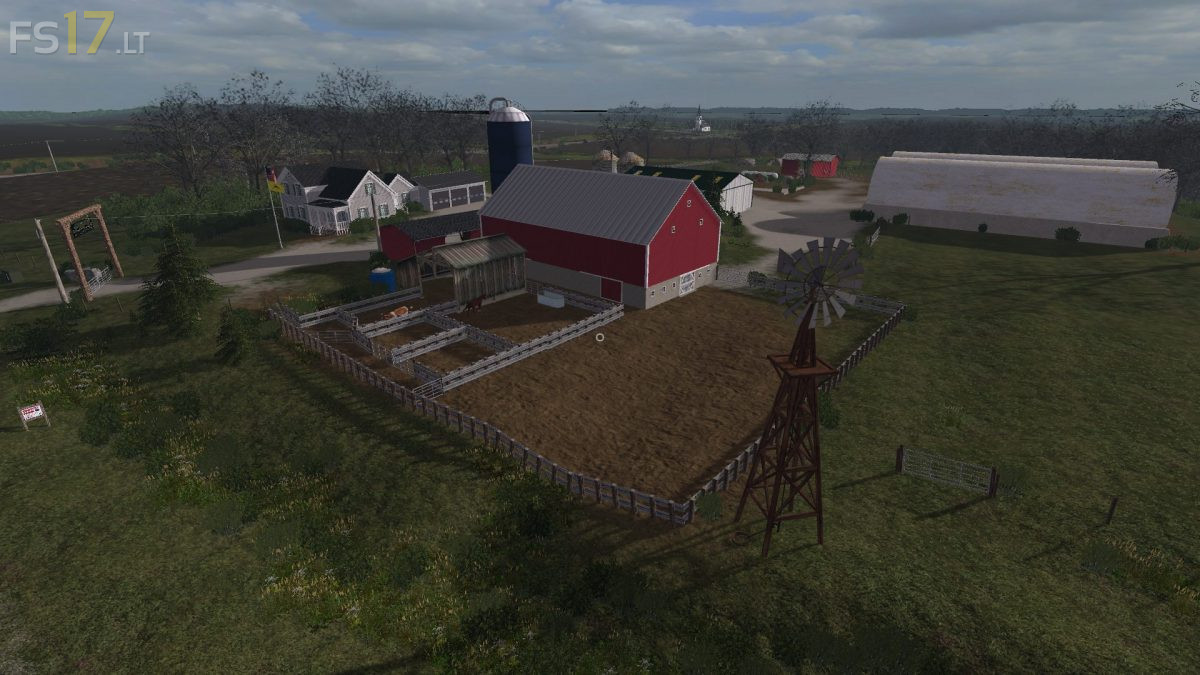
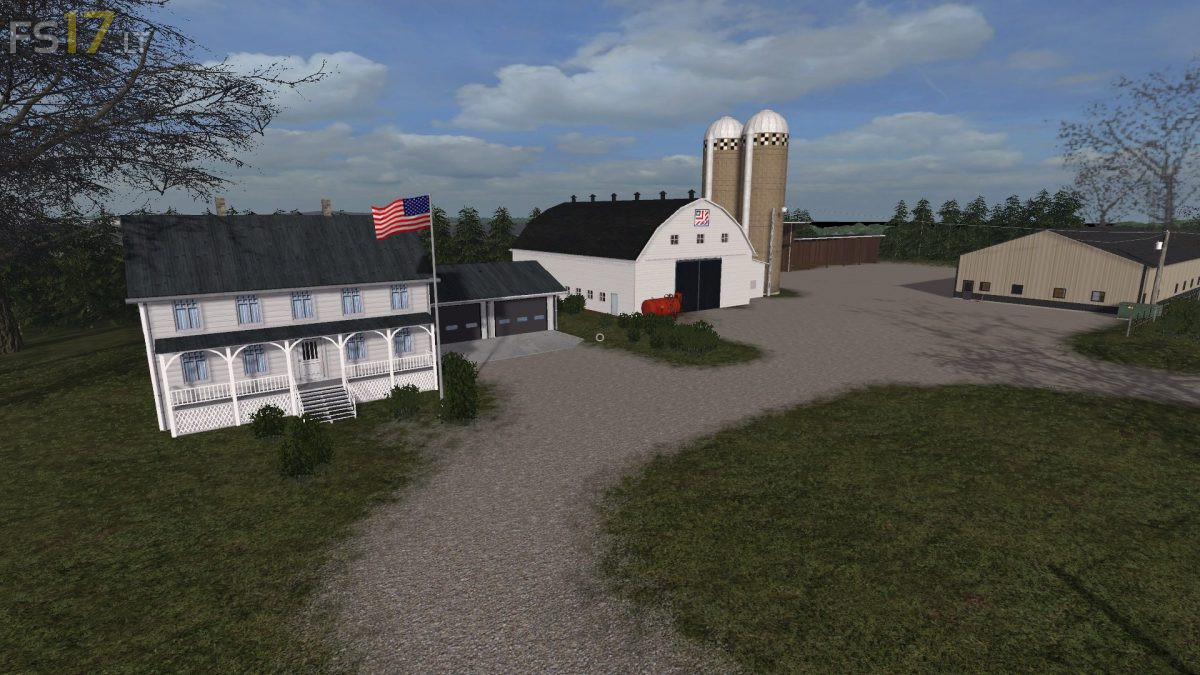
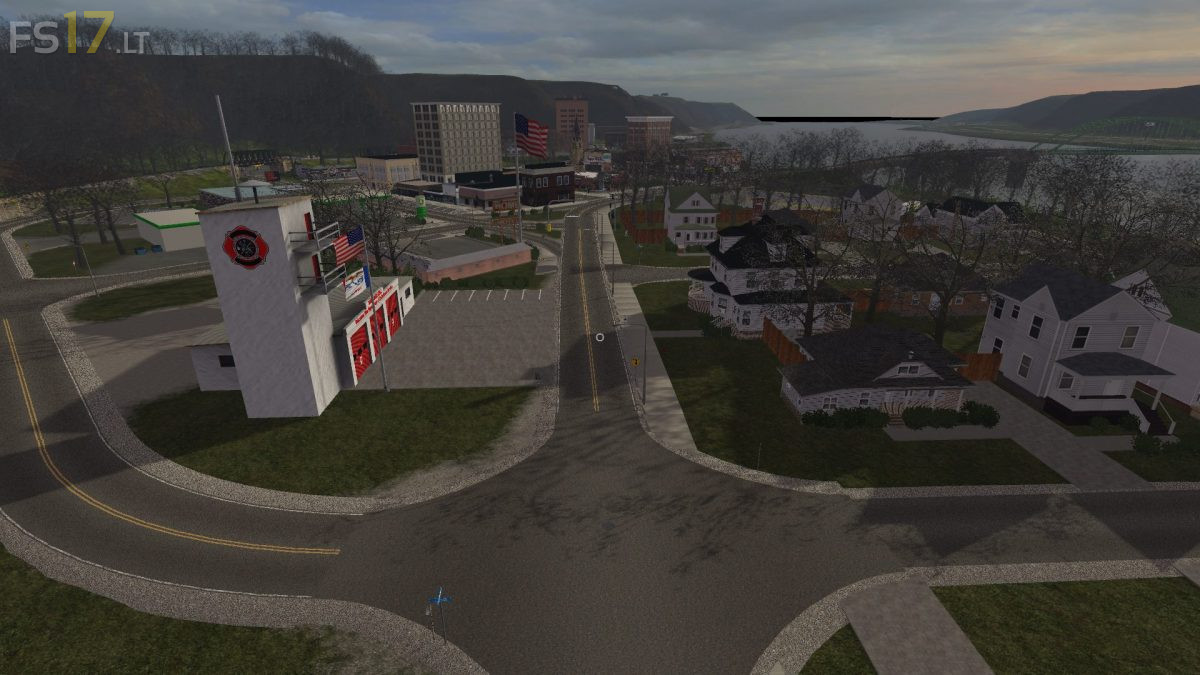
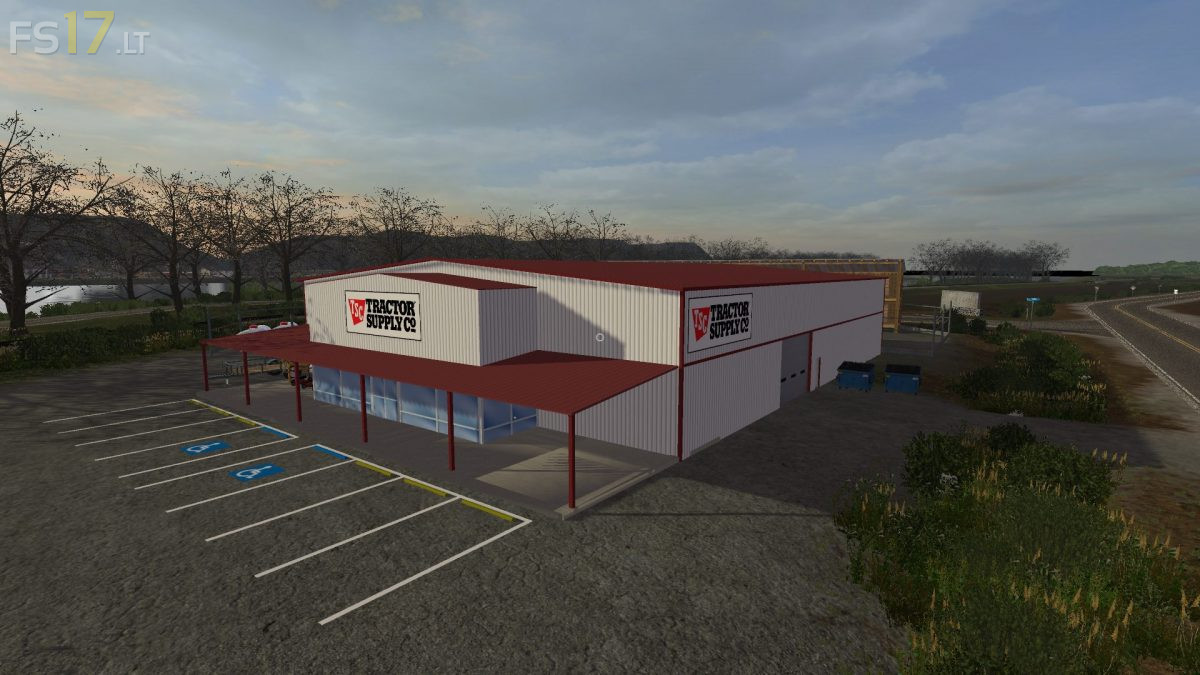
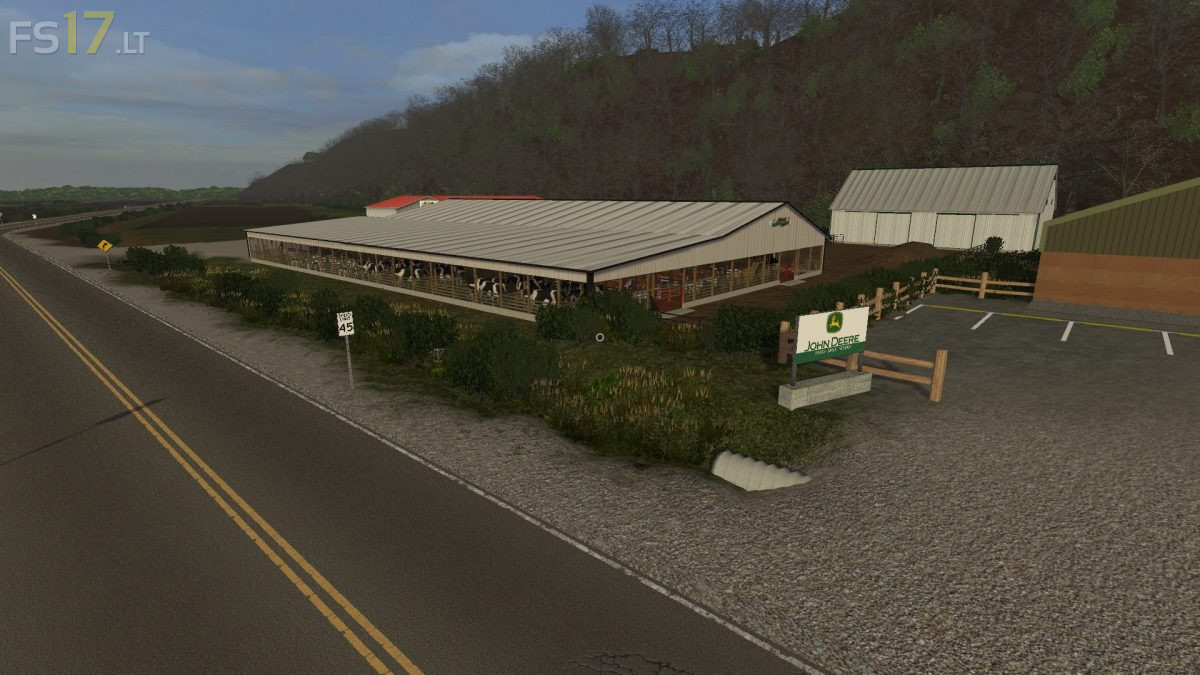
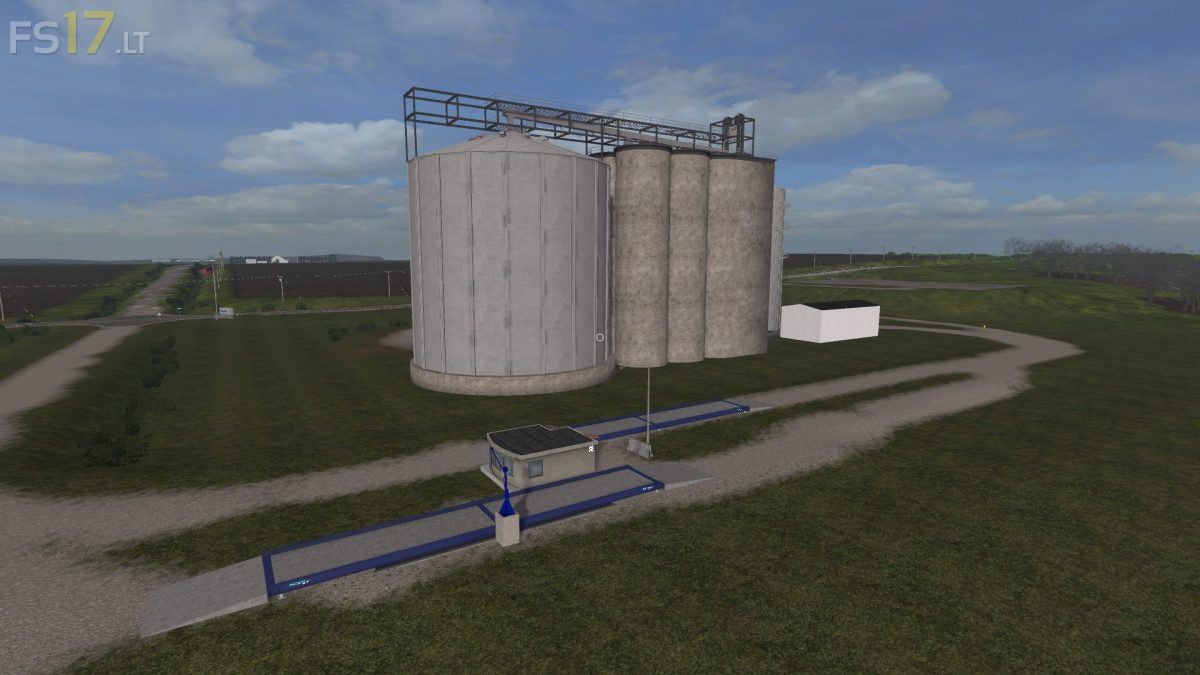
Upper Mississippi River Valley Map for Farming Simulator 2017.
Credits:
DRModding
How to install FS17 mods?
Firstly find a mod which you like and want to download. Then download a mod to your PC. Mods are usually in .zip format file. But sometimes it can be in .rar. If a mod file is a .zip format no needed additional actions. If a file is in .rar, then you must unarchive mod with software like WinRar or Zip7. Windows 10 users no need to use software for archives, Win10 itself has a feature to unarchive files.
The next step is to find mods folder in your PC. Usually, it is in Documents/My Games/Farming Simulator 17/2017. Open the "mods" folder and put downloaded .zip archive or unarchived .rar file to this folder.
Last step. Enjoy of FS17 mods!



Meus+parabens+ao+criador+mapa,+um+dos+melhores+muito+criativo+em+detalhes+de+erosão+e+realidade+uma+Americano+Nativo+Parabens
can+you+add+traffic
Can++you+make+it+so+u+can+drive+boats+in+the+river++and+the+ponds
How does one obtain this for PS4?
sem, dúvidas o melhor mapa em qual já joguei o fs17. esperando muito a versão final.
you can’t get this mod for console @Jim.