

Ursus 6 Cylinder Pack v 1.2

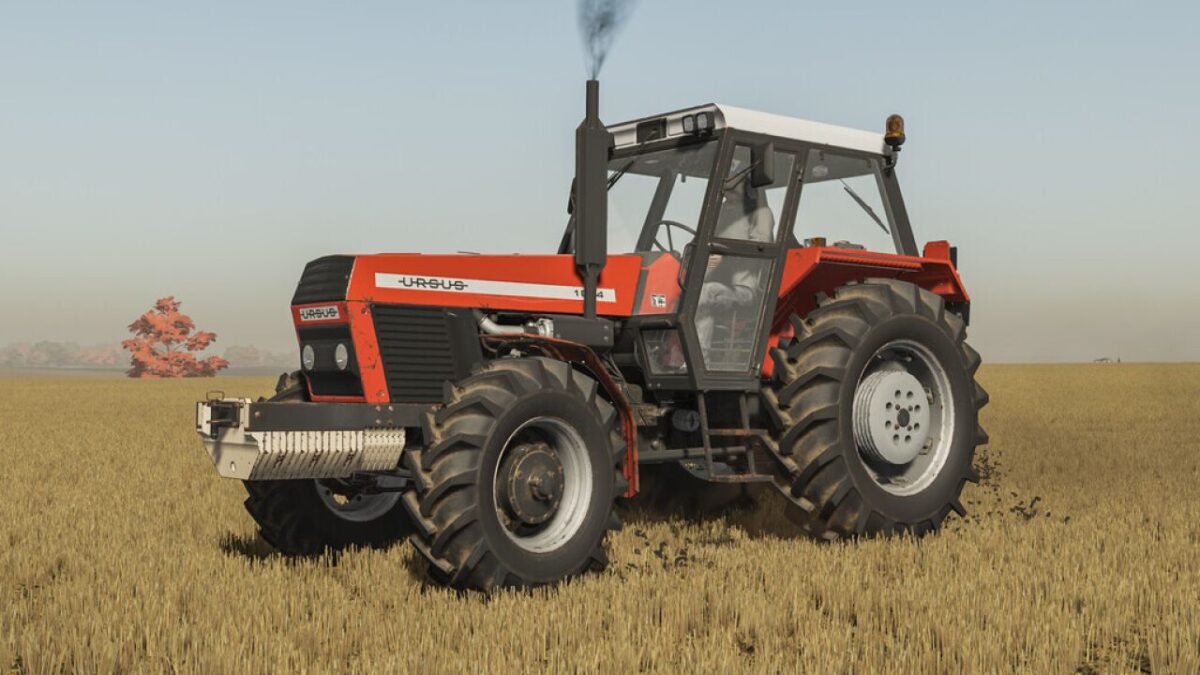
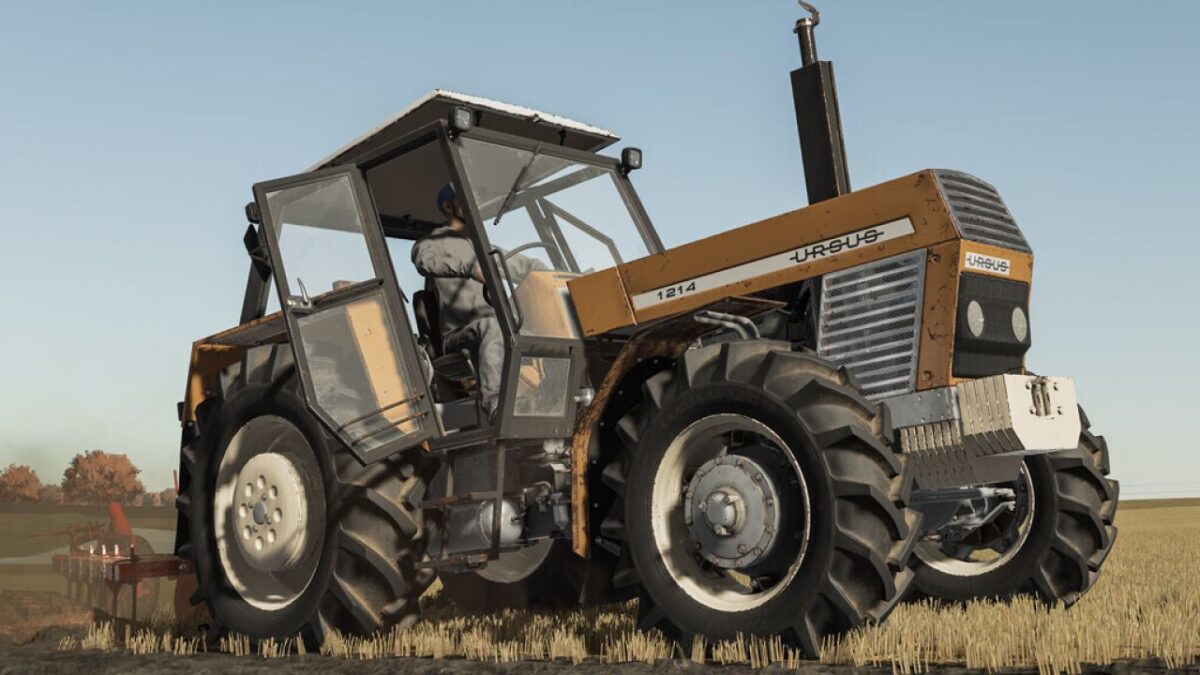
Ursus 6 Cylinder Pack v 1.2
The tractor was developed at the Polish-Czechoslovak Research and Development Center for Tractors in Brno,
then produced at the ZM Ursus plant in Poland in 1984–2009.
Produced in 4857 copies. Many of them still work on Polish farms and in less quantity in many other countries.
Price: 58000 $
Power: 155 hp
Max. speed: 28/38 kph
Configurations:
– Tires
– Transmission
– Decals
– Front weight
– Wheel weight
– Back fenders
– Front fenders
– Mud guards
– Cabine
– Front lights
– Grill
– Back attacher
– Exhaust
– Steering wheel
– Hood
– Frontloader console
– Animations: IC/MC
Color configurations:
– Engine
– Hood
– Fenders
– Cabine
– Grill
– Rims
– Front weight
– Wheel weights
Version 1.2:
* Fixed cocpit shader
* Fixed michelin wheels setup
* Fixed rear window animation
* Added support for FS25 shader for both roofs
* Added roof color configuration
* Fixed rear trailer attacher
* Fixed radio textures (roof 4-12)
* Partially fixed license plate light
* Visual changes are shown on pictures 4-5