

Used Equipment Yards v 1.0.0.2

Used Equipment Yards v 1.0.0.2
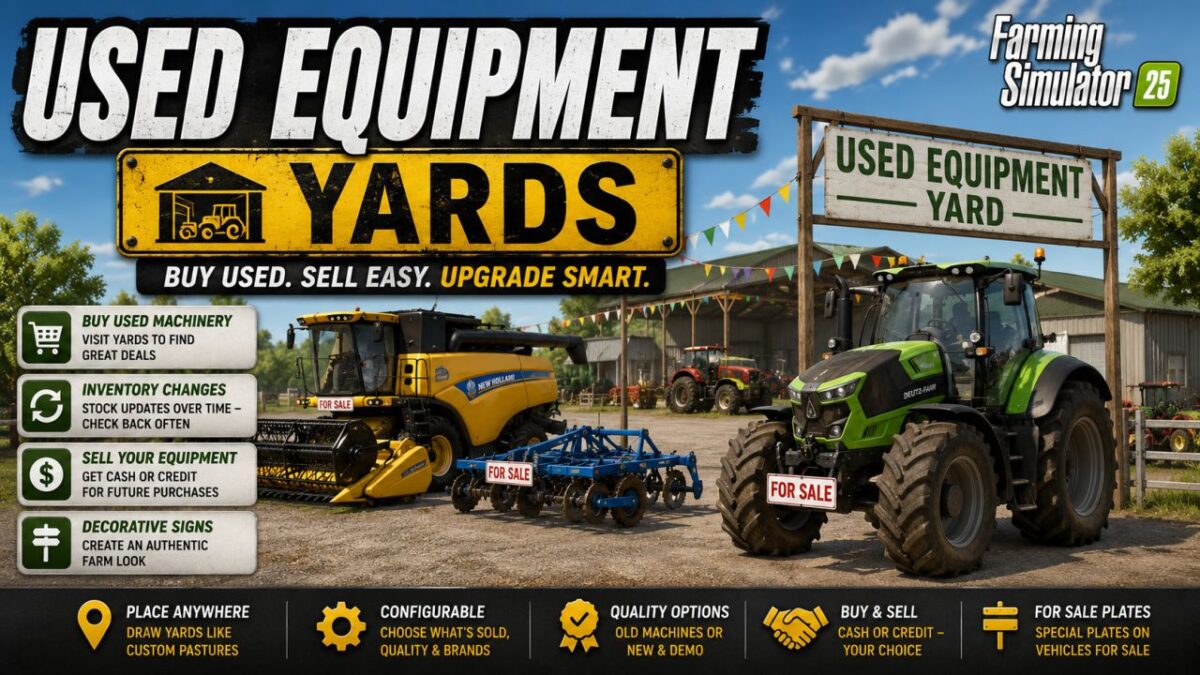
With this mod, you can place yards for used machinery on your map, where you can purchase used vehicles and equipment.
Draw the farms in the same way you define custom pastures.
You can place them anywhere on the map.
Visit the farms in person to see what’s available.
Inventory changes over time, so check back regularly.
There’s no separate menu.
Configure the farms to determine what kind of equipment is sold there—including quality and available brands.
Choose from a range of quality options:
Either represent a used equipment yard with older machines or simulate a dealer’s lot with new or demo vehicles.
Sell your own equipment to the farms—either for cash or as credit to use toward future purchases.
The mod also includes decorative signs to help you create an authentic farm setting.
A huge thank you to Mr Dexxx for these assets!
Vehicles for sale feature special “For Sale” license plates—thanks to Mark Thor for those.
When you draw a farm for the first time, it won’t initially display any listings.
It takes some time for the inventory to be generated; furthermore, you must visit the farm in person
for the items for sale to become visible.
If you want to replenish the initial inventory immediately, you can use the command `ueyResetInventory`.