

Used Vehicle Market App for FarmingOS v1.0

Used Vehicle Market App for FarmingOS v1.0
FARMINGOS – Used Market
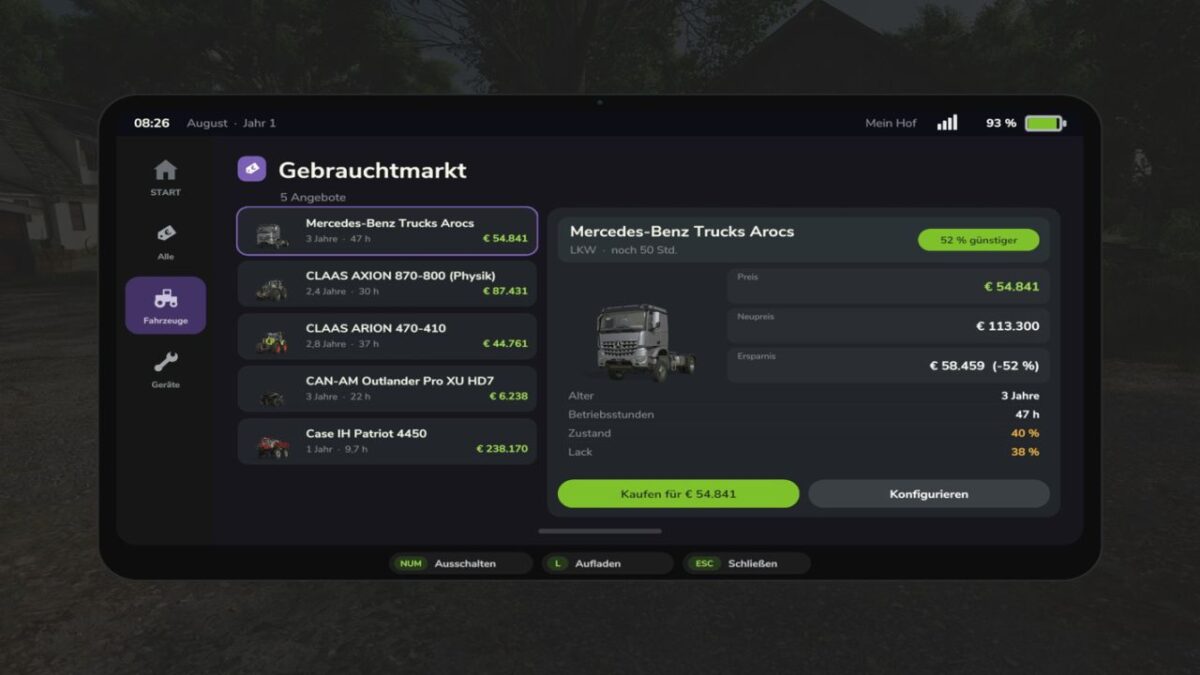
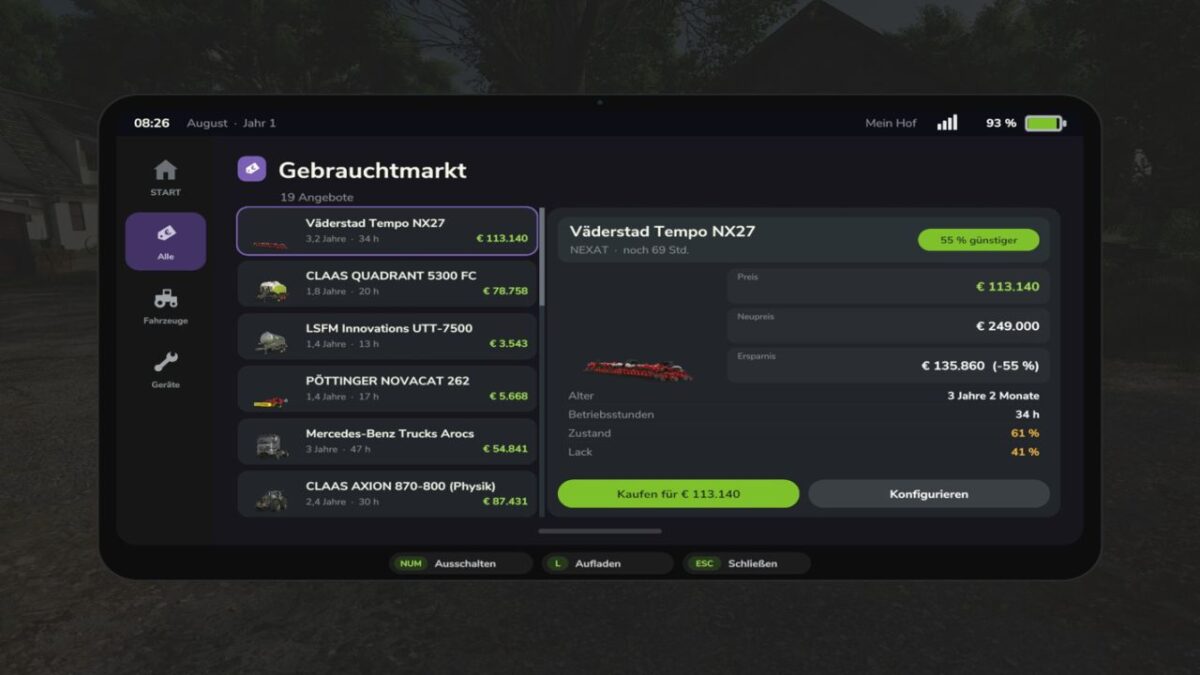
With the FarmingOS Used Market, you can find current used machinery offers directly on your tablet.
Compare offers and see at a glance how much you can save compared to the new price.
FEATURES AT A GLANCE
Used offers: Keep track of available used machines and vehicles.
Offer overview: Offers can be sorted by the amount of savings.
Price comparison: See the current offer price, the new price and the potential savings.
Machine condition: Find out about the age, operating hours, condition and paint wear.
Offer duration: Keep track of how long an offer will remain available.
Buy directly: Purchase a suitable offer directly through the tablet.
Shop configurator: Open the shop configurator for more information if needed.
Notifications: Optionally, you can receive notifications about new used offers.
STANDALONE EXPANSION
The Used Market is an optional expansion for FarmingOS.
It is not included in the FarmingOS main mod and must be downloaded and installed separately.
AVAILABLE LANGUAGES
German, English, French, Polish, Hungarian, Russian and Czech.