

Valley Crest Farm 4x Map v 1.7.4

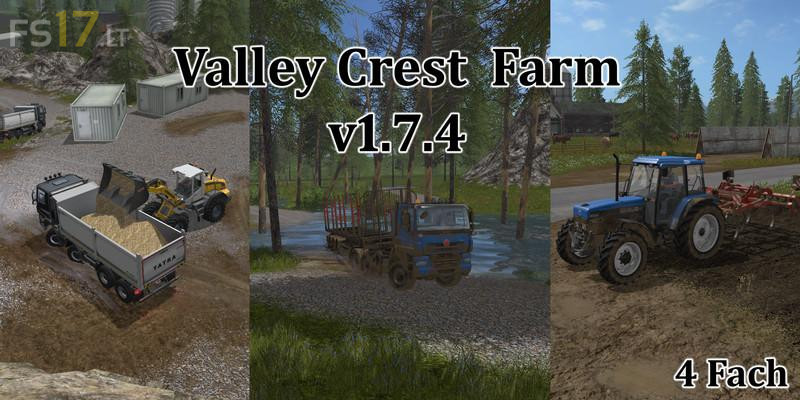
Valley Crest Farm 4x Map v 1.7.4
Version 1.7.4:
* Trees in the air – near farm and fishery
* Sound set – concrete factory, butcher, eggprod
* Inn – edited – Collission – driveway sale
* PDA sales prices – fermentation residues and egg added
* Egg pallets and eggbox can now be sold
* Easter egg – garbage moved
* Cement production – slightly enlarged
* Cement warehouse – passage increased
* Farm silo – shredded goods inserted
* Butchery set – 1 cattle for about 4 pallets of meat
* Fish farming – Palettenspawner postponed – empty palettes before new map is installed
* Butchery – input trigger – optics adjusted
* Building under the surface cleared – butcher, dairy osw
* Signs translated – larger font
* Diesel added to PDA prices
* Diesel sales to gas station in the west added + sign
* Police