

Valley Crest Farm 4x Map v 1.7.5

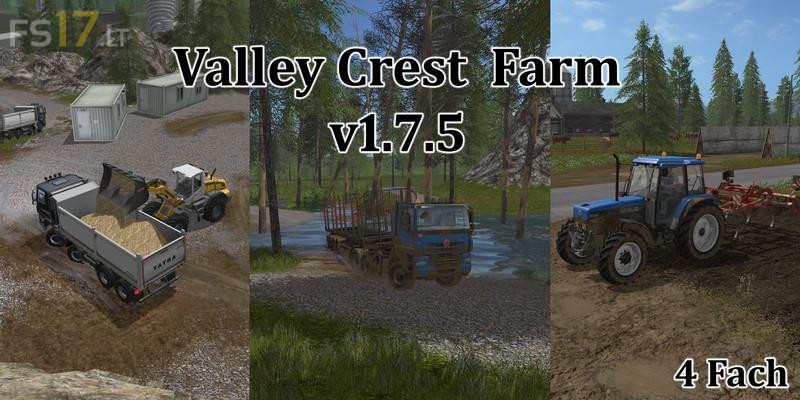
Valley Crest Farm 4x Map v 1.7.5
About the mod:
Version 1.7.5:
* Seed fertilizer production load faster fixed
* Building uner police cleared fixed
* Signs fixed
* Missing collission
* Translated productions, renamed correctly and sorted the order (Raw materials of the relevant productions are thereby reset to 0)
* The pallet displays are also at the first game start on 0, even if pallets are on it – simply save and restart then they are adjusted again
* Added picture at Hofwerkstatt
* Error in the log police fixed
* 2 productions new – weaving and soybean milk production
* Fisheries – 2 pictures replaced wheat barley tank
* Cardboard and empty pallets added for sale
* Data size of the map reduced
* Hospital blocked
Credits:
dammemax
Haritanın modunu aktif edince oyun siyah ekranda kalıyor neden böyle yapıyor?