

Valley Crest Farm 4x Map v 1.7.6

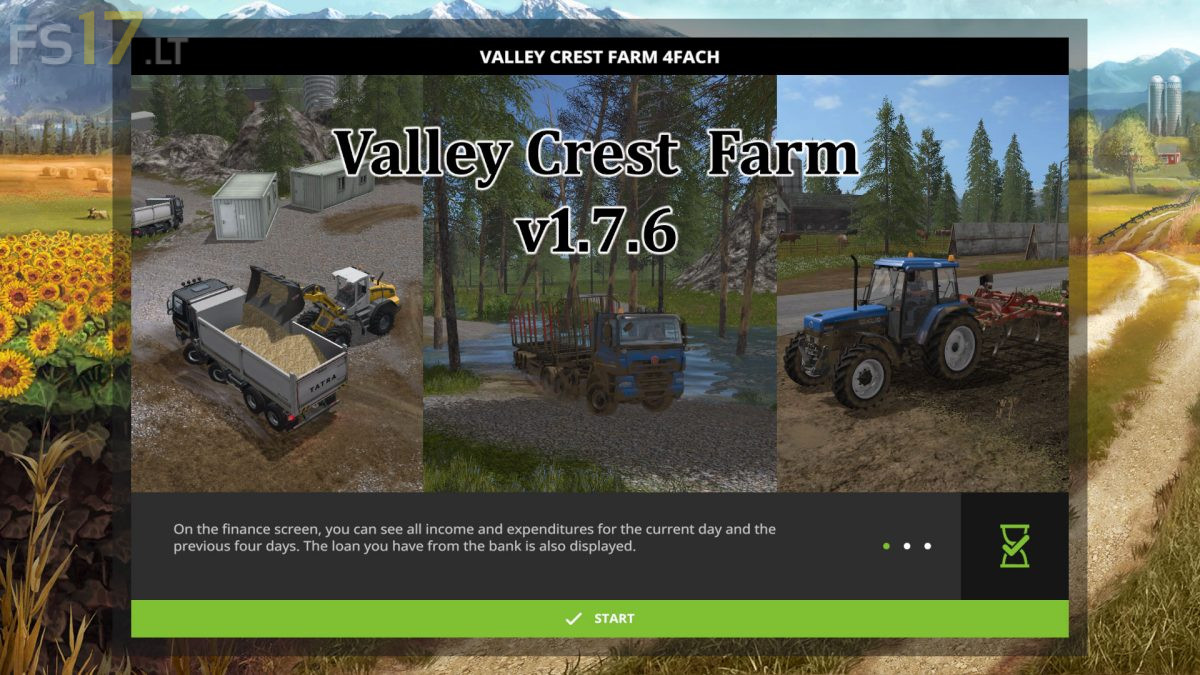
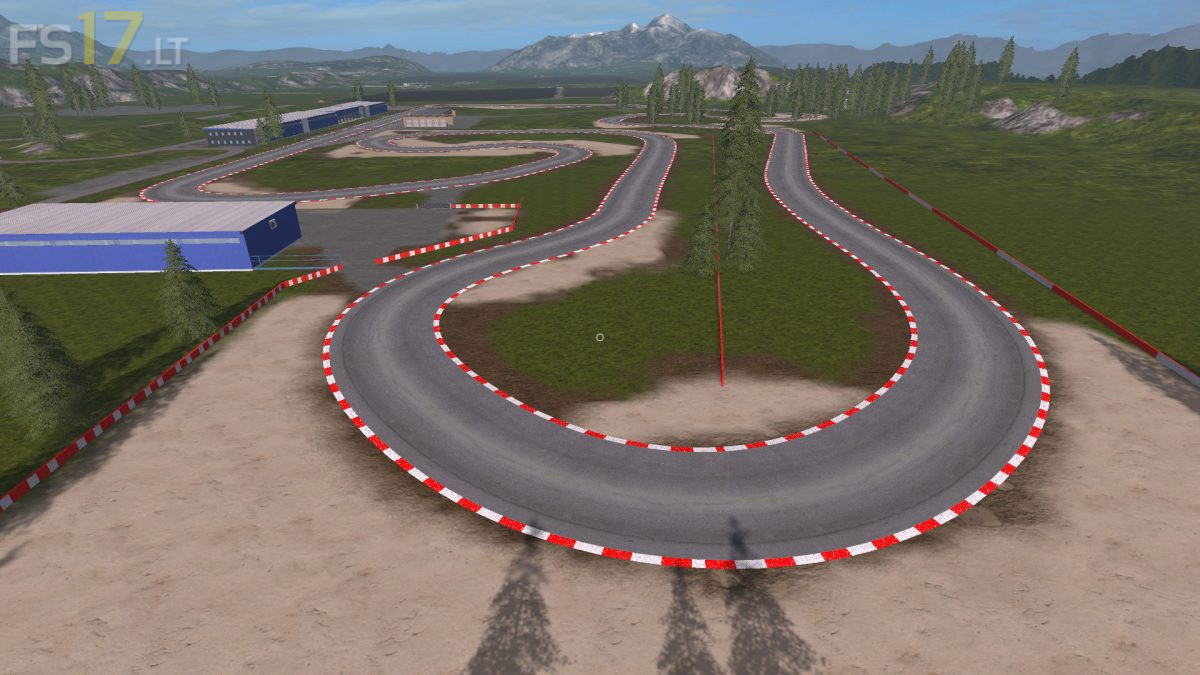
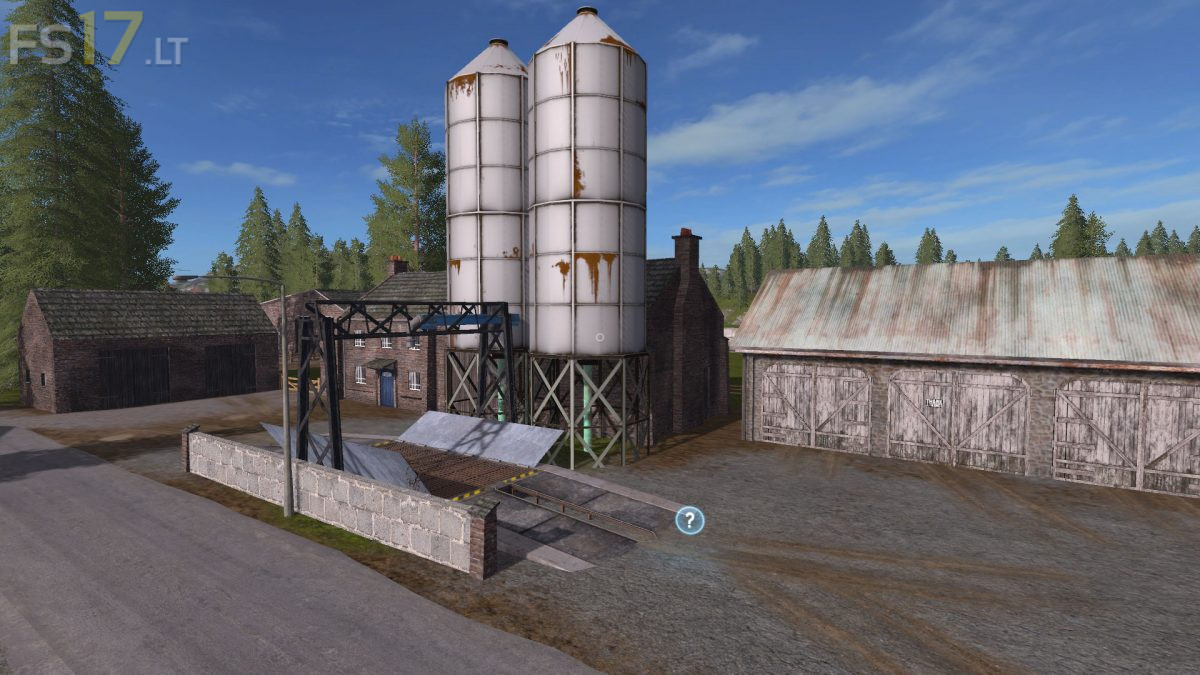
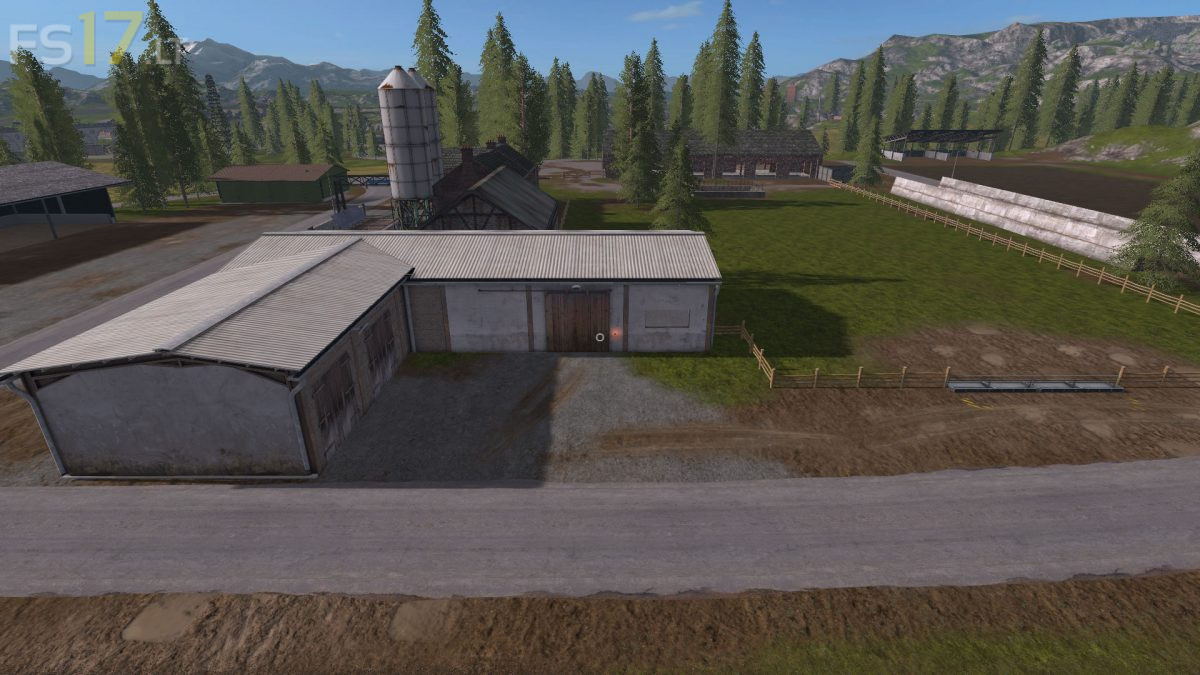




Valley Crest Farm 4x Map v 1.7.6
Version 1.7.6:
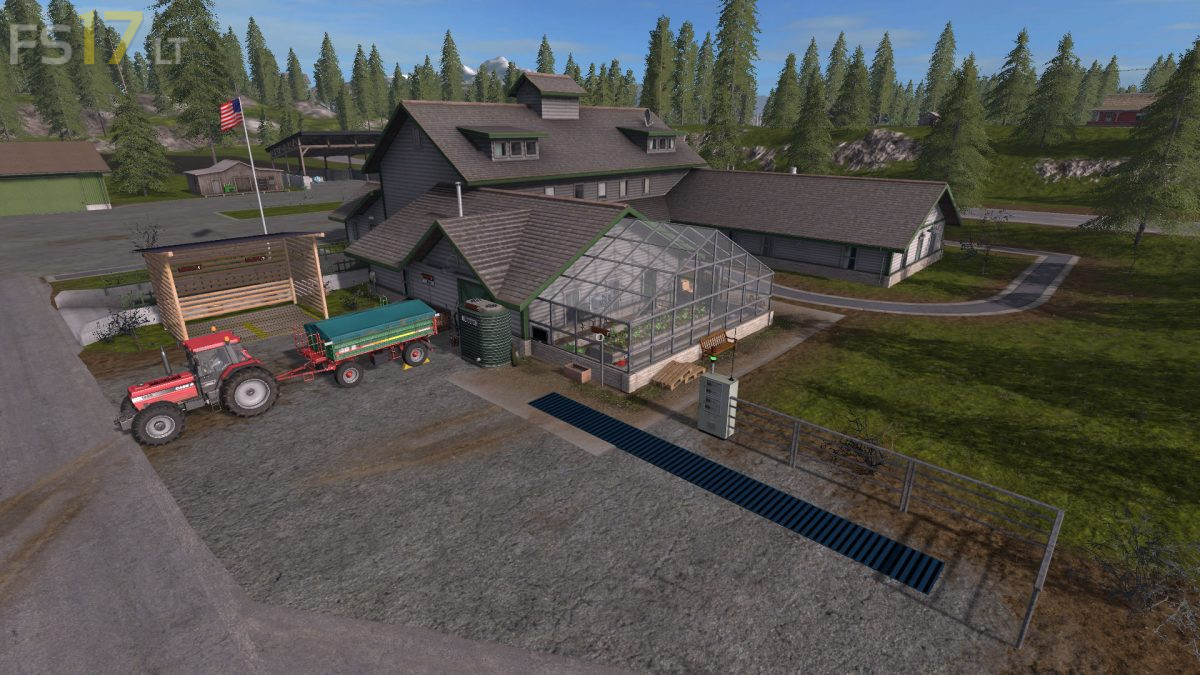
* Soymilk Production and Weaving set
* Fabric roll pallets inserted in PDA sale
* Fabric roll pallets volume reduced to 2000
* Hoftankstelle – Füllanschluss einhebaut – Tankgeschwindigjeit increased
* Soy Milk Prod. – Pig Feed Drainage Speed increased – made Ftuitbilder colored
* Fertilizer, seed, liquid fertilizer, concentrates and pig feed inserted in PDA sale
* Hospital – tree fixed in the air – driveway furnished
* Biogasprod – input only silage – shield attached
* Composter – Sign large delivery added
* Sugar factory – Corrected removal sign for bagasse
* Sugar Factory – Signs Collision added
* Station Lagersilos slightly increased
* Gas station installed – in the south
* Gas station installed – at the coal works
* Car wash installed – at gas station in the west
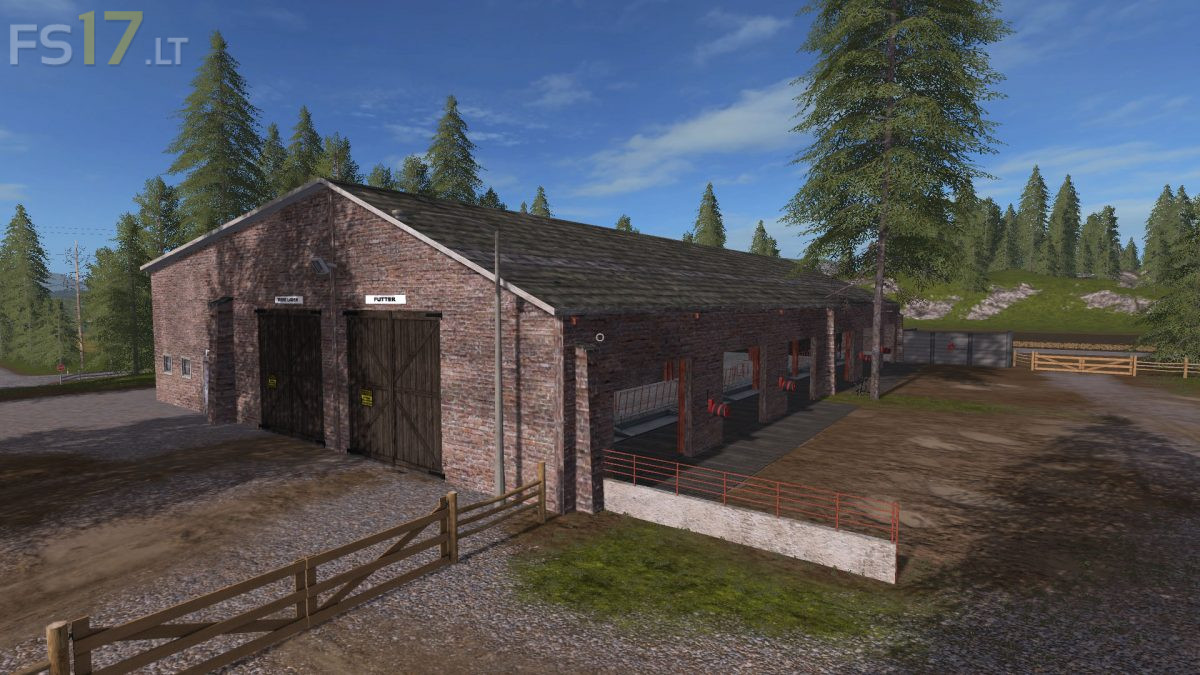
* Cowshed enlarged
* PDA Map – streets highlighted
* Yard workshop – images added
* 1 productions new – liquid fertilizer
jorge