

Valtra Valmet 502 & 602 + Tools v 1.1


Valtra Valmet 502 & 602 + Tools v 1.1
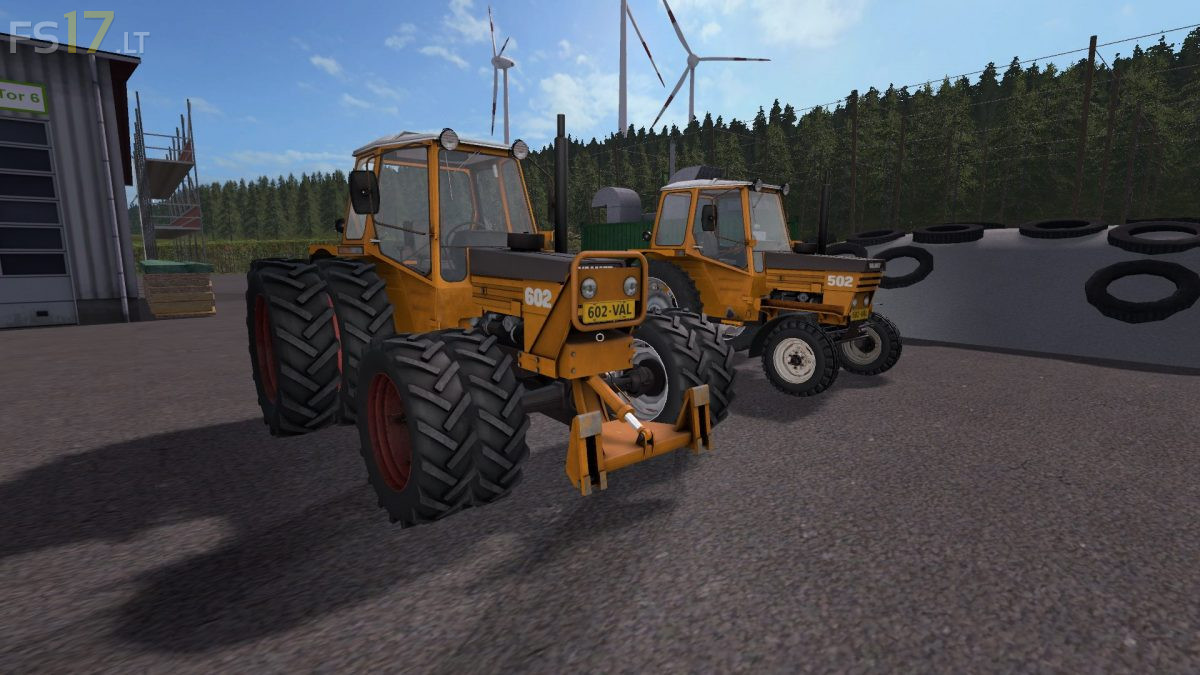
2 Valtra Valmet Tractors:
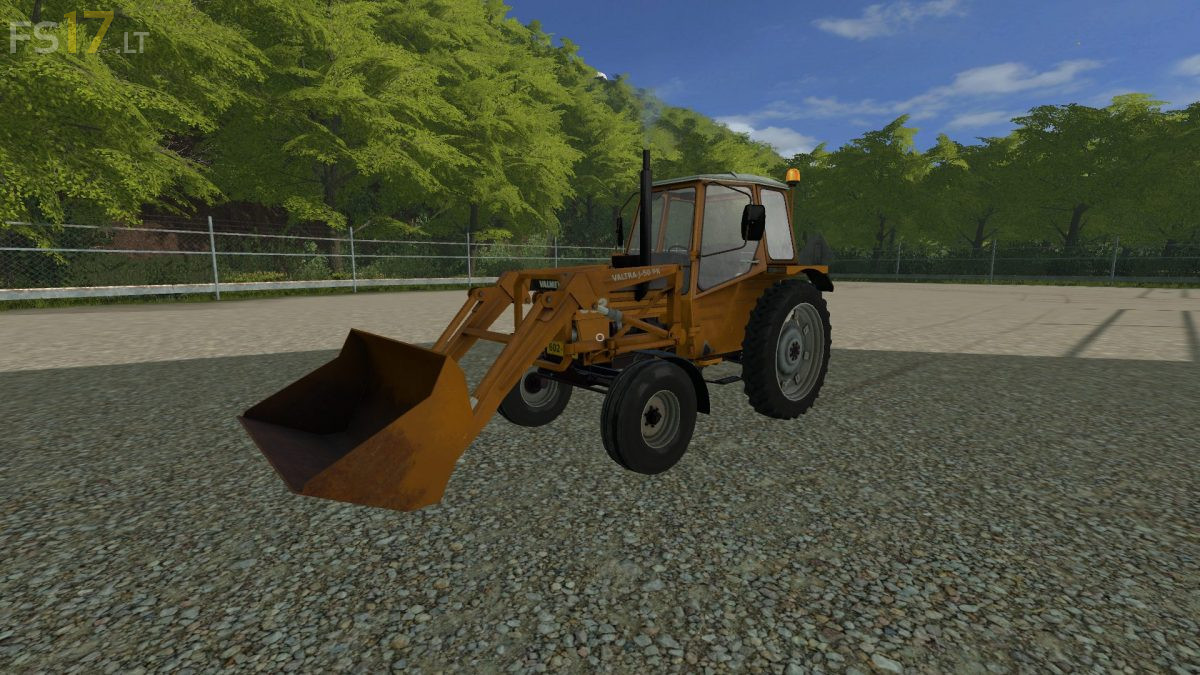
Valtra Valmet 502:
– Power 49 hp
– Wheel Setup: 2WD, 2WD Sprayer, 2WD Rear Twins
– Attachers: nothing, Frontloader Console, Front Weight
– Design: Standard, Front Fenders, Beacon Light, Front Worklight, Beacon Light and Front Worklight
– IC Control
– Washable
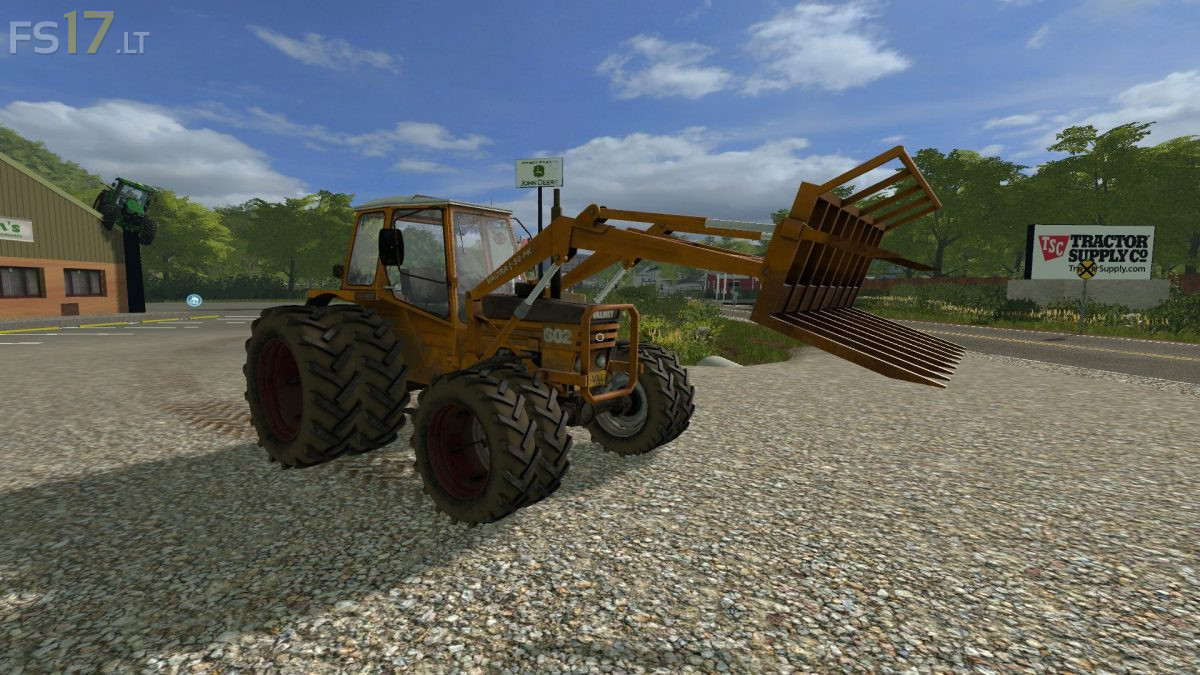
Valtra Valmet 602:
– Engine Setup: 58 hp, 66 hp
– Wheel Setup: 2WD, 4WD, 4WD Sprayer, 4WD Rear Twins, 4WD Front and Rear Twins
– Attachers: nothing, Frontloader Console, Front Weight, Front Linkage
– Design: Standard, Front Fenders, Beacon Light
– IC Control
– Washable
Included Tools:
– Valtra J-50 PK Frontloader
– Valtra Pallet Fork
– Valtra Universal Bucket
– Valtra Manure Fork
– Valtra Bale Spike
Version 1.1:
* Fixed the leaning problem
* Updated store images
* Optimized some textures
* Added Frontloader tools
* Added front linkage
* Added indoor light
* Some minor fixes
* Added new configuration for additional worklights