

Vehicle Camera Dynamics v 1.0

Vehicle Camera Dynamics v 1.0

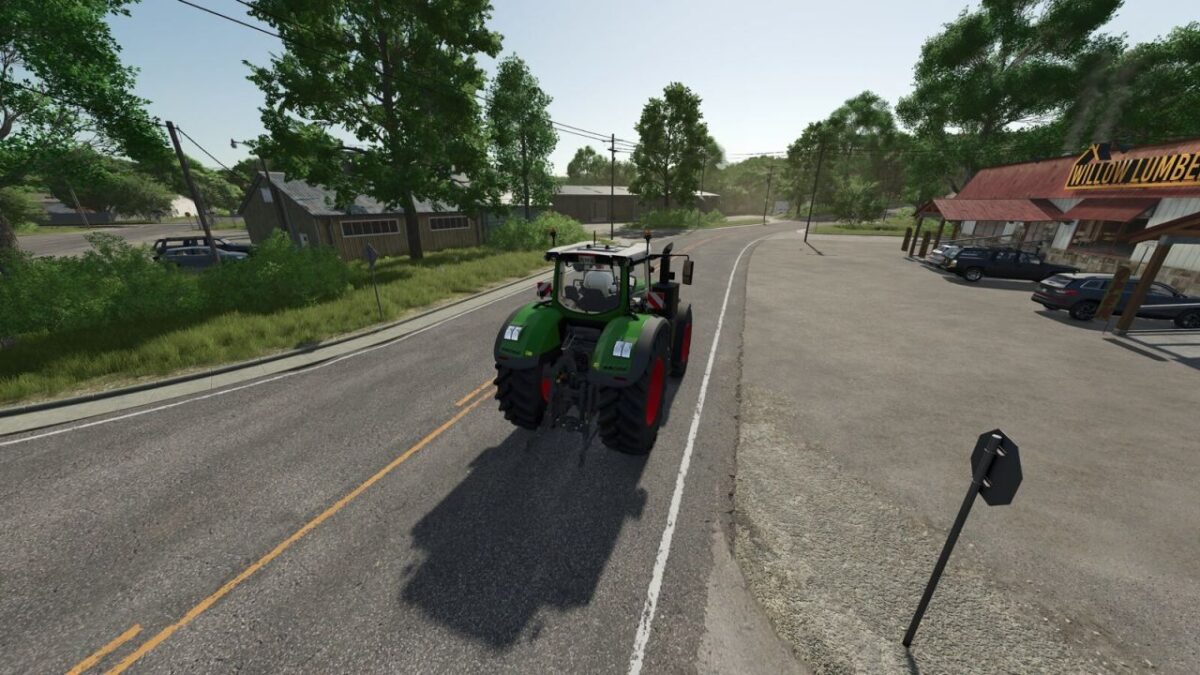
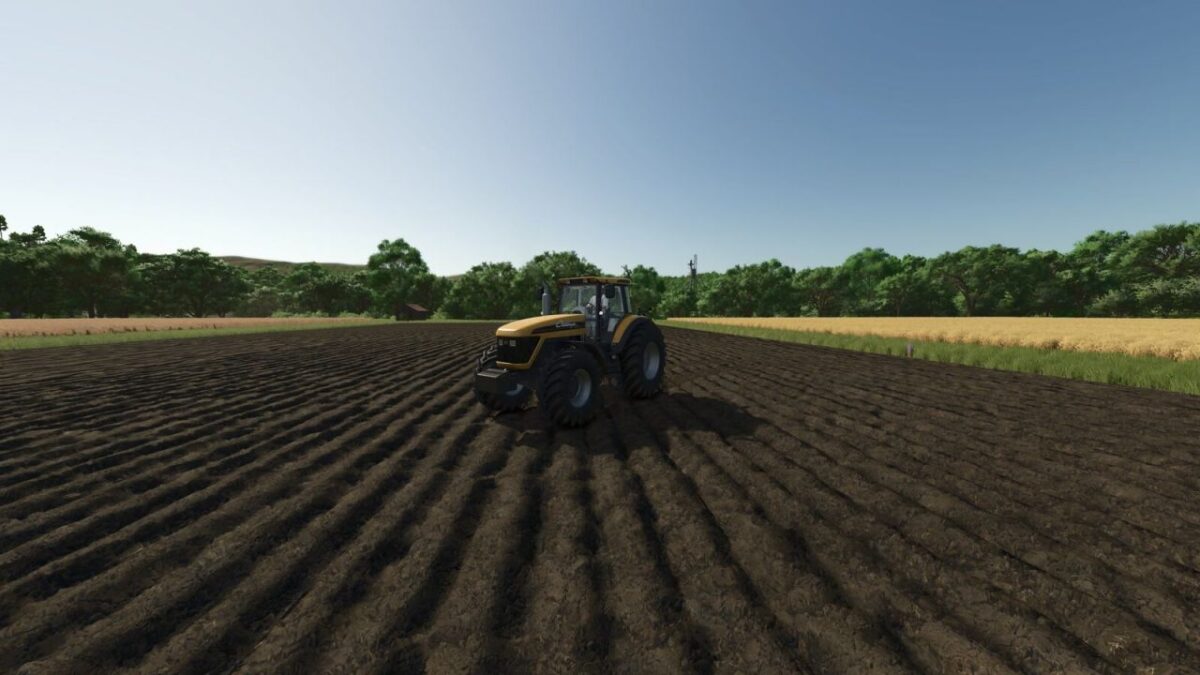
Vehicle Camera Dynamics adds a dynamic third person camera for vehicles, giving driving a more natural sense of weight and movement.
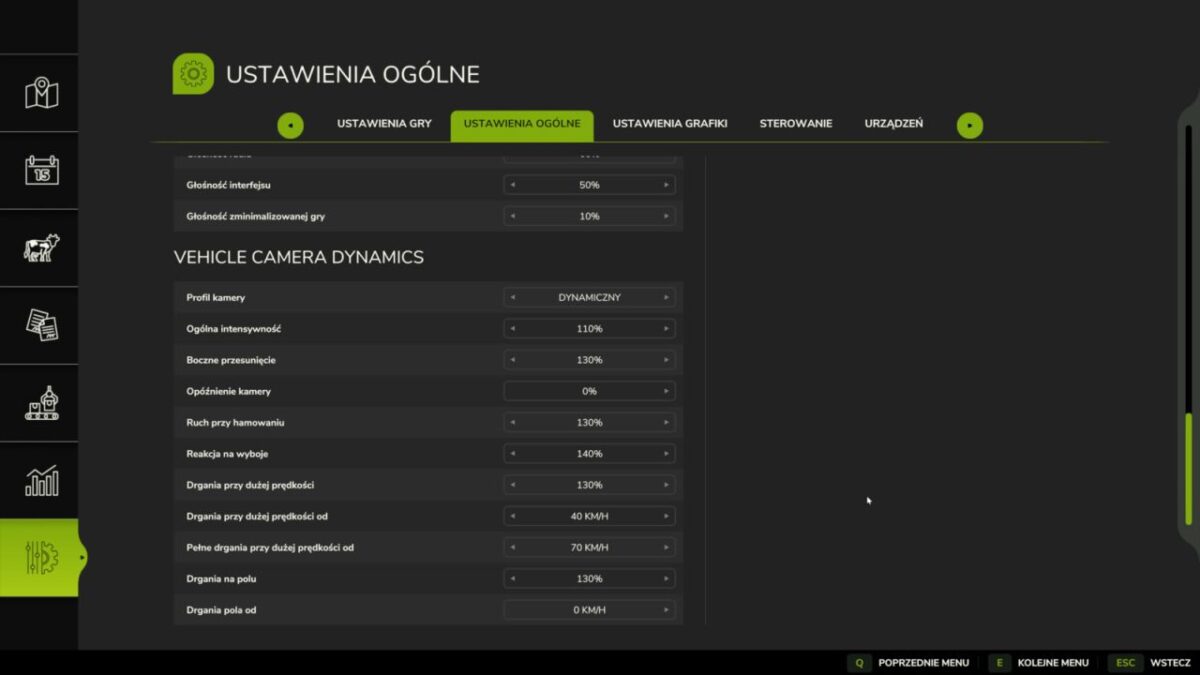
It includes lateral camera shift, speed based chase lag, braking movement, bump response, high speed vibration and field vibration, while preserving mouse look and zoom.
Choose the Balanced, Smooth or Dynamic profile, or adjust each effect individually from 0% to 250% in General Settings.
The camera and every effect can be reduced or disabled.
Dynamic camera movement may cause discomfort, dizziness or motion sickness for some players.
BSKT
How do I install Farming Simulator mods?
Find a mod that you like and want to download first. Then, on your PC, download a mod. Mods are typically in.zip format. However, it is sometimes in.rar format. If the mod file is in.zip format, no additional actions are required. If a file is in.rar format, you must unarchive it using software such as WinRar or Zip7. Windows 10 users do not need to use archive software; Win10 includes an unarchive feature.
The next step is to locate the mods folder on your computer. It is typically found in Documents/My Games/Farming Simulator [Your FS game version, e.g. 2022]. Open the "mods" folder and place the downloaded.zip archive or unarchived.rar file there.
The final step. Have fun with Farming Simulator mods!