

Vehicle Manager v 1.0.0.2

Vehicle Manager v 1.0.0.2
About the mod:
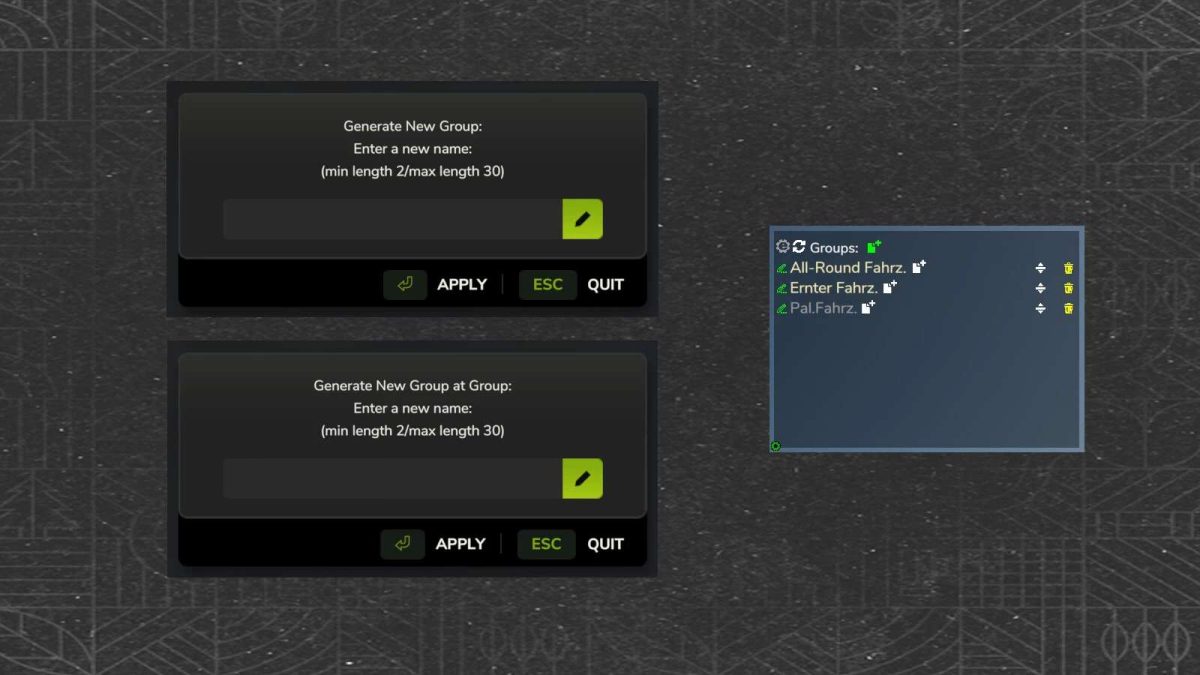
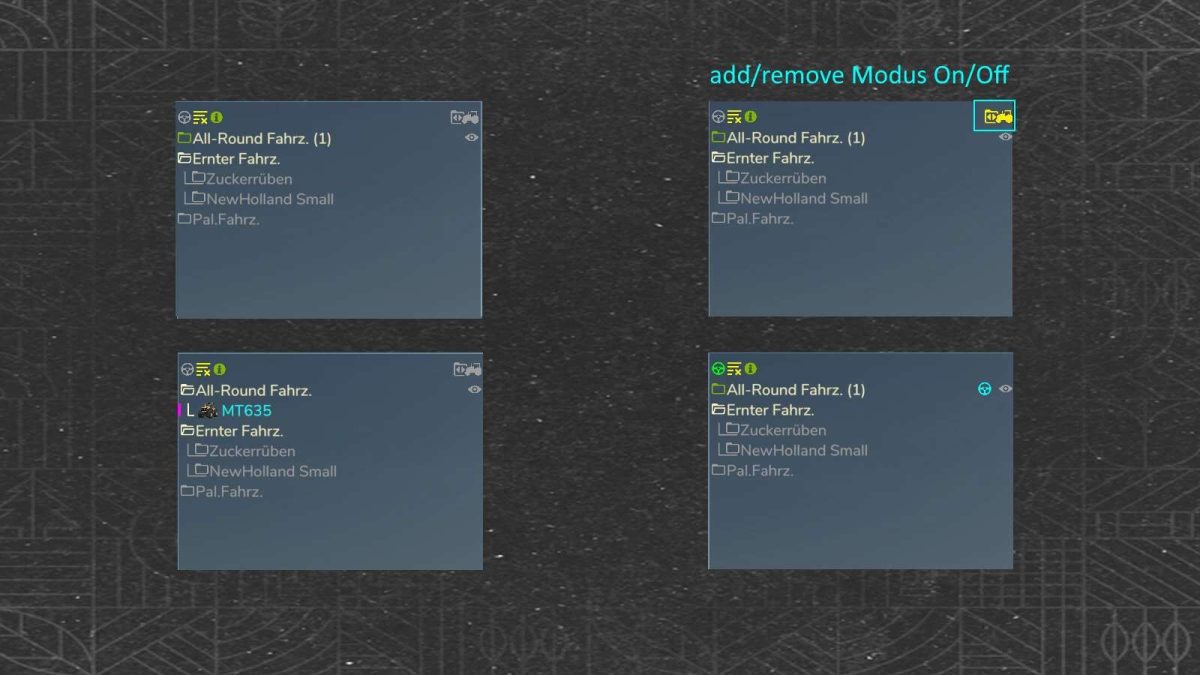
Create personal vehicle groups and manage them via a display box. You can customize the display box and optionally align it.
– Multiplayer and singleplayer compatible
– A vehicle can be in several groups
– Quick access to your vehicle groups
– Optional with subgroups
– Show and hide groups (subgroups)
– Order of vehicle groups customizable
– VehicleInspector Mod compatiple
– And much more
Version 1.0.0.2:
* Fix, lua error …attempt to index nil with ‘savegameData’ (FS Patch 1.7x)
* Fix, lua error …trainSystem (FS Patch 1.7x)
* Fix, lua error …rideable getName (FS25 sync.problems)
Credits:
HappyLooser