

Vogelsberg Map v 1.5

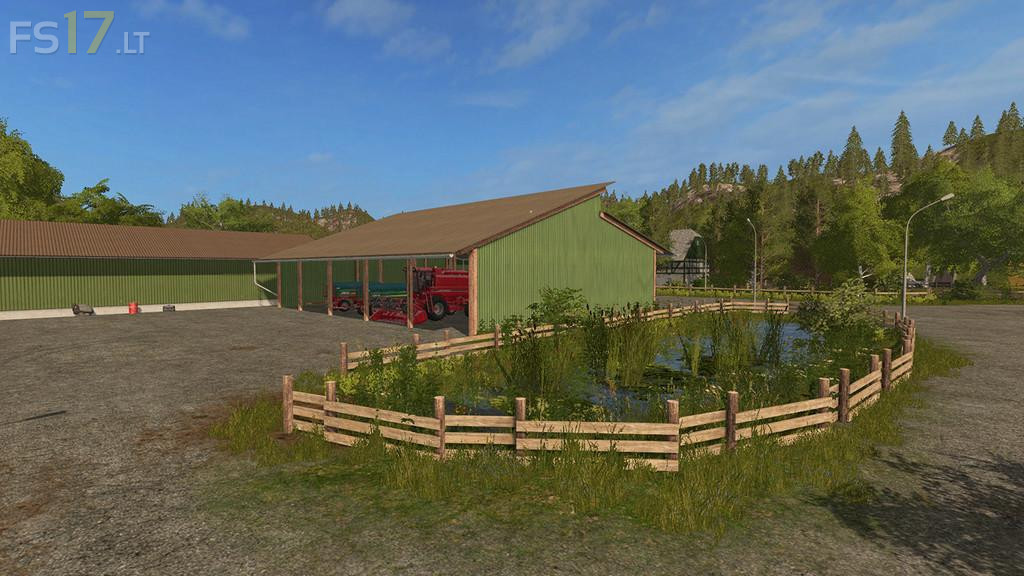
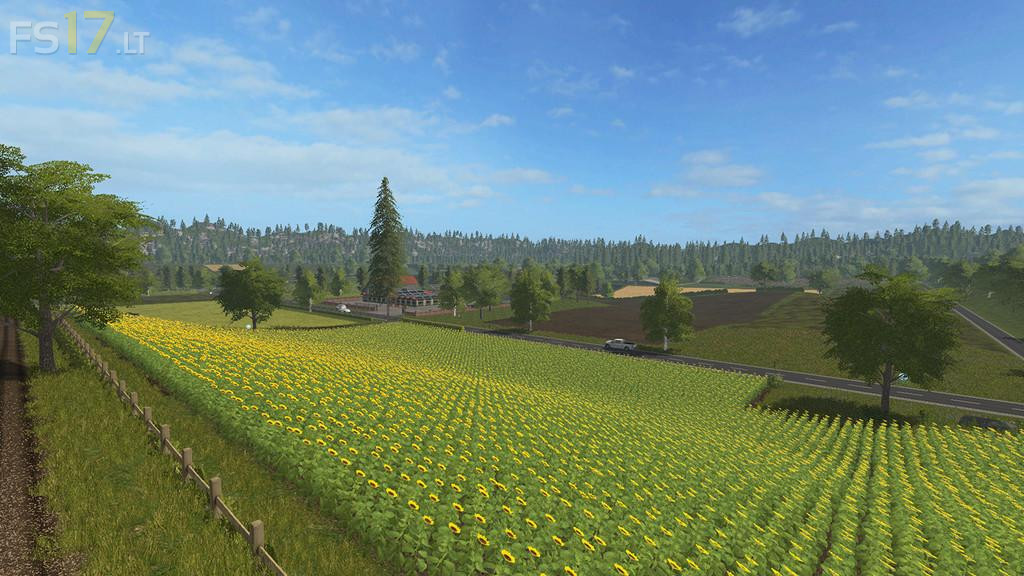

Vogelsberg Map v 1.5
About the mod:
Version 1.5:
* Silo added to store fruits
* Wool pallets trigger placed better on sheep pasture
* BGA processes material faster now
* Seasons Mod prepared
* Sugarcane installed
* Silo at station had no Collision
* Shader updated
* Terrain angle increased
* Hall lowered at BGA
* Many new textures
Credits:
Fendtfan1
The pros:
– great map
– all the animals are at the farm
– comes with extra storage (seeds and fertilizer)
– comes well equipped
– small, well thought
– It’s great to play it without any automation
– lots of buildings at the farm
– made for first person driving around
– 100 nuggets easy to find to provide a start capital for upgrade
– medium size machinery is enough for this map
The cons:
– road corners too muchn too many at 90 degrees
– could have used roads a tiny bit wider
– I would have enjoyed the buildings at the farm to be placeables, as it helps with reconfigurations and changes
– sometimes the rocks at the end of fields get to be annoying