

Volkswagen T6 v 1.0.0.1

Volkswagen T6 v 1.0.0.1
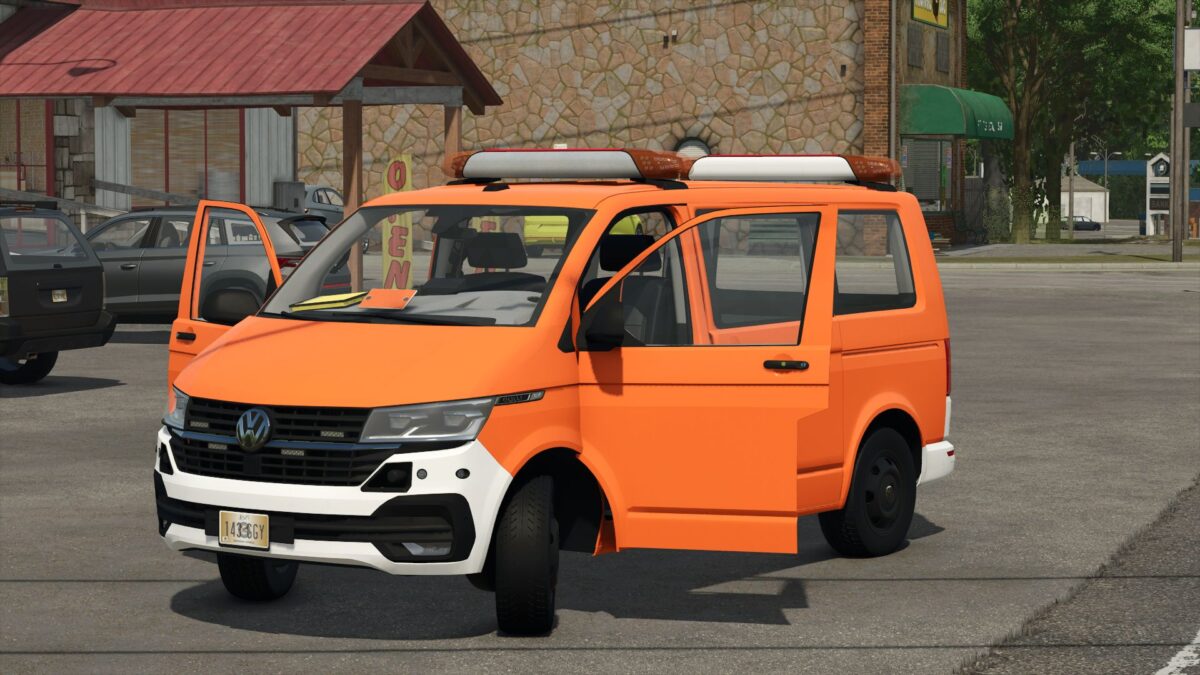
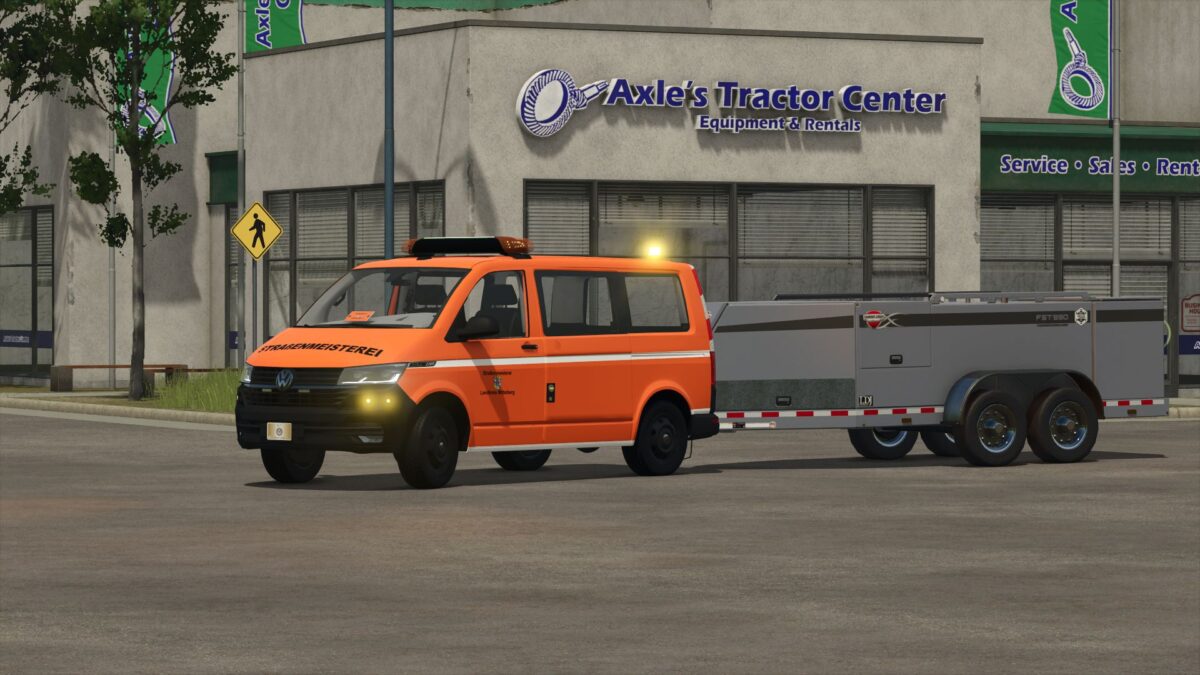
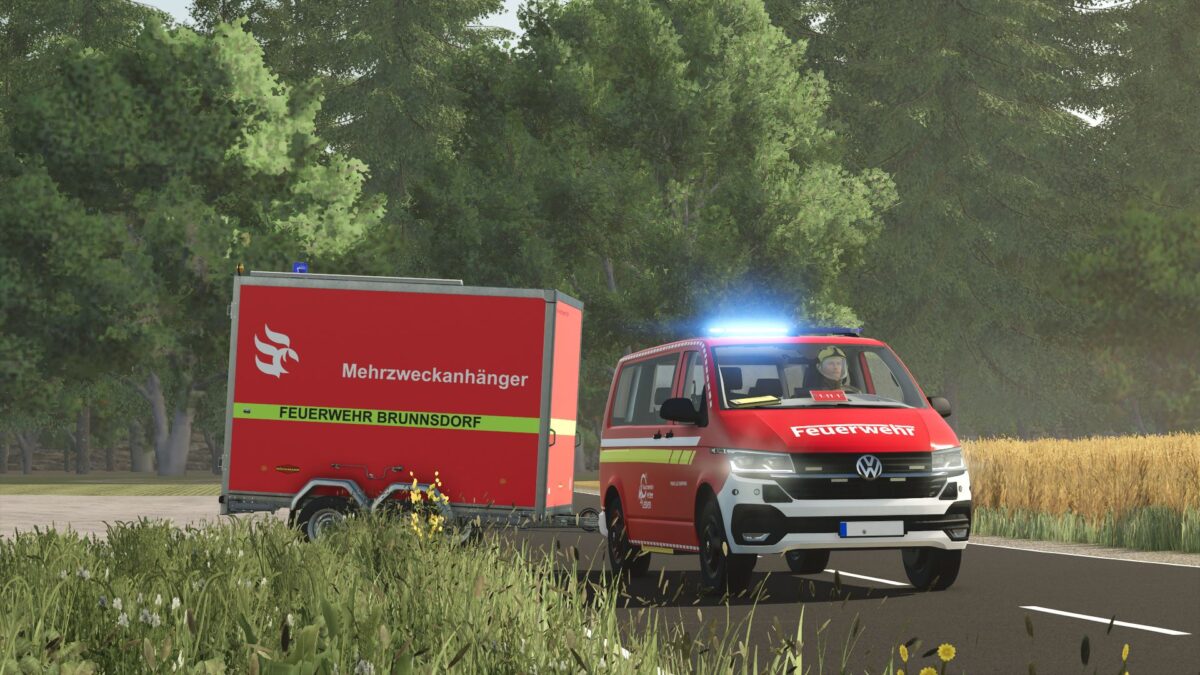
The Volkswagen T6 is a versatile and detailed vehicle that is perfect for use on any roleplay server.
Thanks to numerous configuration options, you can adapt the transporter individually to your requirements.
Configurations
– 14 different skins
– Window panes
– Bumpers
– Blue lights
– Expansion
Features
– Animated doors
– Fully functional speedometer
– Animated windshield wipers
– Animated door handles
– Detailed dashboard
– Animated expansion
With a total of 14 different skin configurations
as well as the numerous customization options, the Volkswagen T6 can be configured for a wide variety of purposes – whether as a civilian vehicle,
Government vehicle or special vehicle. The high-quality animations and detailed interior ensure a realistic driving experience and make the T6 an ideal addition to any server.
Version 1.0.0.1:
* Added orange light
* Configurations revised
* Fixed mesh errors
* Polygon size of the DBS 4000 reduced and renewed
* Better rear warning device in the DBS 4000
* Control panel revision
* Fixed major XML errors
* Added road maintenance design
* Added grid map
* Vehicle can now also be used as a private car
* Added DBS 4000 UV
* Category name revised
* Emergency doctor V2 skin changed