

VOLVO FH16 750 AR/FRAME PACK V 1.0

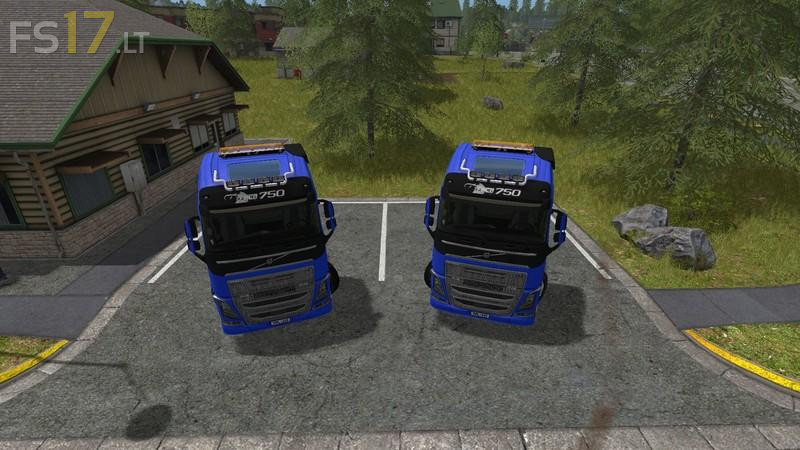

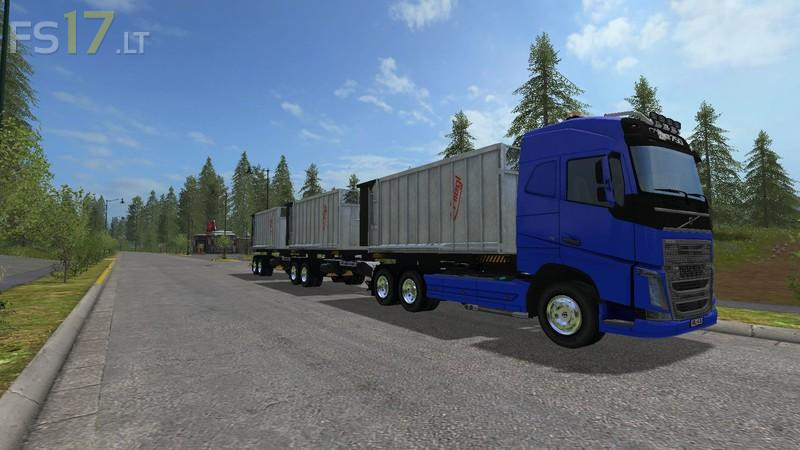
VOLVO FH16 750 AR/FRAME PACK V 1.0
There are two trucks and a trailer to choose from:
A twin rear axle version that has a fuel capacity of 750L.
• A FLT twin rear axle version with an added front lift turn axle that can be raised or lowered with the “NUM_9” key that has a smaller tank due to the extra wheel but will carry 650L of fuel.
Standard features and options on both trucks include.
• One engine choice 750 HP but with the option to be euro legal @ 80km/h or remove the speed limiter and try and crack the 128km/h top speed.
• Choice of three attacher configurations. Note: if the Semi-Trailer hitch is optioned it will move to the centre of the truck bed when any AR/Frame is connected and move back on disconnect.
• Full Hud animations when started and true reading of Break Air psi, speed, fuel, rpm, gear selection, cruise active light, cruise set speed, boost pressure and a fake Temp mover that will warm up and cool down over time.
Two Rim Choices Standard or Chrome.
Passenger Script for MP
• Options to fit: 1) A roof mounted spot bar. 2) A roof mounted Beacon Bar. 3) A roof mounted Beacon Bar and front grill Strobe Lights. 4) All the Above.
Volvo Blue is the default colour choice to set off this Euro Classic.
Animated movable Wing Mirrors.
The pack also includes a AR/Frame Trailer that is designed to be the perfect match for your brand new FH16 750 Truck. Options are simple with the choice of wheels to suit your truck and the option to fit a low attacher at the rear if you wanted to pull more than one trailer – Available in Misc section of store.
Original Standard Truck: Ombelis
FS15 AR/Frame Trucks: Inerti
Small model changes, New Hud, FS17 Conversion, Colour Selectable Body, Chrome Wheels & Testing: GTX MODS
Credits Trailer:
Parts: Ombelis
Parts: Inerti
Trailer Mod Build, Chrome Wheels & Testing: GTX MODS
SCRIPTS:
ls-for-ever - selectable.lua
Alex2009 - BeifahrerV3.lua
[FSM]Chefkoch – Cablight.lua
GTX MODS – startUp.lua, startHudAnimations, brakeCompressorAnimations.lua, cruiseLight.lua
RivalBomb & GTX MODS – driveDirection.lua
what is the price of the truck and daily upkeep?