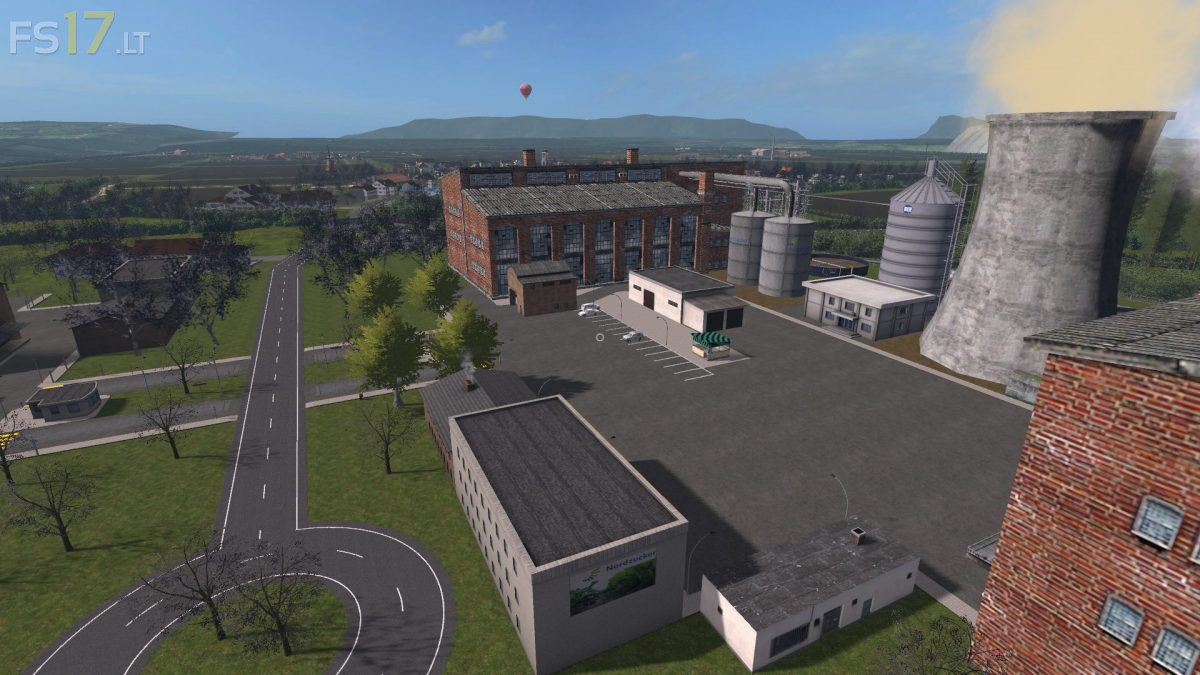
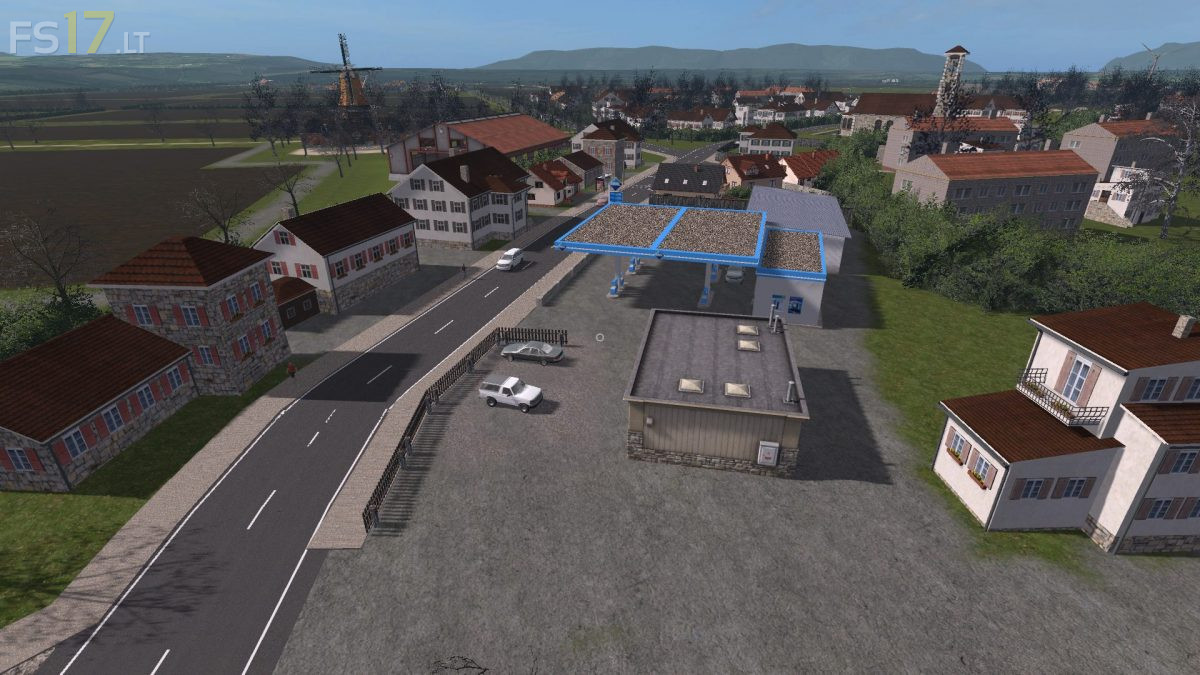
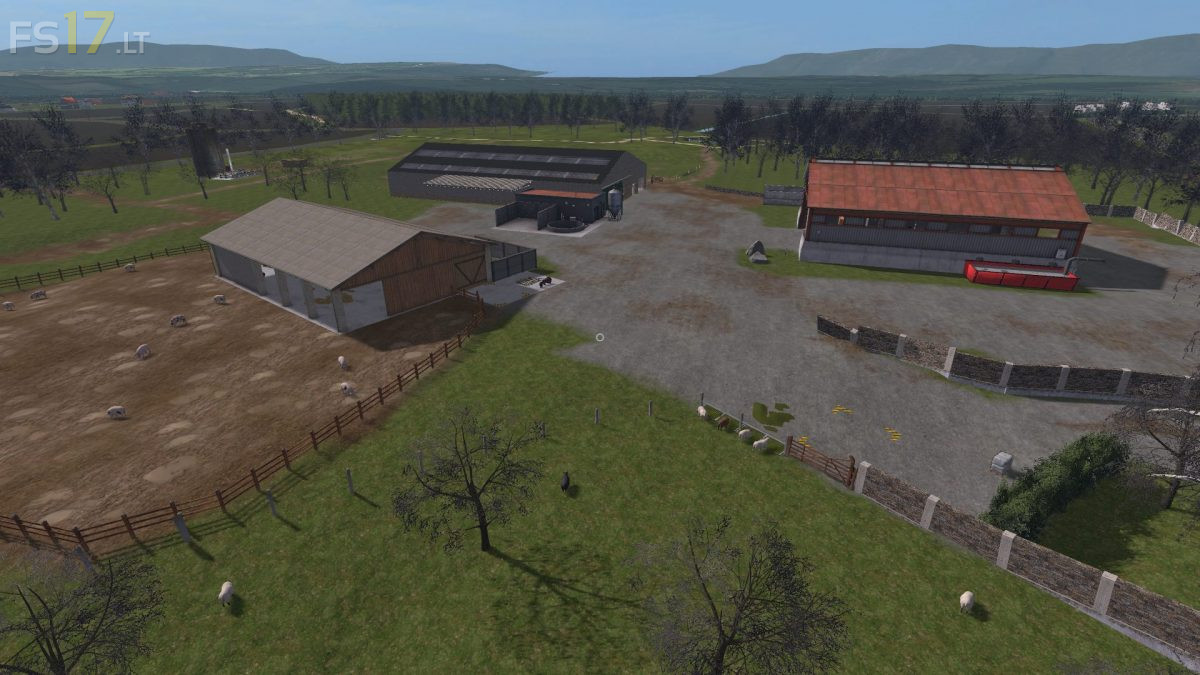
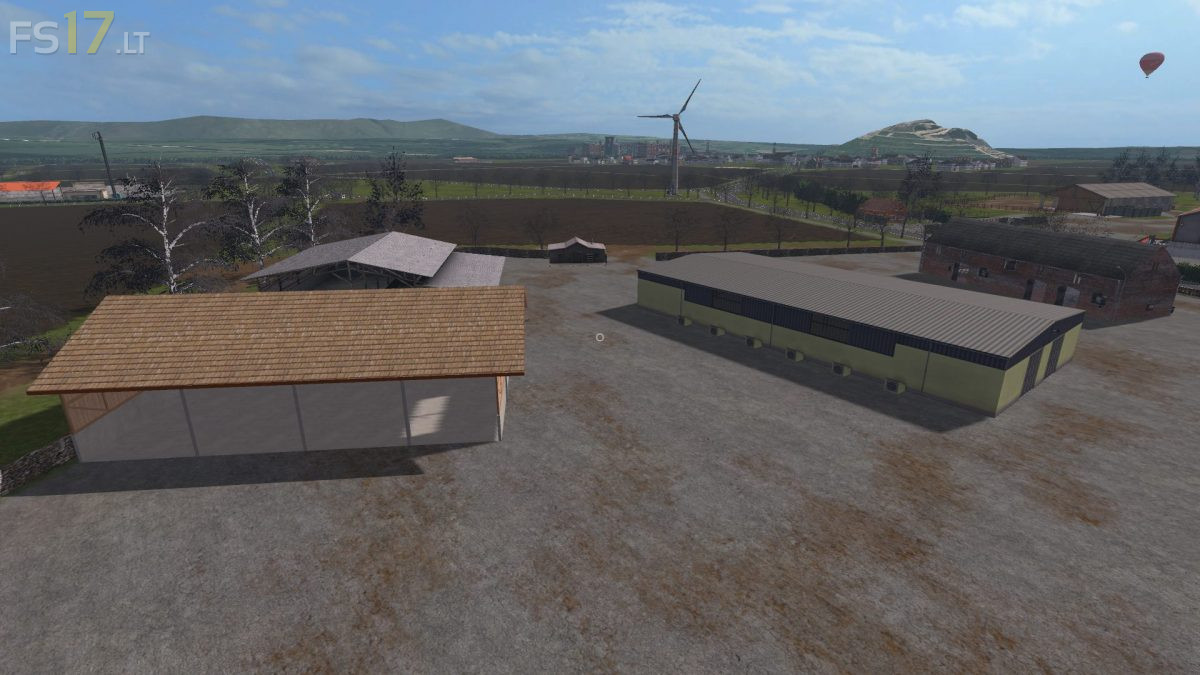
Wassel Reloaded 2017 Map v 3.0
About the mod:
Version 3.0:
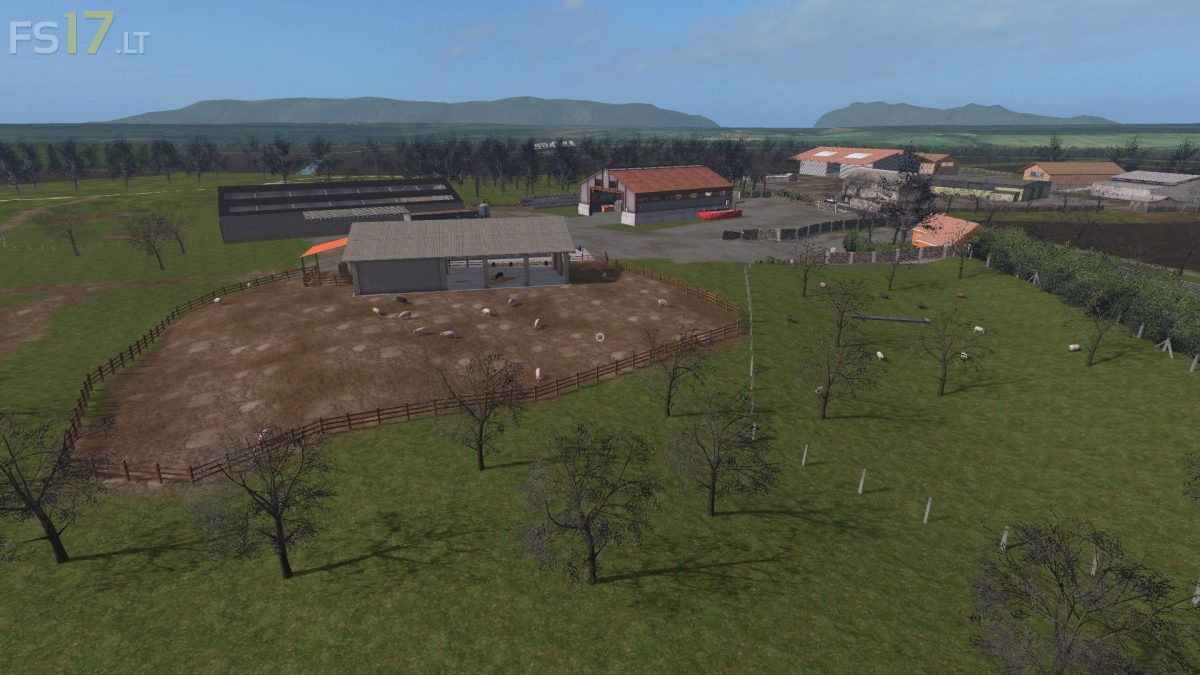
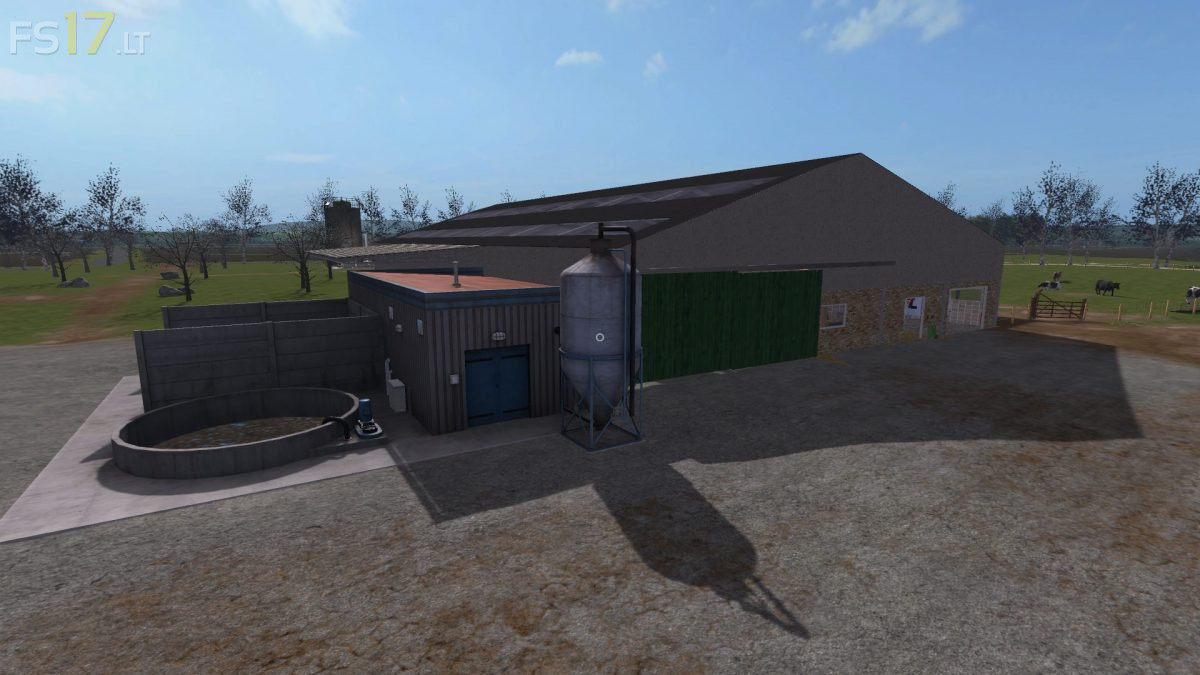
* Fermenter added behind the reset point behind the cows
* Feed mix plant added
* Mist / manure can now be purchased from Raiffeisen
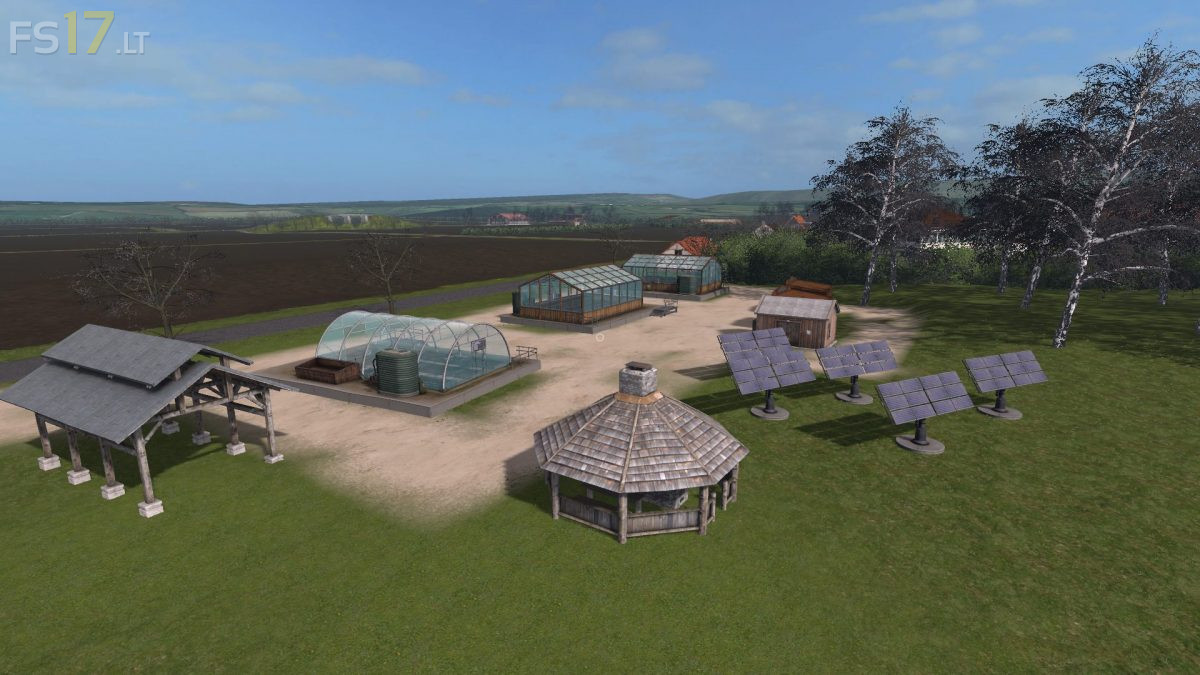
* Fertilizer / seed production a bit more beautiful and a slurry store added there
* Field 17 (potatoes) 21 (barley) pre-grown
* Seed and Fertilizer stock at the farm added
* Shelves at the yard for seed etc are removed vllt to Raiffeisen
* New start vehicles, manure and mist somewhat filled and PLCBL greenhouses place entrance Sehnde
Credits:
Fk-Modding, Diverse Modder
How to install FS17 mods?
Firstly find a mod which you like and want to download. Then download a mod to your PC. Mods are usually in .zip format file. But sometimes it can be in .rar. If a mod file is a .zip format no needed additional actions. If a file is in .rar, then you must unarchive mod with software like WinRar or Zip7. Windows 10 users no need to use software for archives, Win10 itself has a feature to unarchive files.
The next step is to find mods folder in your PC. Usually, it is in Documents/My Games/Farming Simulator 17/2017. Open the "mods" folder and put downloaded .zip archive or unarchived .rar file to this folder.
Last step. Enjoy of FS17 mods!