

Watch out for Windrows v1.0

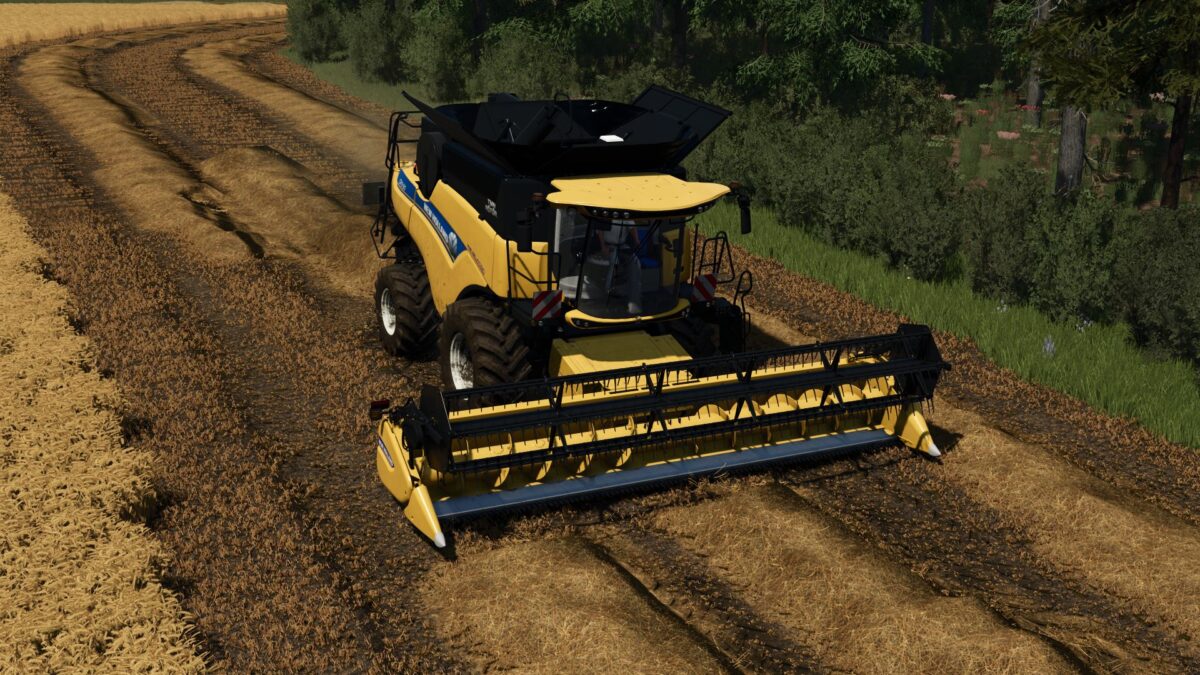
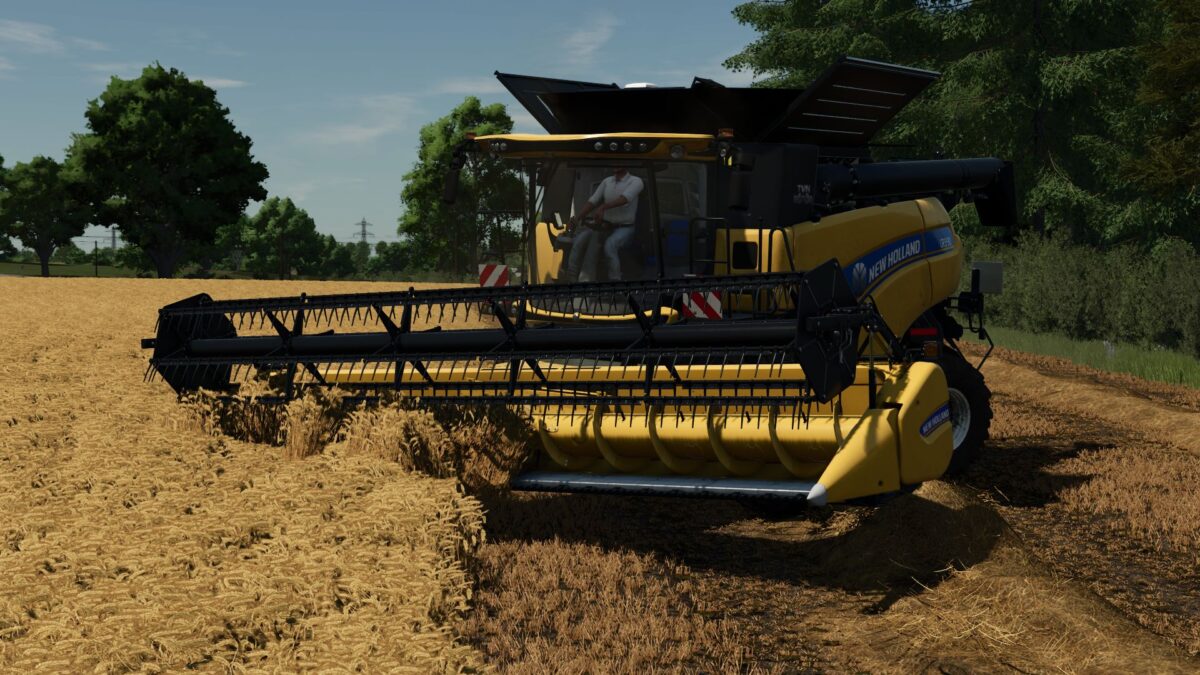
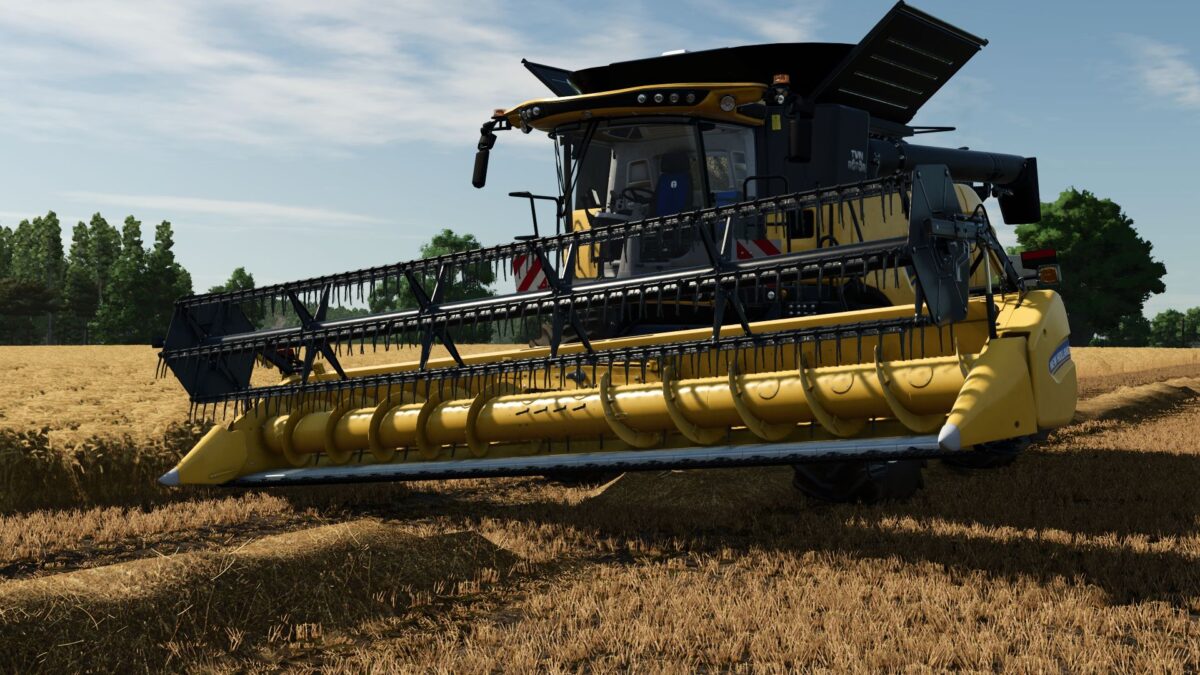
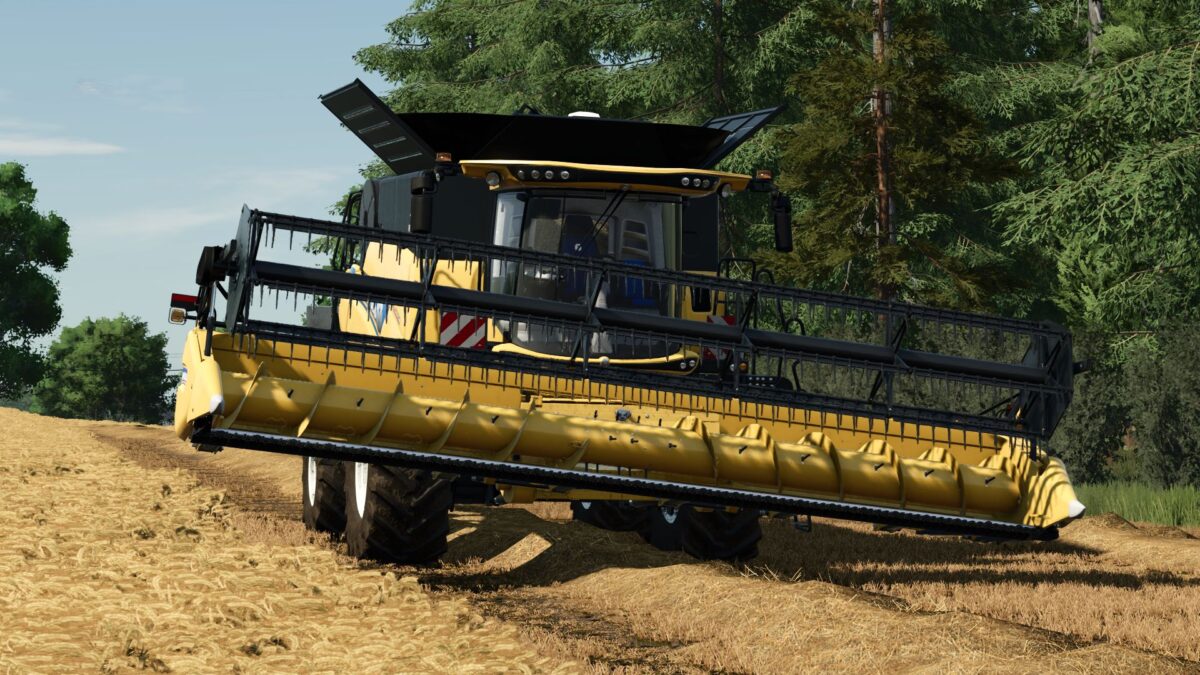
Watch out for Windrows v1.0
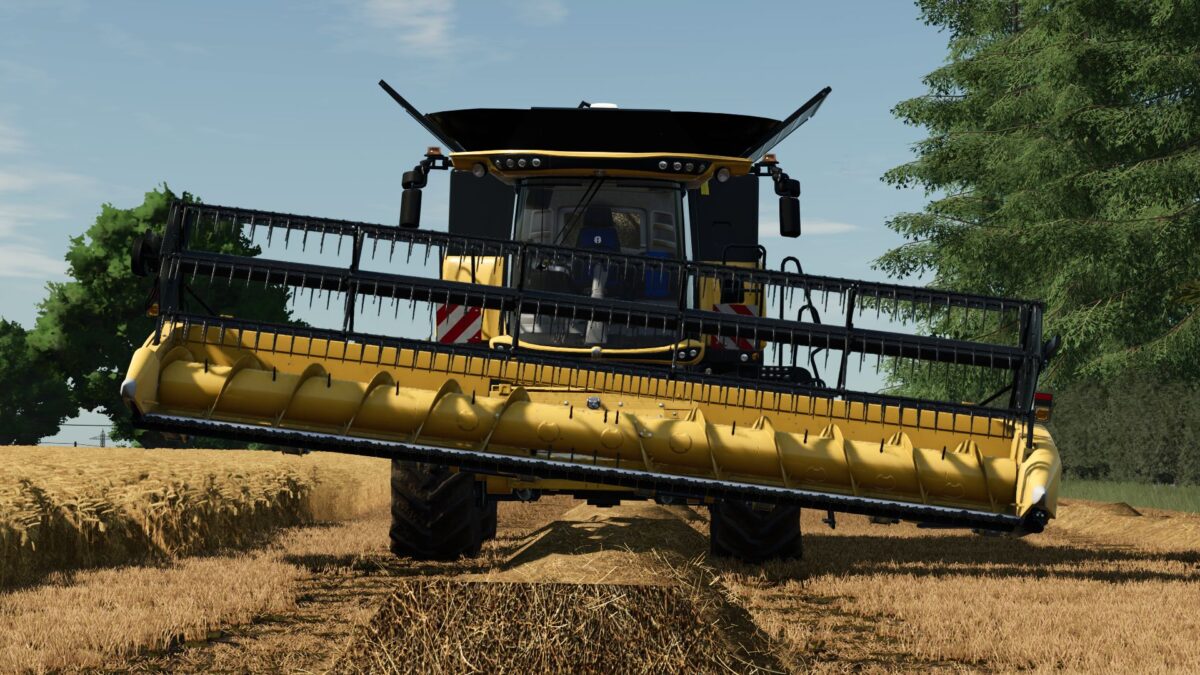
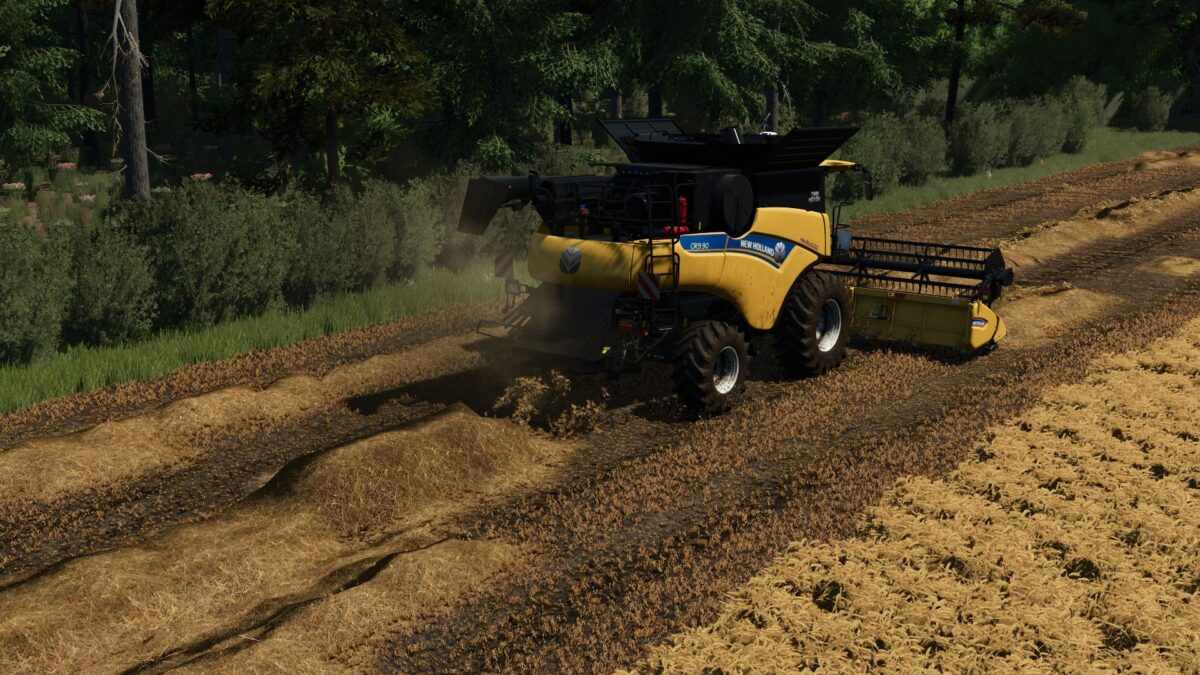
A small mod that adds two practical features to harvesters: picking up straw windrows and raising the header side by side.
Picking up straw windrows:
When you are harvesting and drive over a straw windrow, the harvester picks it up. The straw comes out according to your setting:
Chopper enabled: the straw is chopped and spread
Swathing enabled: the straw comes out in a windrow behind the machine
Raising the header side by side:
You can raise or lower each side of the header separately, which is useful for driving over a windrow, an edge or a ditch. When you release the key, the side stays at its height, and if it is only slightly raised, it continues harvesting. The V key raises or lowers the entire header as usual.
Keys (hold):
J: raise the left side
Right Alt + J: lower the left side
K: raise the right side
Right Alt + K: lower the right side
Customizable:
The keys can be changed in Options > Controls
The tilt, speed and other settings can be modified in the mod files
Compatible with the game’s harvesters and modded harvesters, and also in multiplayer.