

Weidemann 4270 CX 100T v 1.0.1.0

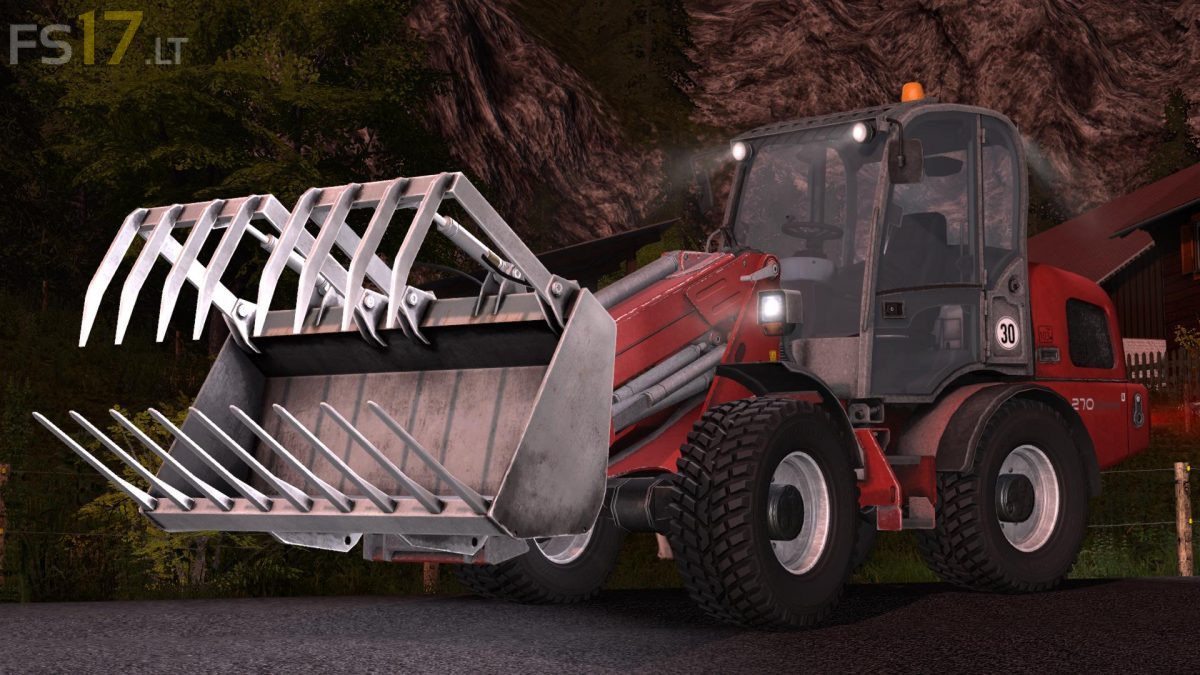
Weidemann 4270 CX 100T v 1.0.1.0
Version 1.0.1.0:
* Lua Cabin Controls fixed in relation to mrGbMS
* Added interior camera to the seat suspension
* Adjusted decal positions
* Adapted to front wheels position
* Front wheels now have collision boxes
* Removed unnecessary temp file in mod
* Corrected the IC button on the left door
* Pedals should not move anymore when standing outside the vehicle
* Steering speed slightly increased
* Work lights revised (order and buttons)
* 2 compressed air connections for TrailerAttacher
* Parallel guidance added
* Added missing shop descriptions of all tools
* Facelift versions now have reversing light
* Door opening angle corrected
* Added another facelift version
* Ball Fork now has an Attacher
* Front loader Attacher collision corrected
* Light color slightly adjusted