

Weipersdorf Map v 1.1

Weipersdorf Map v 1.1

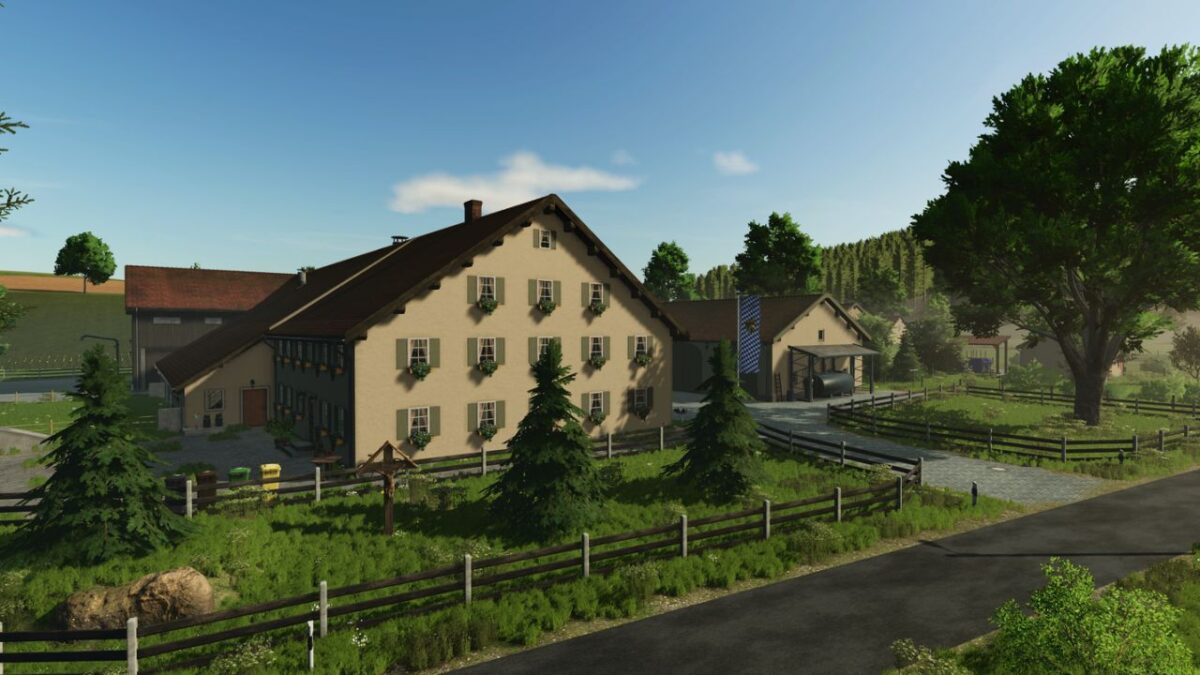
– 70 fields (approximately 1 to 5 hectares)
– 27 meadows (some with grass missions, not all)
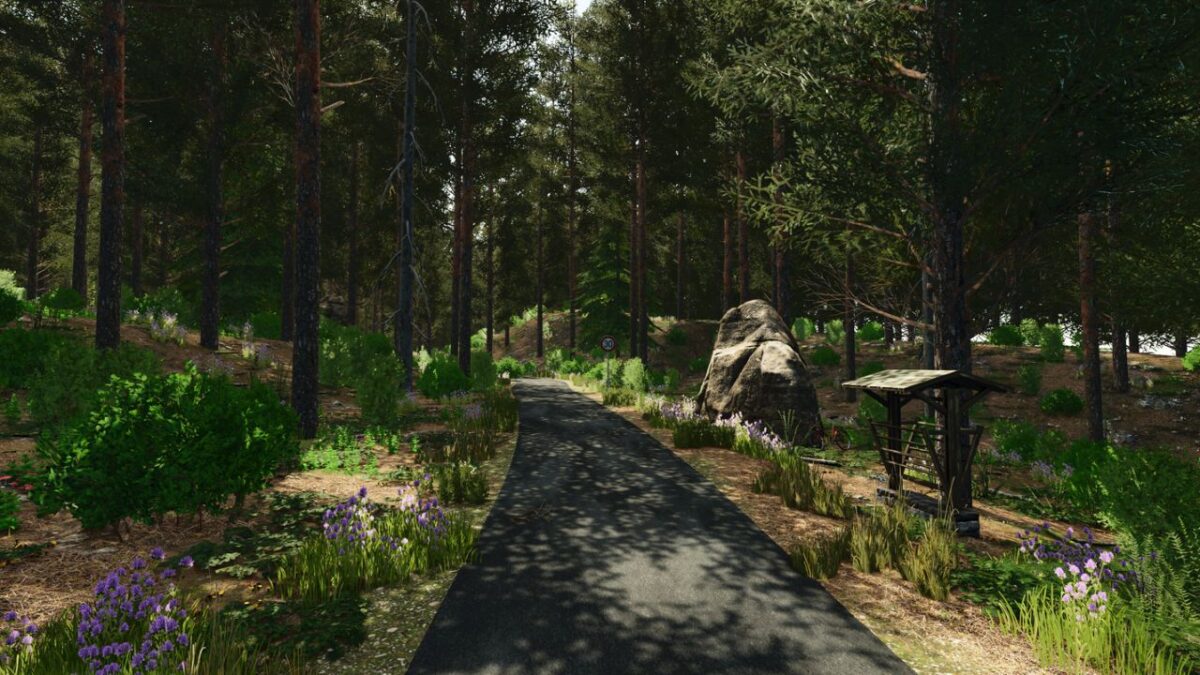
– 10 forest areas (over 60 hectares)
– 6 animal pastures
– 9 farms
– 1 biogas plant with a contracting business and a small house
– 1 vehicle dealership with a gas station and a second dealership area on the edge of town
– 1 agricultural supply store
– 17 different production facilities
– 10 different points of sale
– 1 free, flat building area
– 36 unique collectibles and German license plates
– 50 ingame paintable ground textures
– Stubble destruction
– Multifruit
– 256 ground angles
– Highland Fishing DLC ready
Version 1.1:
* ModDesc version increased
* Available building area expanded
* Cold curtain added to the frozen food warehouse
* 2 new field barns added
* 1 new decorative pasture
* 1 new production facility (ice cream factory)
* 14 new products
* Scooter riders in AI traffic
* 1 new meadow
* Farmland 25 + 59 expanded
* Minor visual fixes
* The radio at the car dealership now plays a song
* New decoration: orchard meadow with a chapel and ice cream vendor near Weipersdorf
* All roads have had their surfaces redrawn so that tire tracks should no longer appear on the asphalt
* Wick rye has been added to the grain mill and the agricultural supply store
* PDA revamped
* Public water triggers now load faster
* Two meadow edges redrawn
* Missing field access roads redrawn
* Small pigsty with barn fixed: Straw triggers were placed too low, preventing straw from entering the sty
* Bale storage at Farm 05 visually adjusted
* The farmhouse at Farm 05 is now accessible on the 1st floor as well
* Minor XML adjustments made to some productions
* Log messages regarding distance textures (exceeding 255) have been removed
Augustinus50, Andy9016, Deutz9340, nop82, Pat7575, TaZ-Modding
How do I install Farming Simulator mods?
Find a mod that you like and want to download first. Then, on your PC, download a mod. Mods are typically in.zip format. However, it is sometimes in.rar format. If the mod file is in.zip format, no additional actions are required. If a file is in.rar format, you must unarchive it using software such as WinRar or Zip7. Windows 10 users do not need to use archive software; Win10 includes an unarchive feature.
The next step is to locate the mods folder on your computer. It is typically found in Documents/My Games/Farming Simulator [Your FS game version, e.g. 2022]. Open the "mods" folder and place the downloaded.zip archive or unarchived.rar file there.
The final step. Have fun with Farming Simulator mods!