

Wildlife Feeder Infos v 1.0.0.2

Wildlife Feeder Infos v 1.0.0.2
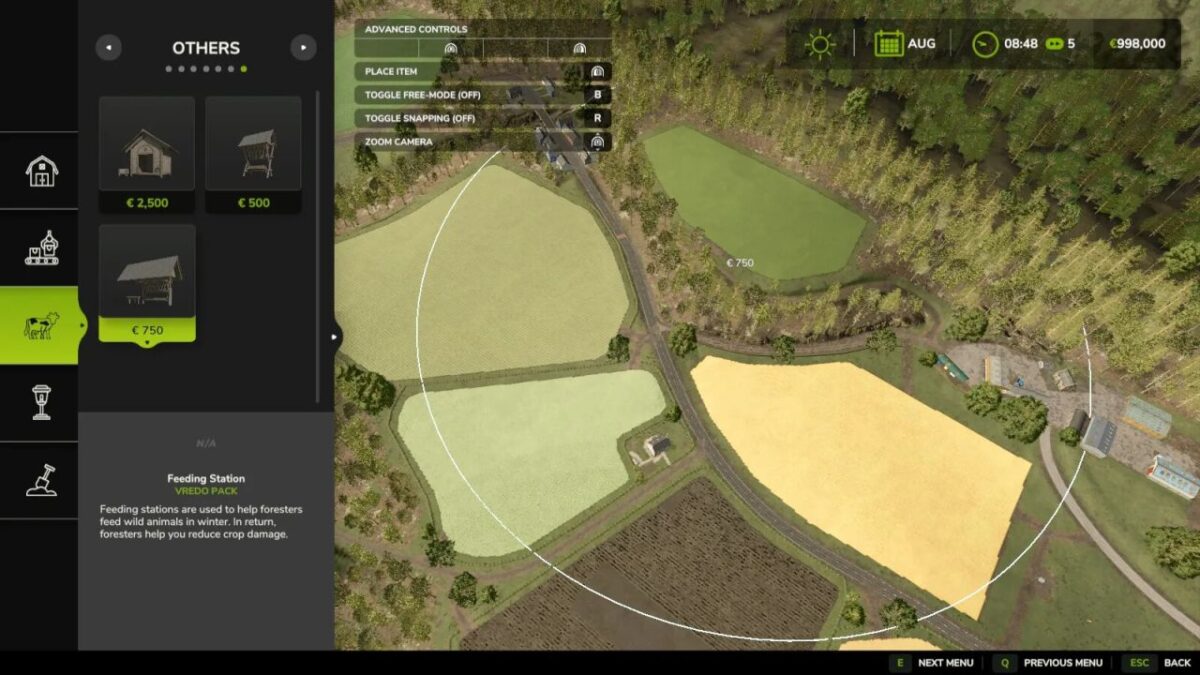
This mod adds a marker to feeding stations from the Vredo Pack DLC when placing them, allowing you to view and check the feeding station’s 250-meter action radius or effective radius before placing it permanently.
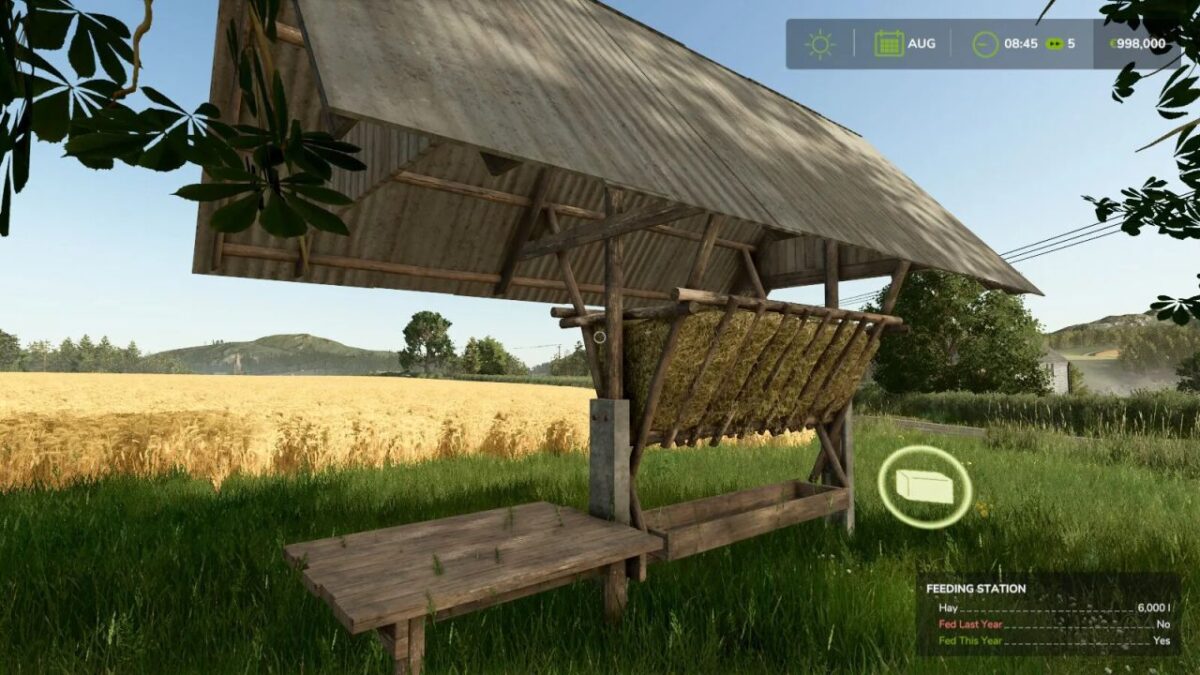
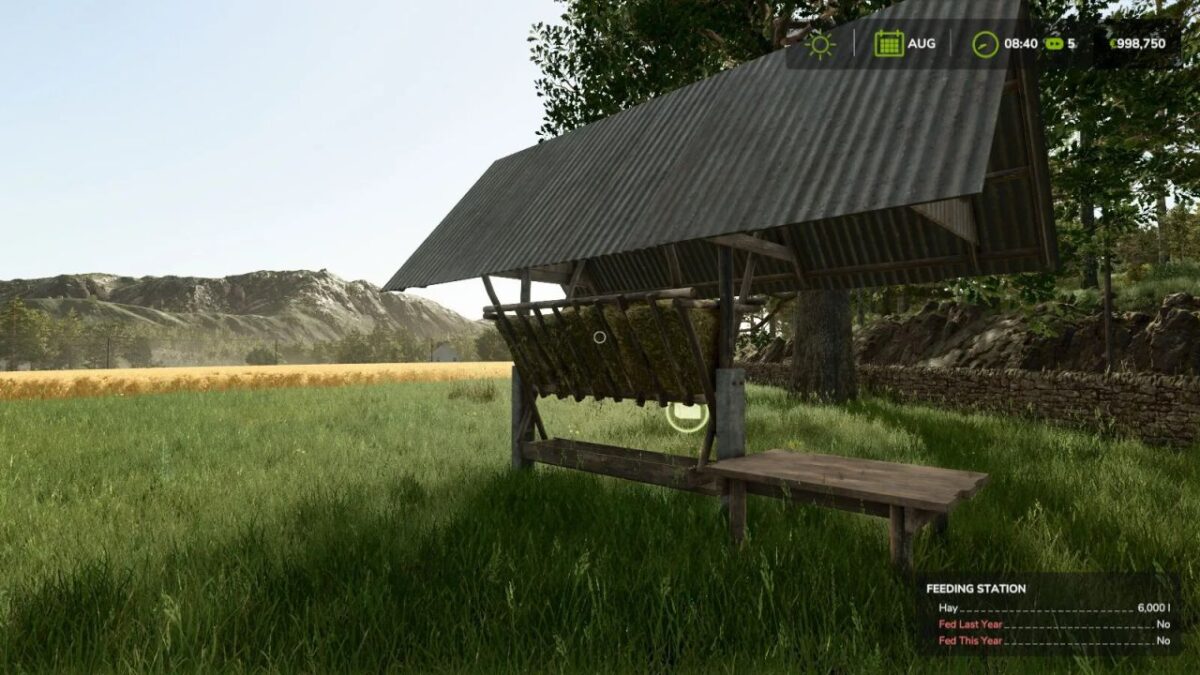
Additionally, the feeding station’s info box (bottom right) is expanded to include two pieces of information: “Fed last year” and “Fed this year.”
This lets you know the current status of each feeding station to avoid damage caused by wildlife. One of the values must be “Yes.”
Since there is no official information available yet, here is an explanation of the effective radius and feeding statuses (the mod does not change these).
In addition, Mod 2 fixes current bugs related to the feeding stations in version 1.0.0.0 of the DLC:
– The status for last year and this year is not loaded correctly when loading a save file
– The fill level is set to 0 liters in every winter month instead of being reduced to 1/3 of capacity
IMPORTANT: This mod only works if the Vredo Pack DLC is installed and active. None of the mod’s functions will be executed if the DLC is not installed or not active.
Since there is currently no official information or in-game help regarding feeding stations, here is an explanation of their radius of effect and feeding stats (the mod does not change these).
If any of the farm’s feeding stations were filled last year or this year, the farm’s fields will be completely spared from wildlife damage—the radius and factor then play no role at all.
This means: a filled feeding station protects the entire farm for two years (this year + last year). A season lasts 3 months. Each month, the feeding stations consume 1/3 of their capacity. The feeding stations must therefore be refilled once a year.
Note: The winter months are December, January, and February. The new year for the feeding stations, therefore, begins in March.
If the feeding stations have not been refilled, there is a risk of wildlife damage to your own fields. In this case, the 250-meter radius of the feeding stations comes into effect.
Without feeding stations in place, the risk of wildlife damage is 10%. By setting up feeding stations, the probability is reduced to 5% within the radius of the respective feeding station.
As long as you have at least one feeding station that was filled last year or this year, all of your farm’s fields are protected against wildlife damage.
A feeding station requires at least 10 mature trees within a 50-meter radius to be placed.
Version 1.0.0.2:
* Fixed savegame initialization bug for feeder states