

Woodshire Map v 1.1

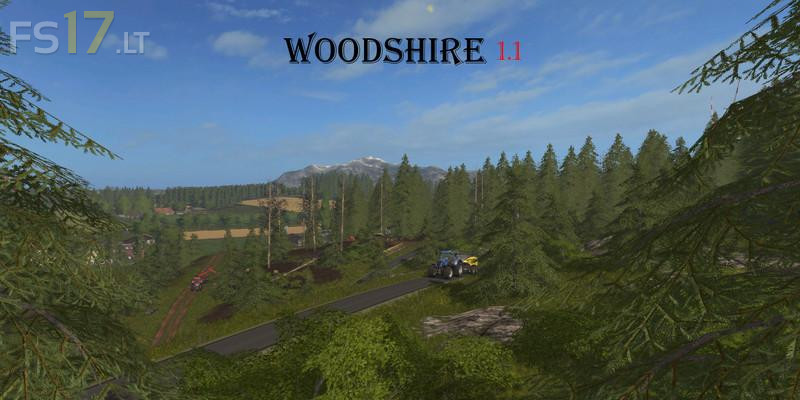
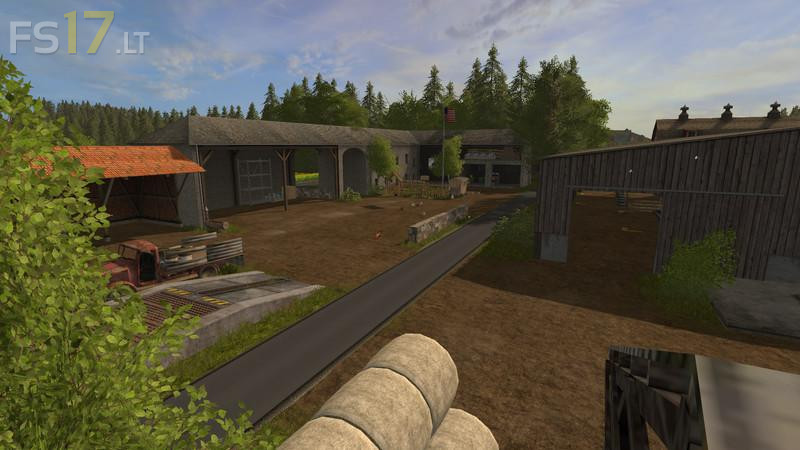
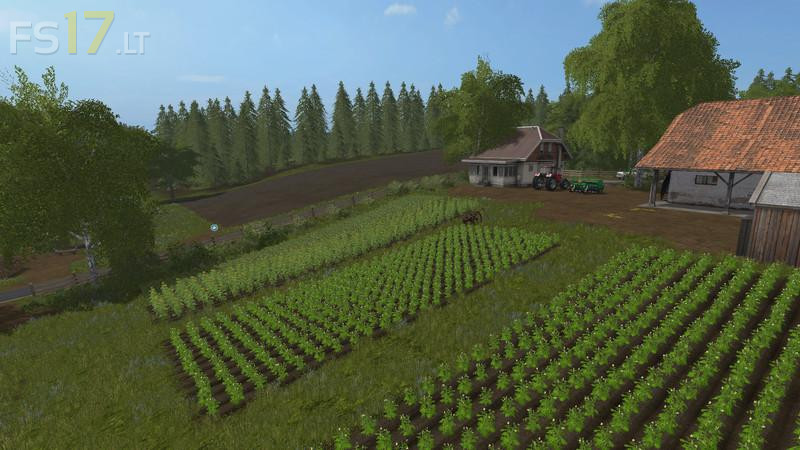
Woodshire Map v 1.1
About the mod:
Version 1.1:
* Large map expansion
* Extended road network
* Map limitation
* Train system
* Courtyards converted somewhat, eg small silo with the sheep
* New farm with hay loaders
* Many new fields
* Loading area for wood
* Stone break (still without function)
Credits:
Giants, Arii, Mike-Modding, seba j, martinbigM500, GMT-modding, m4pj3cts, Jendrek, patzer89, [BSF]Fred, FSModding, fin050808, Shakari, kirezagar, modelBauer, MUK Modding Crew, Freak36558, Fatian, Fendt 939, vario 12, variofuchs, IHC/633 FENDT-820, Steffen30muc, Luc_68, BlackSheep0521, Niggels Modding, fqC Art., Blacksheep Modding, NKB-Modding, Team LTW, Desperados93, Nico14, General_LS-Andy, AGRIFREDO, manuuuu, SETKA, CebuljCek