

XP Progression System v 1.7.7

XP Progression System v 1.7.7
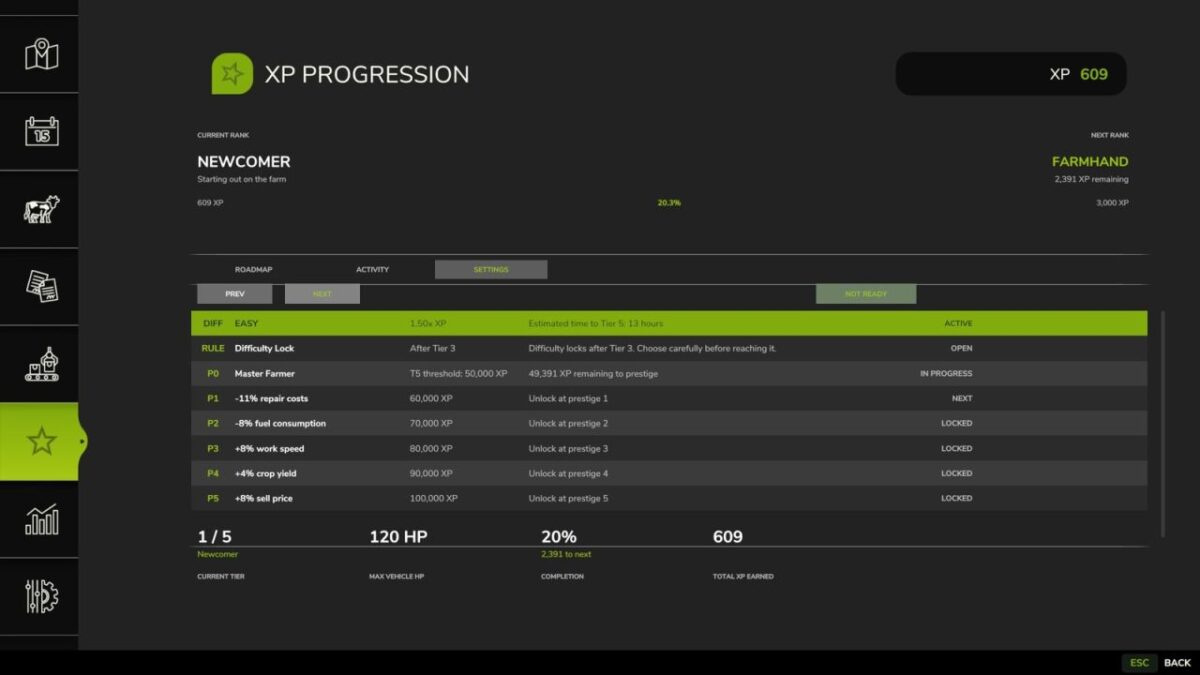
XP Progression turns Farming Simulator 25 into a long-game career. Earn XP for every farm task, reach Tier 5 at 50,000 XP, and then unlock Prestige ranks with permanent bonuses like -15% repair, +10% sell price, +5% yield and more.
Recommended: start with a new save game for the intended progression experience.
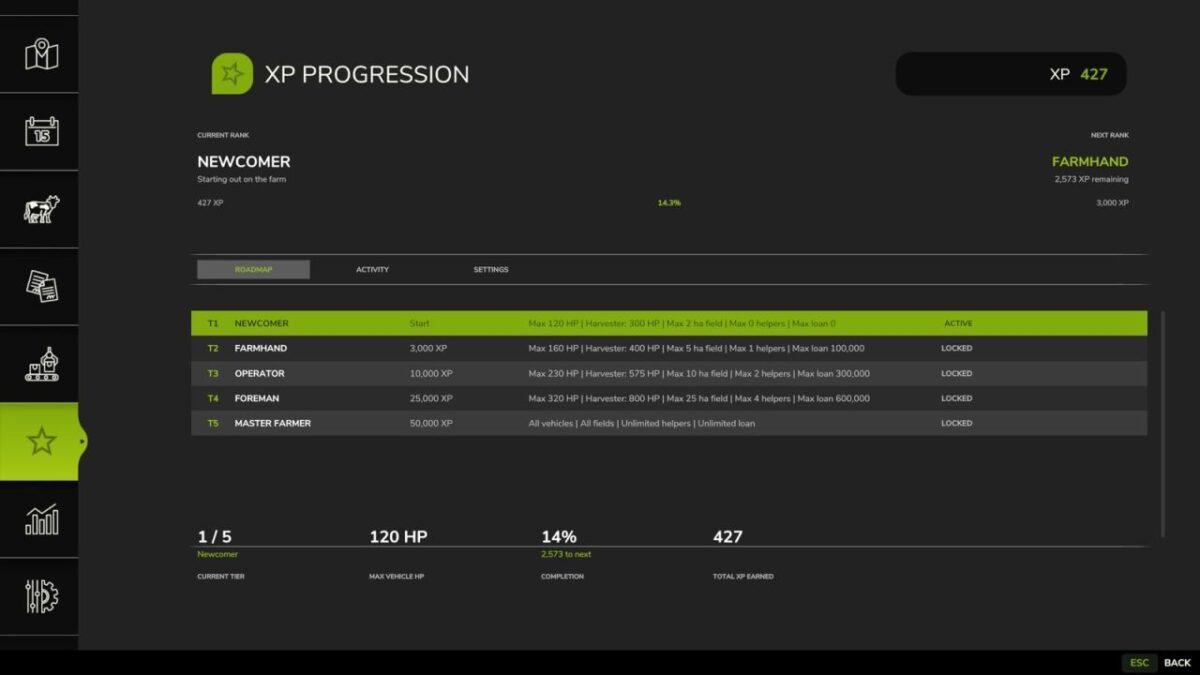
CAREER TIERS:
Tier 1 – Newcomer (0 XP): max 120 HP
Tier 2 – Farmhand (3,000 XP): max 160 HP
Tier 3 – Operator (10,000 XP): max 230 HP
Tier 4 – Foreman (25,000 XP): max 320 HP
Tier 5 – Master Farmer (50,000 XP): all unlocked
PRESTIGE RANKS (unlock after Tier 5):
Prestige 1 – Veteran Farmer: -15% repair costs
Prestige 2 – Expert Farmer: -10% fuel consumption
Prestige 3 – Elite Farmer: +10% work speed
Prestige 4 – Legendary Farmer: +5% crop yield
Prestige 5 – Farming God: +10% sell price
XP PER ACTIVITY (per hectare):
Harvesting: 6.0 | Plowing: 4.2 | Seeding: 3.8 | Cultivating: 3.4 | Crop Care: 2.6 (sprayers, fertilizer spreaders, manure spreaders, slurry tanks, lime spreaders) | Mowing: 2.5 | Stone Picking: 2.3 | Baling: 2.2 | Tedding: 2.0 | Windrowing: 2.0 | Weeding: 2.0 | Mulching: 1.8 | Rolling: 1.6
FEATURES:
Per-activity XP tracking for 13 farm tasks
Farmland area, helper slots and loan caps scale with your tier
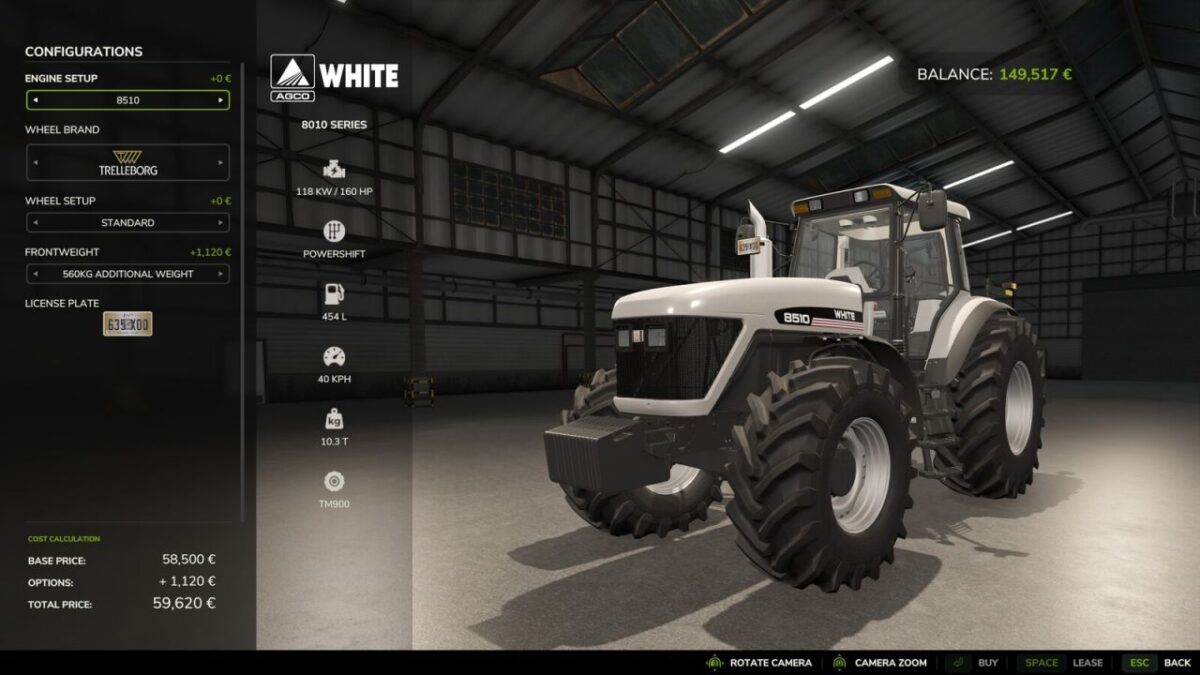
Smart shop lock blocks vehicles above your HP limit and re-checks motor swaps instantly
4 difficulty settings (Easy to Extreme), locked when you reach Tier 3
Prestige ranks with permanent bonuses that stack as you progress
Full in-game menu page in the Escape menu with roadmap, stats and activity ranking
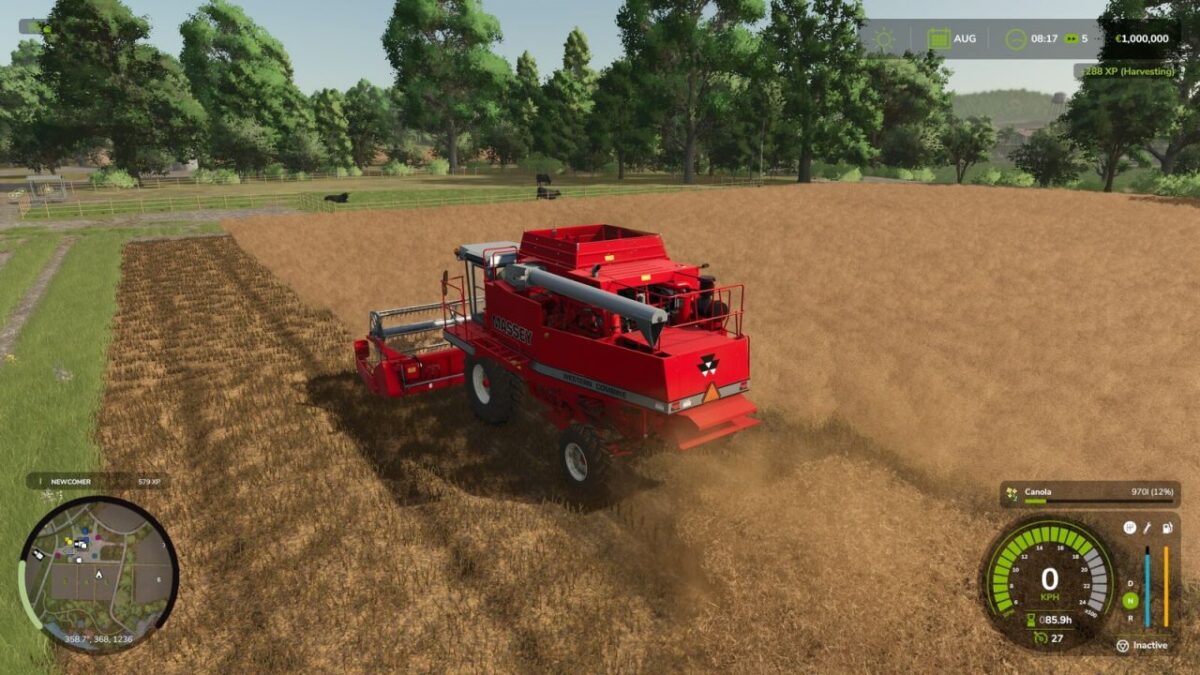
HUD overlay with live XP feedback, toggle and session summary
Toggle HUD: Ctrl+Shift+K
PC in-game developer commands: xpAdd, xpInfo, xpDebug, xpReset, xphud, xpShop, xpDamage, xpWear, xpRepairPrice, xpFuel, xpFuelDrain, xpFuelDebug, xpMissionVehicles, xpWork, xpPerks
Version 1.7.7:
* Self propelled mowers, loaders, sprayers, trucks and cars are now tier-locked by HP (e.g. Krone BiG M is no longer usable as a Newcomer)
* Tedders and windrowers now earn XP during grassland work
* Sprayers, lime and fertilizer spreaders now count as Crop Care
* Filling sprayers or seeders no longer gives unwanted Harvesting XP
* Spraying, seeding, spreading and liming keep awarding XP while working
* Better compatibility with Courseplay equipped vehicles and tools