

Yield Tracker v1.1.0.0

Yield Tracker v1.1.0.0
Note: This mod currently supports Singleplayer mode only on PC/Mac.
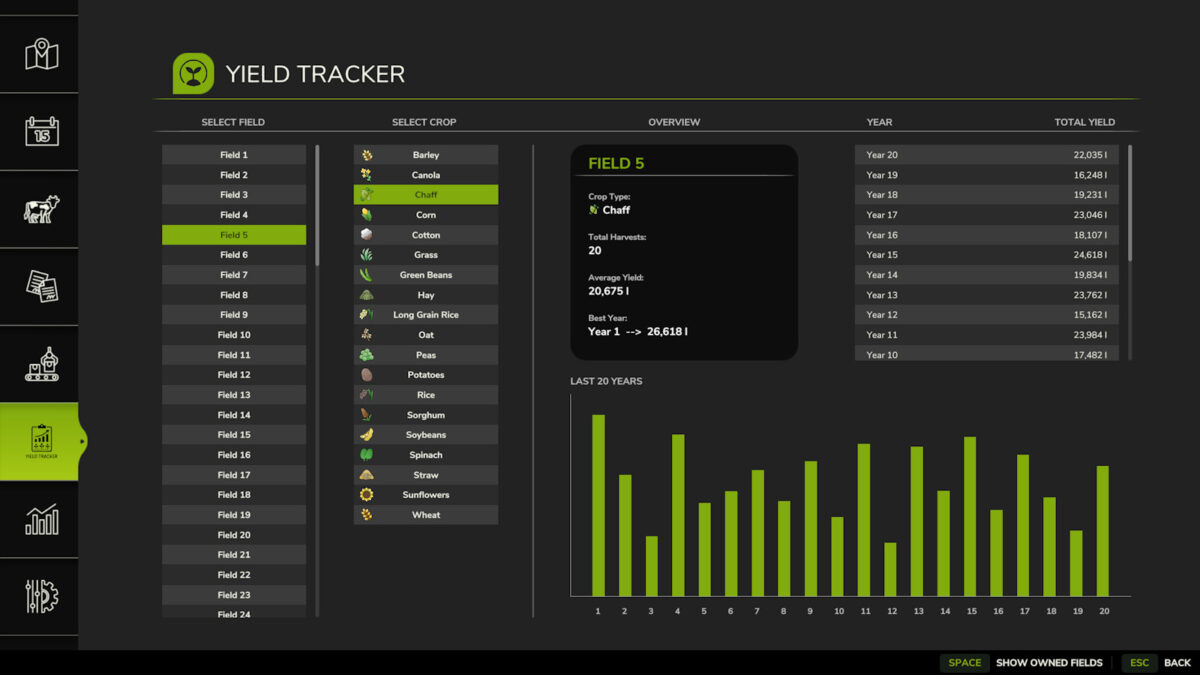
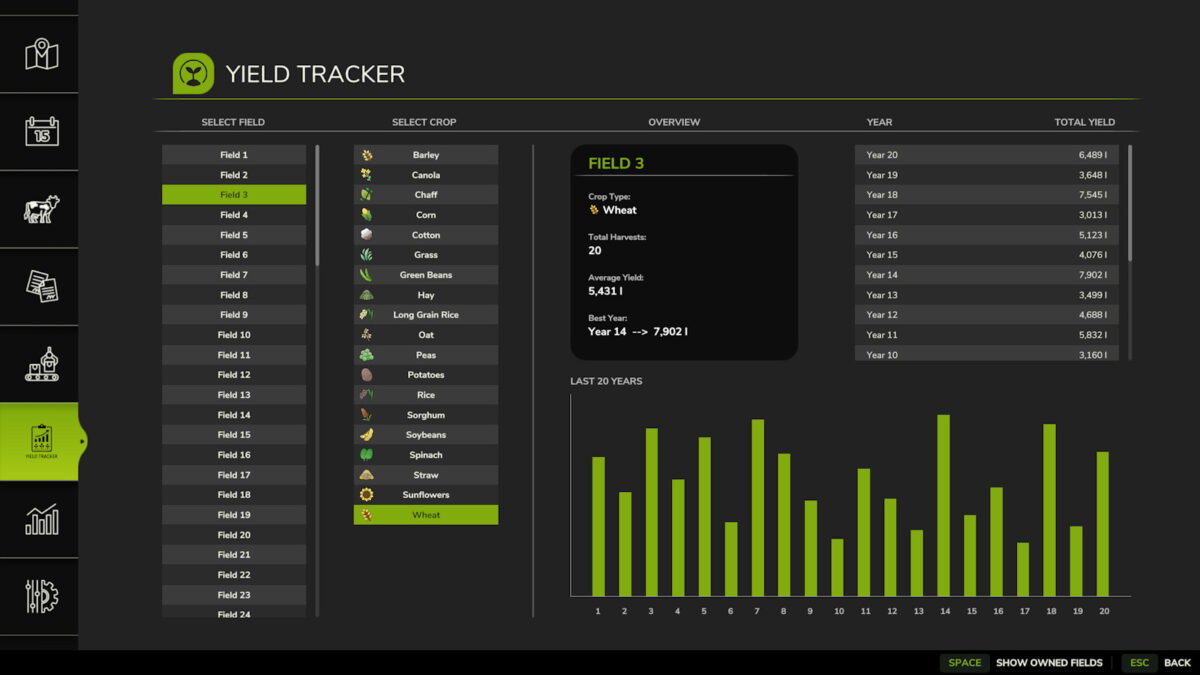
YieldTracker helps you keep track of your harvests across different fields and years. It logs total yields by crop (fill type), field number, and year, so you can easily monitor your farm’s performance over time.
Works with both AI workers and contract jobs.
Tracks every crop on any map, including custom map and mod crops:
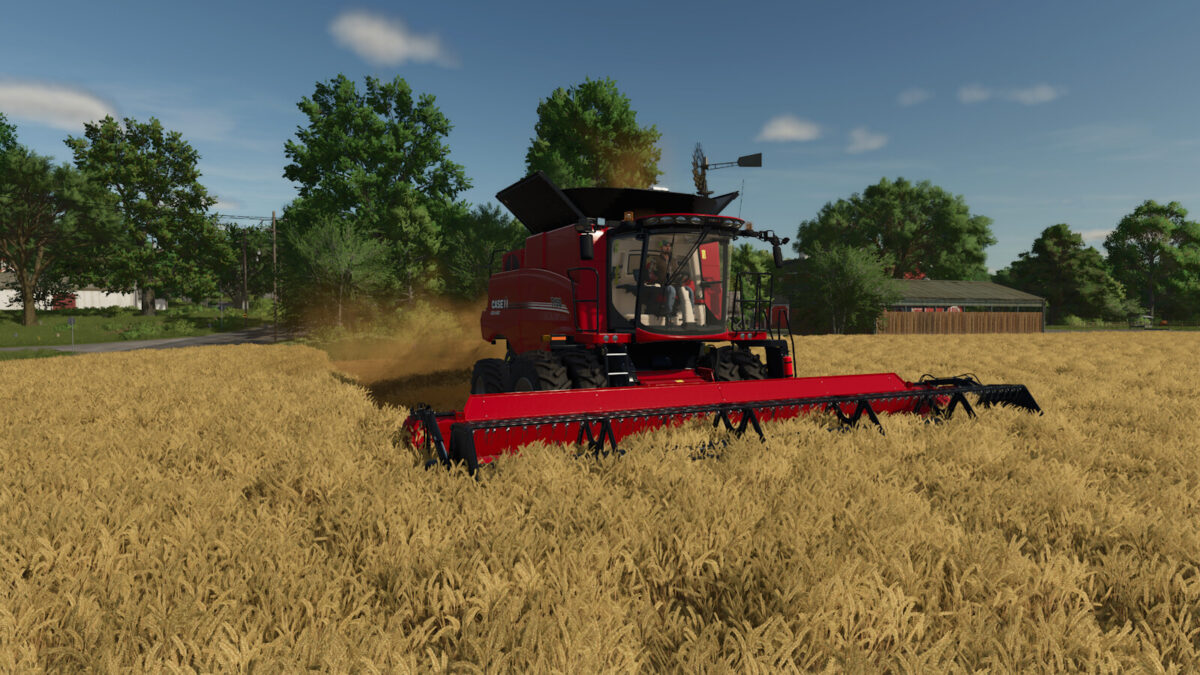
– Everything harvested with a combine, forage harvester, root crop, cotton, sugarcane, grape or olive harvester
– Straw, grass and hay picked up by balers and loader wagons, recorded on the farmland it was picked up from
Changelog
1.0.0.1
* Added polish translation
* Added Czech translation
* Added Portuguese translation
* Added Brazilian Portuguese translation
* Fixed German translation errors
1.0.0.2
* Fixed Czech translation file from error (@cert23)
* Added Italian translation (@FirenzeIT)
* Added translation for the “Show All Fields” & “Show Owned Fields” button text
1.1.0.0
* Yield is now recorded directly from the harvest itself, which fixes missed yield while unloading on the move and wrong amounts when switching trailers
* Supports all crops on any map, including custom map/mod crops (no more fixed crop list)
* Added carrots, red beet, parsnips, sugar beet, sugarcane, grapes and olives
* Added loader wagon pickups (grass, hay, straw)
* Material unloaded back onto the ground (e.g. dumped straw, cut open bales) is not counted again when it is picked up
* Save data now stores crops by name, so it stays correct when maps or mods are added or removed
* Yield history from older versions is converted automatically. Amounts recorded by older versions may be less accurate than new ones.
Feedback or issues?
Report bugs on GitHub: https://github.com/Cantarix/FS25_YieldTracker