

Zero Maintenance – No Dirt No Damage v 1.0

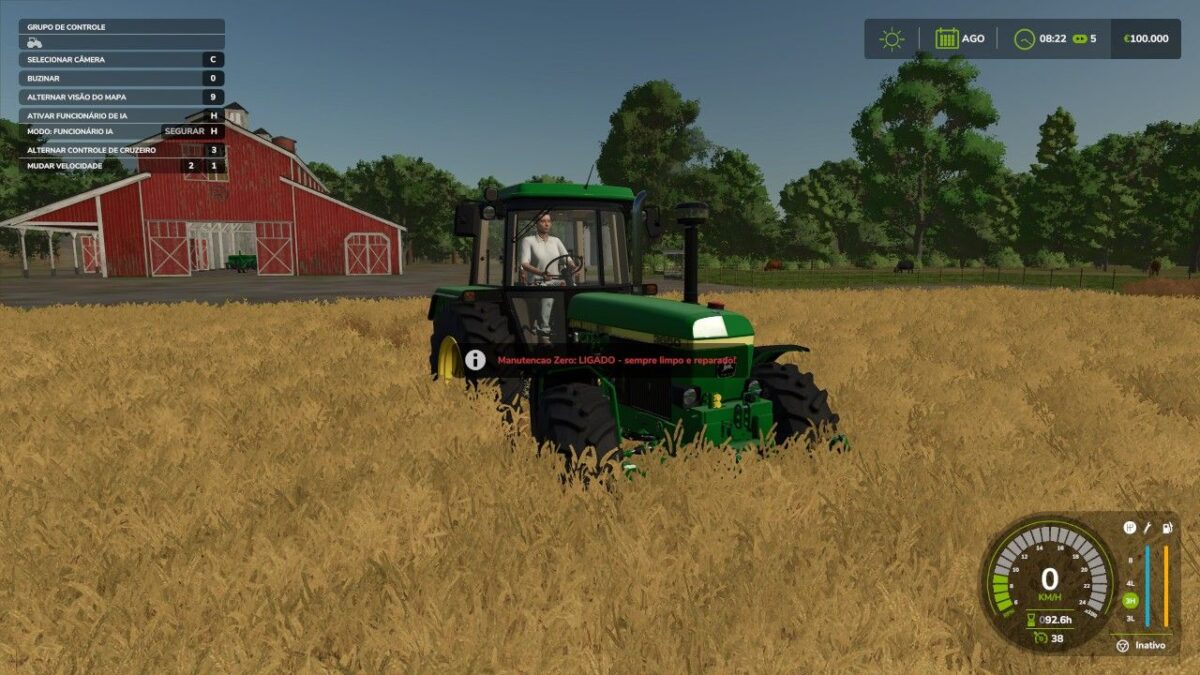
Zero Maintenance – No Dirt No Damage v 1.0
About the mod:
Your machines are always new. With this mod active, all your vehicles are automatically cleaned and repaired — no workshop costs, no washing, ever again.
It also works on attached implements (cutting bar, plows, trailers).
Shortcuts: LCtrl + LAlt + U turns on/off automatic cleaning and repair for all vehicles, LCtrl + LAlt + I cleans and repairs the current vehicle on the fly.
Any map, singleplayer, save save, configurable shortcuts.
Perfect combo with the Infinite Fuel mod: fuel, dirt and damage — never worry again.
Credits:
PXMODDING