Zillertaler Alps Map v 1.0

FS19 mods

zillertaler-alps-1 zillertaler-alps-6 zillertaler-alps-3 zillertaler-alps-4 zillertaler-alps-2 zillertaler-alps-5

About the mod:

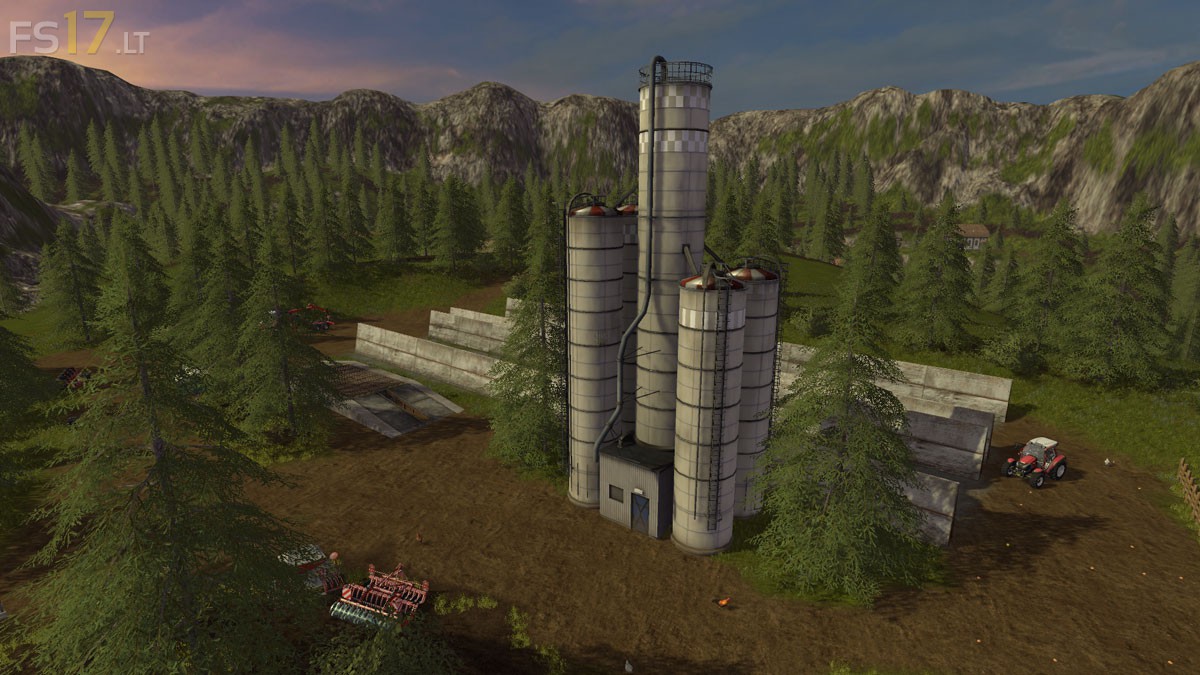
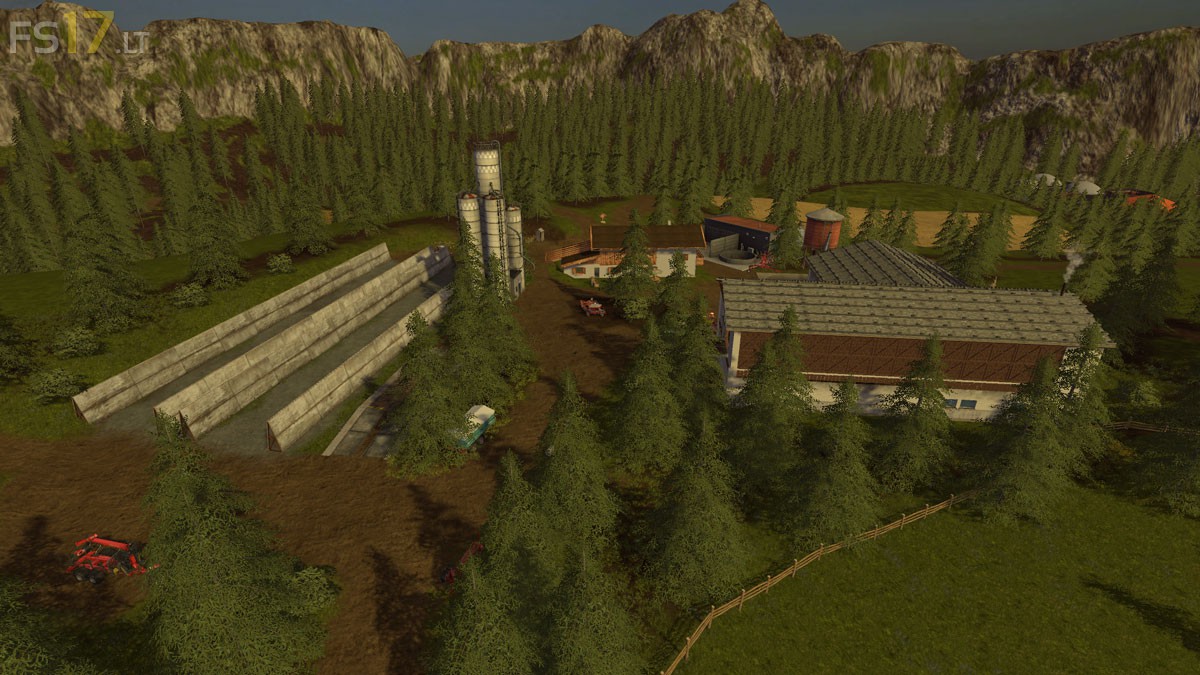
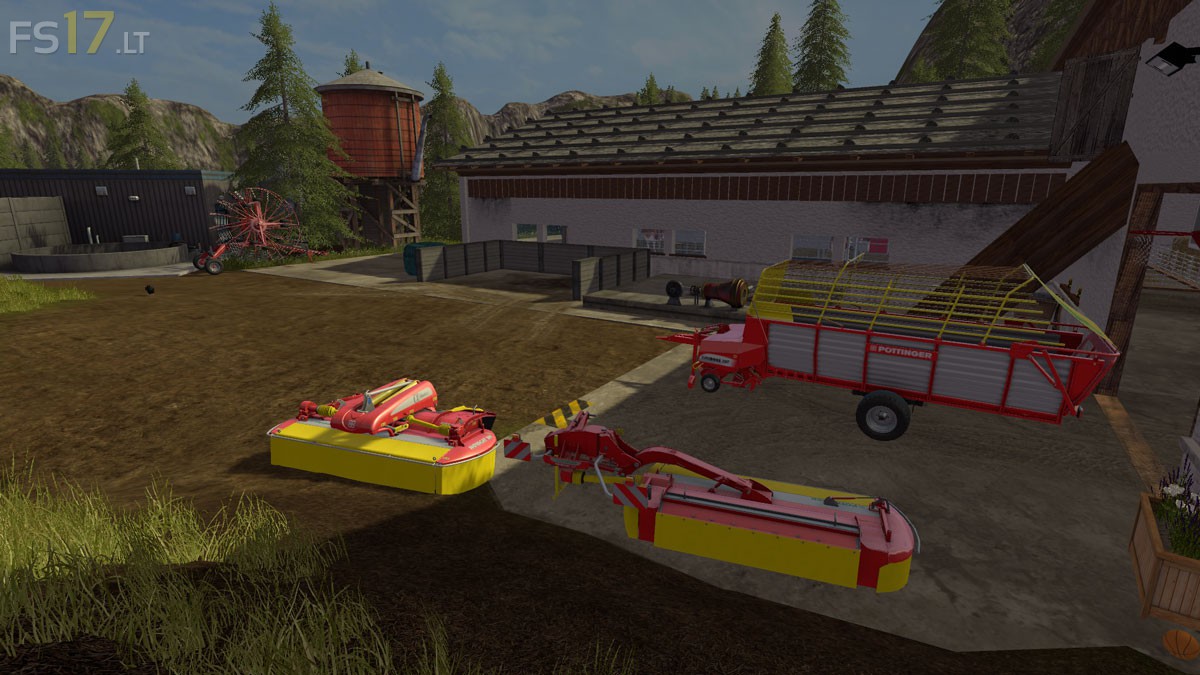
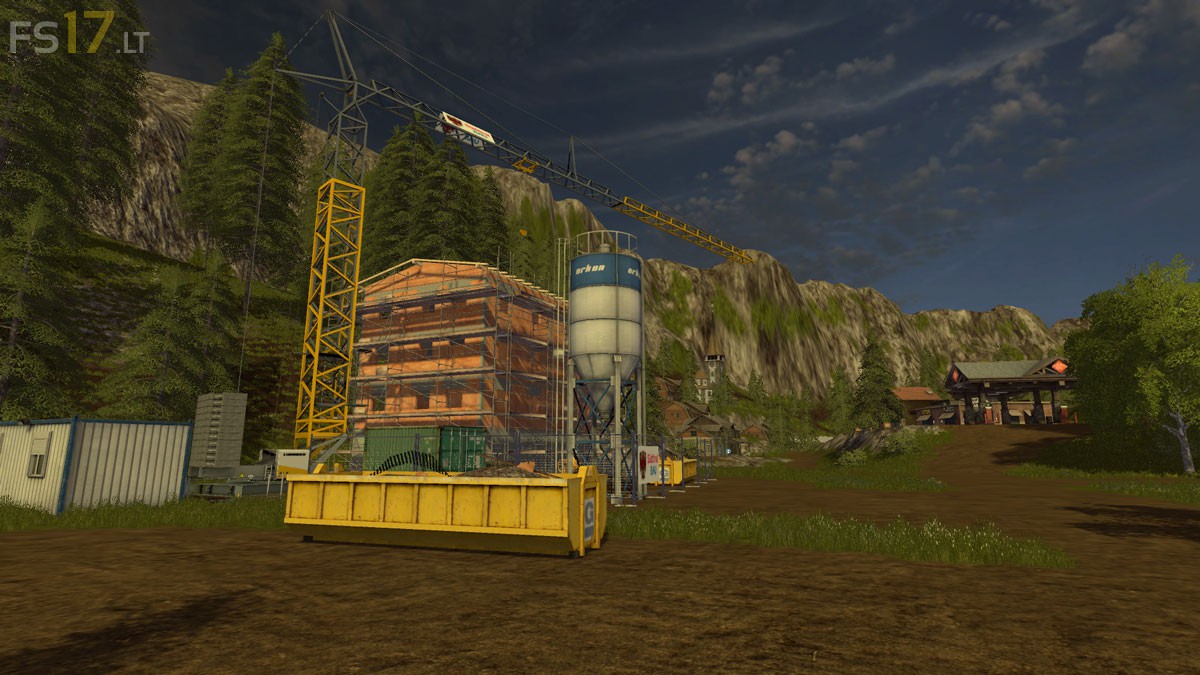
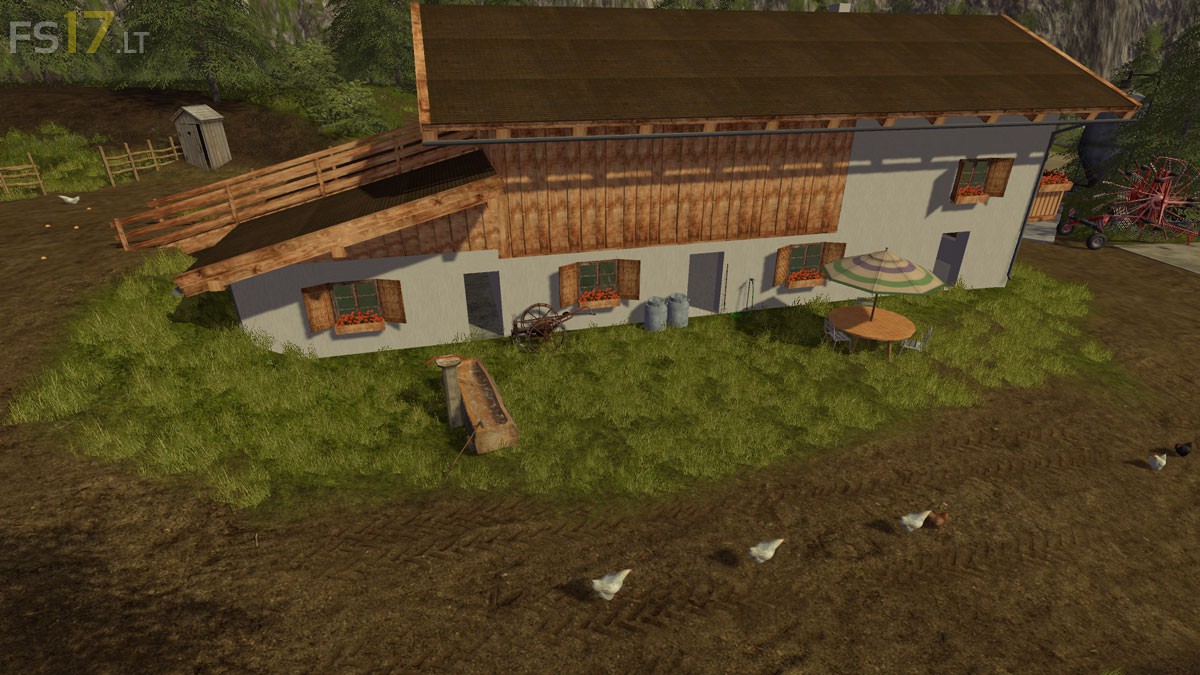
The Map is based on the Landscape of Tyrol and was built as close to nature as possible. The Map is more suitable for small scale Farmers who want to run cattle and do some farming, but also for forestry the Map is something. There is a little forest that can be cleared.

– 6 Fields from 0.80 ha to 4.0 ha
– Any number of Meadows of different size and inclination
– Standard Fruits
– Cows, sheep, chickens, pigs
– Cows, pigs and chickens are located on the Farm, the sheep on the mountain
– Hay Barn at the Farm
– Small Biogas Plant
– Some acres of wood with hundreds of trees
– Forests

Credits:
Bergbauer, Südtirolerbauer

How to install FS17 mods?

Firstly find a mod which you like and want to download. Then download a mod to your PC. Mods are usually in .zip format file. But sometimes it can be in .rar. If a mod file is a .zip format no needed additional actions. If a file is in .rar, then you must unarchive mod with software like WinRar or Zip7. Windows 10 users no need to use software for archives, Win10 itself has a feature to unarchive files.

The next step is to find mods folder in your PC. Usually, it is in Documents/My Games/Farming Simulator 17/2017. Open the "mods" folder and put downloaded .zip archive or unarchived .rar file to this folder.

Last step. Enjoy of FS17 mods!

Leave a Reply

Your email address will not be published. Required fields are marked *