

Zone Radar v 1.0

Zone Radar v 1.0
Radar Zone brings speed enforcement to your roads: placeable speed cameras that fine any player caught speeding, with amounts based on the real ranges of Argentina’s National Traffic Law 24.449.
Unlike a flat fine, this mod uses a progressive system: the faster you go, the more it hurts.
How it works:
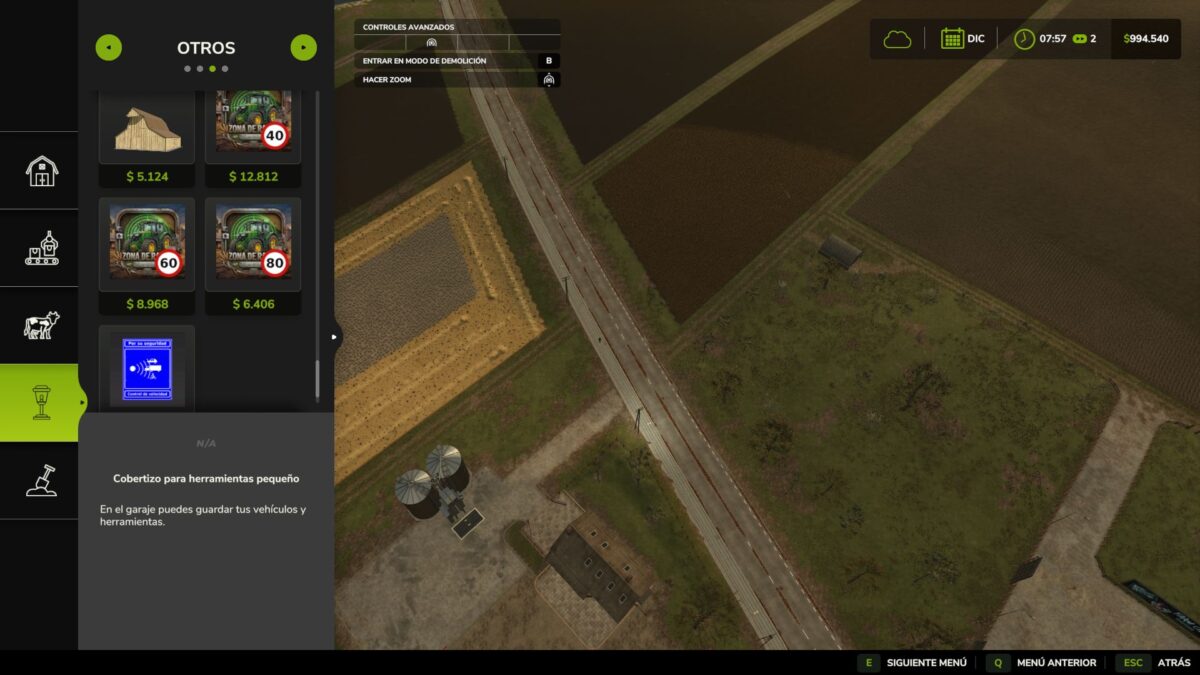
Place the radar next to your road (Construction → Decoration) and choose between three limits:
40 km/h Radar — Urban zone ($10,000)
60 km/h Radar — Rural road ($7,000)
80 km/h Radar — Highway ($5,000)
Automatic detection within a 14-meter radius, with a real-life 10% tolerance (the 40 radar only fines you above 44)
Progressive fine: base amount + rate per km/h of excess
Law 24.449 severity ranges: exceeding the limit by more than 20 km/h is a serious offense (fine x2), and more than 40 km/h is reckless driving (fine x3.5). Passing a 40 radar at 110 km/h can cost you over $50,000
The SPEED TICKET appears on the driver’s screen with the excess and amount, instantly deducted from the vehicle’s farm
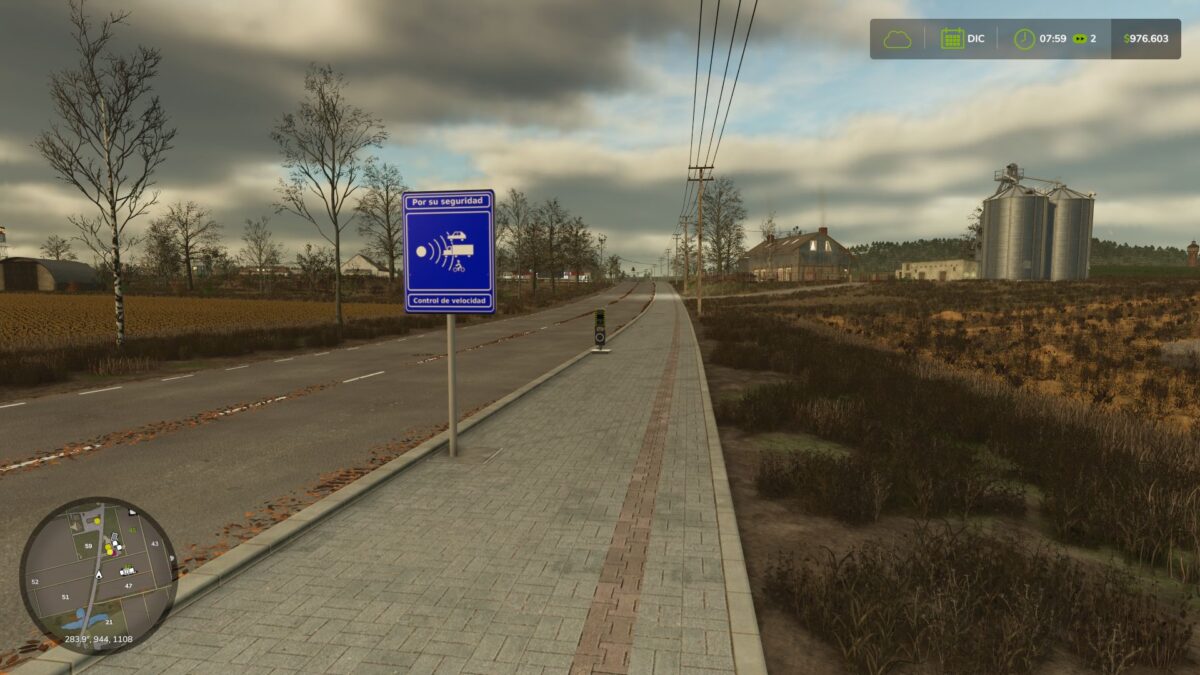
Includes the blue “Speed control” warning sign ($4,000) to place a few meters before the radar, just like real roads — decorative, doesn’t fine
Features:
Only fines player-driven vehicles — AI workers and traffic are exempt
Trailers and implements never generate duplicate fines
15-second cooldown per vehicle (one pass, one fine)
Radars and sign have real collision — sellable/removable from construction mode
Compatible with ALL vehicles and mods
Zero configuration: place it and it works
Multiplayer: the mod includes server-client synchronization (the host calculates fines and each driver only sees their own). Note: multiplayer has not yet been tested live. Singleplayer works 100%. If you test it in multi, any feedback is welcome.
Tip: Place the warning sign 200 meters before the radar and watch everyone brake right there and speed up after… just like real life. On servers with friends, a 40 radar in town turns every trip to the workshop into a financial decision.
Made with passion for realistic road simulation.
Required mods:
Economic Inflation System